Make sure you are uploading the correct archives.
Step 1: Make sure WordPress Is Up To Date!
Divi is a powerful theme and makes use of all the latest WordPress functions to ensure the theme is coded as best as possible and is highly optimized, please make sure WordPress is fully up to date before installing the theme!
You should ALWAYS be running the latest version of WordPress anyway, because otherwise you put your whole site at risk for potential threats. Never use an outdated version of WordPress!
Step 2: Install Divi Theme (if not installed yet)
Ensure you have the Divi Theme installed (Divi.zip) and activated prior to installing the Divi Child Theme.
-
Log in to your WordPress Dashboard.
-
Go to Appearance → Themes.

-
Click Add New at the top of the page.

-
Click Upload Theme.

-
Click Choose File and select the Divi 5 .zip file you downloaded.
-
Click Install Now.

Step 3: Install & Activate your Divi Child Theme :: (Install Via WordPress)
Once you’ve downloaded the Divi Child Theme package, log into your WordPress website and browse to Appearance > Themes > Add New > Upload theme > yourtheme.zip
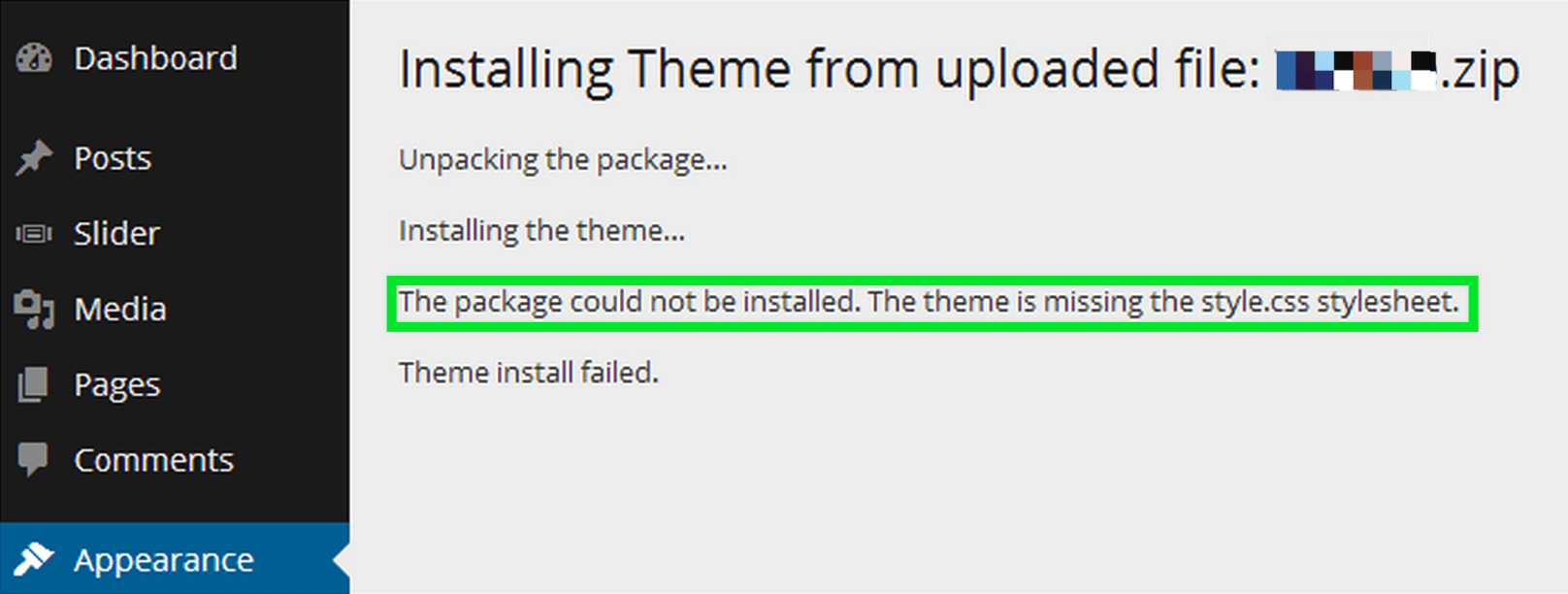
Please make sure you are uploading only the installable theme which is called NameOf Theme.zip. If you upload ALL these files you will receive an error (NameOf Theme_Unzip_this_archive.zip).
Once WordPress has unpacked and installed the theme, just click to activate it.
