COLOR GUIDE:
Accent color: #a08263
Dark color: #222
Medium color: #ddd4c7
Light color: #eeece8
Headings & Body: #222
How to change global colors
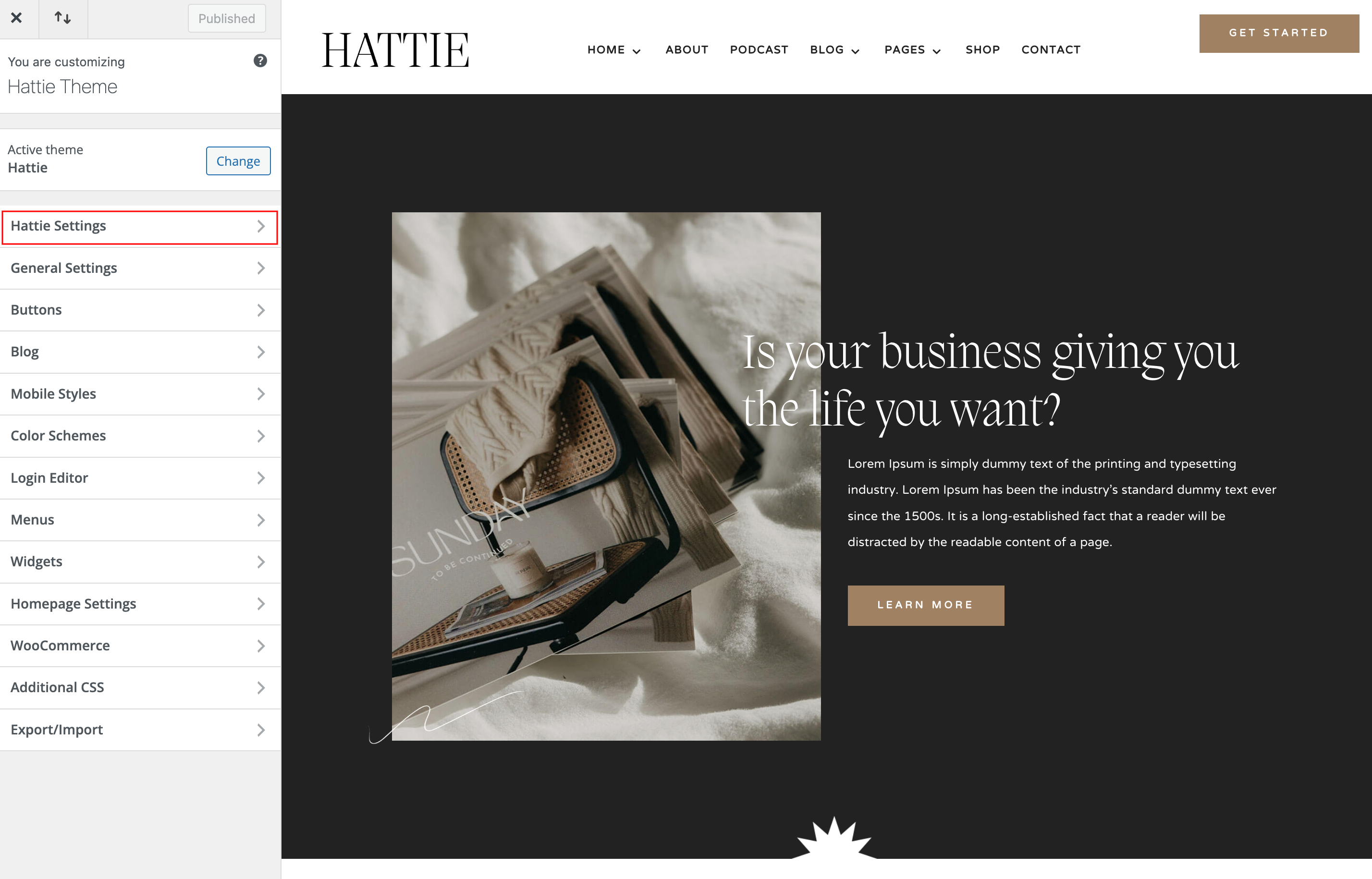
Navigate to Appearance > Customize > Hattie Settings > Hattie Theme Color
Your Theme Elements – You can set light, medium and dark color for various miscellaneous elements.
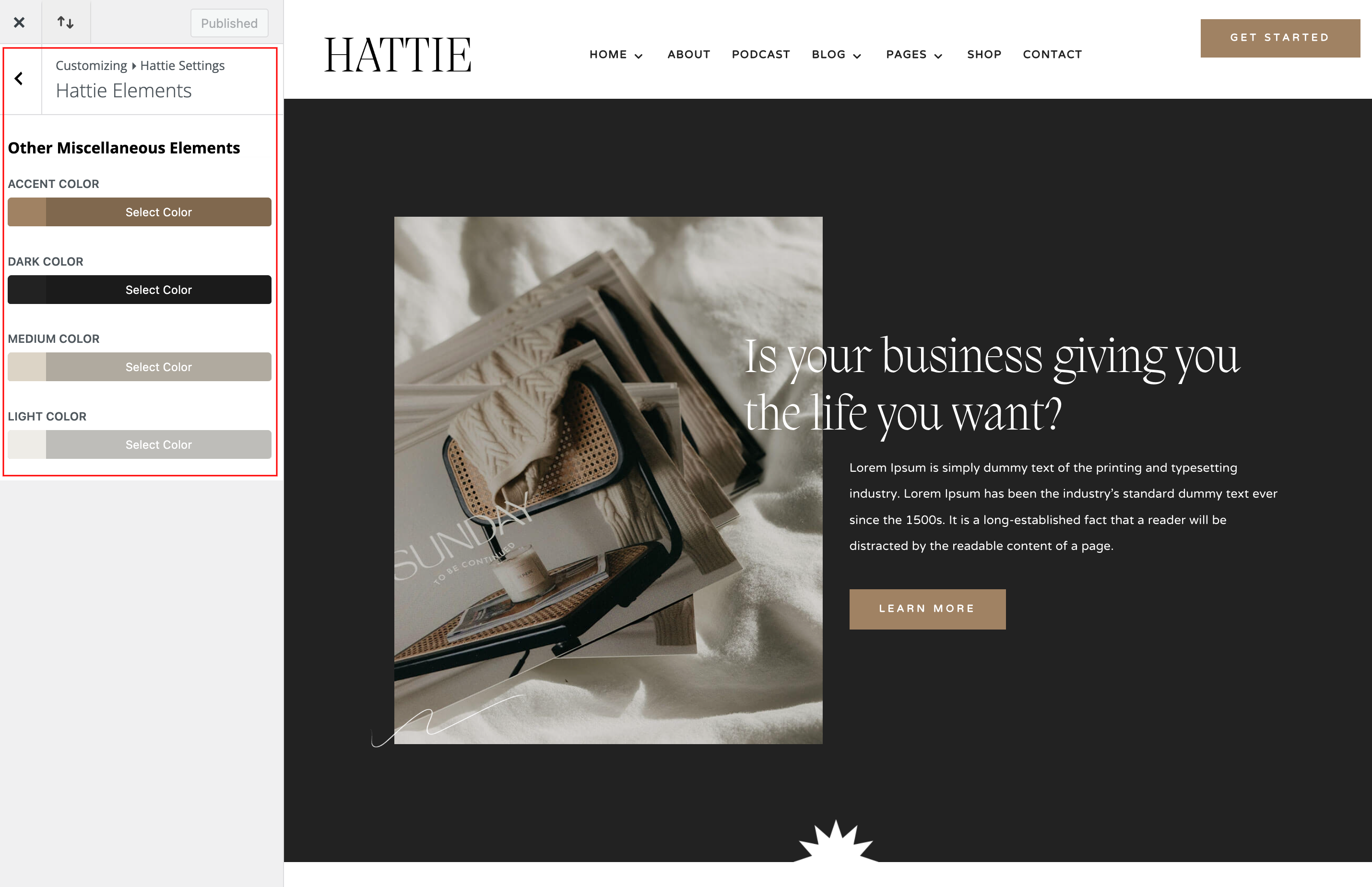
How to change global Colors
If you don´t want use Hattie Theme Colors, deactivate it and use Variable Colors.
Open any page in the Visual Builder and click the Variable Manager icon in the left sidebar.
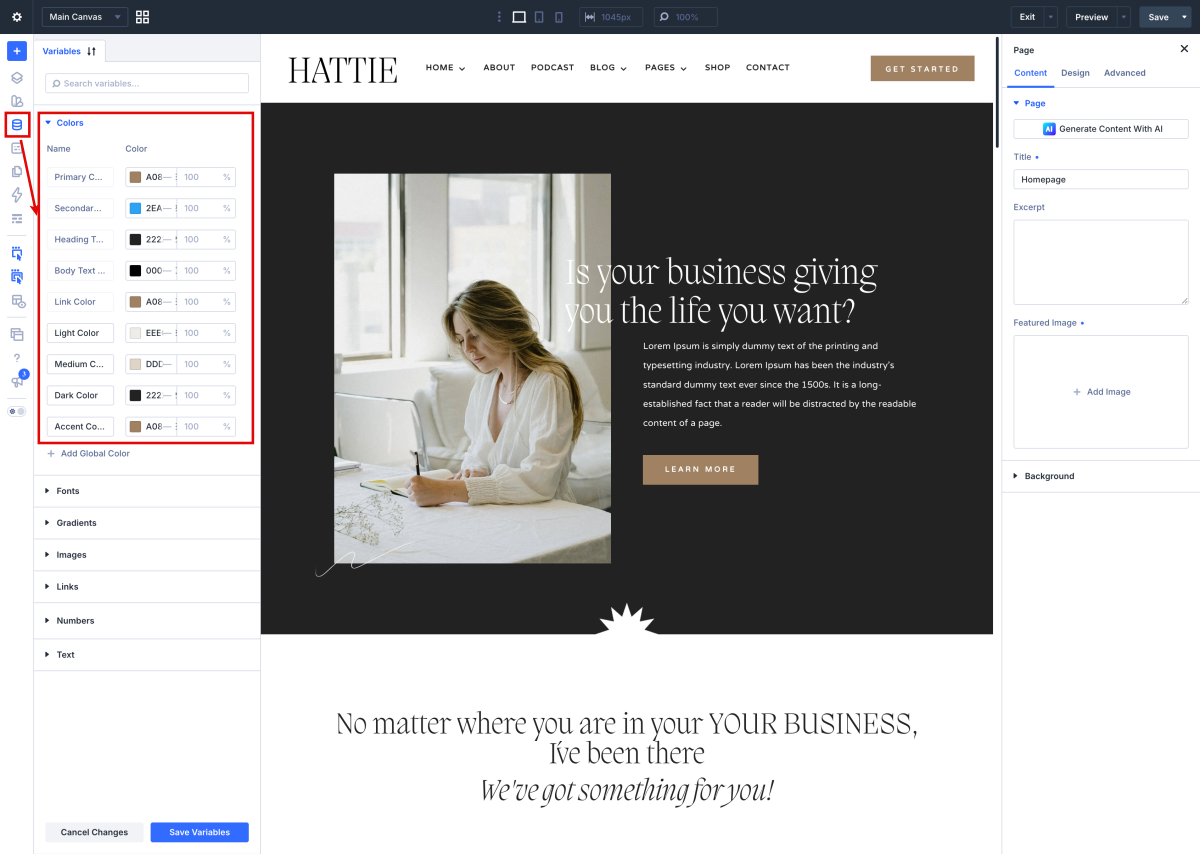
How to apply Global Variables in your designs

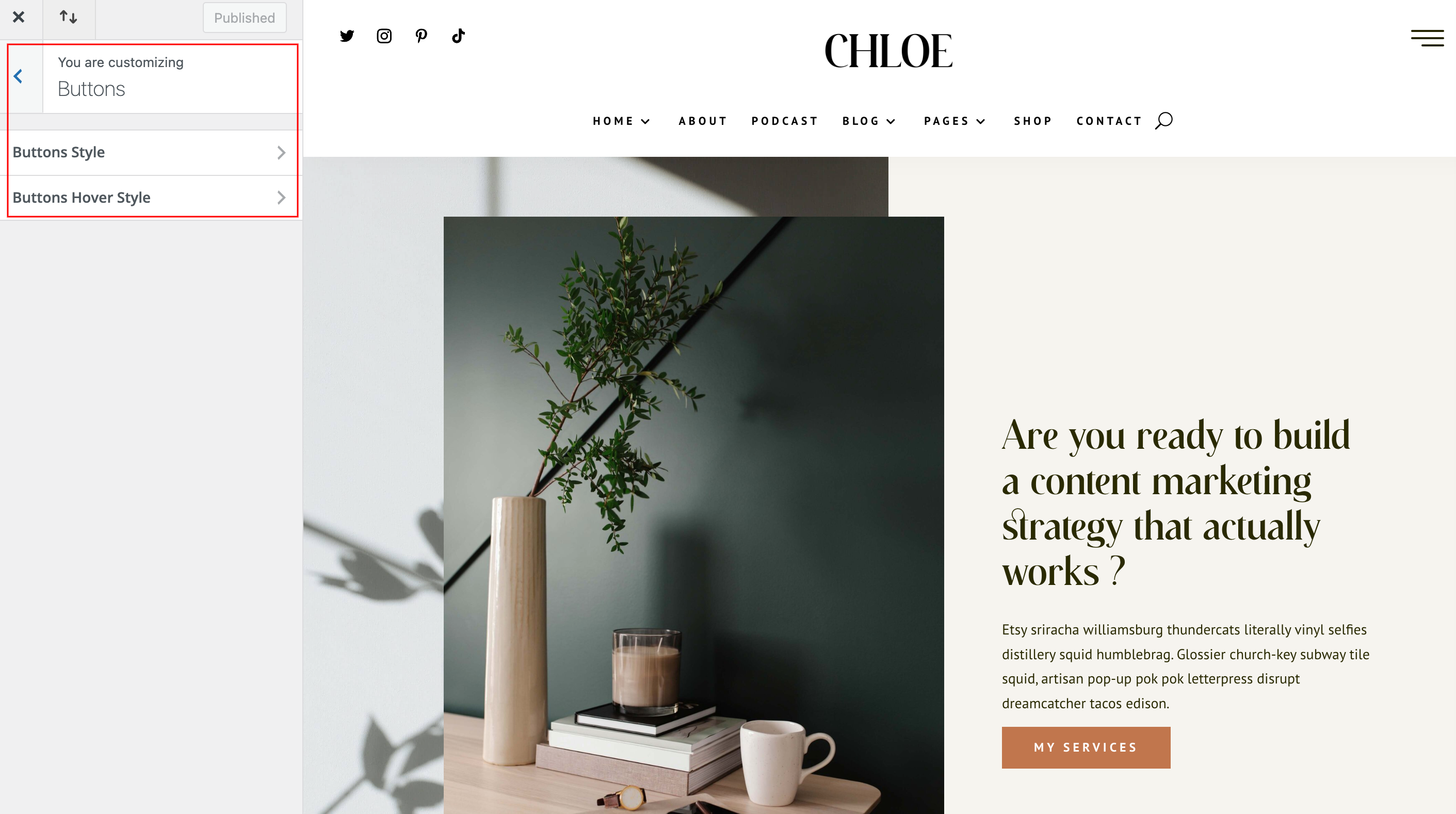
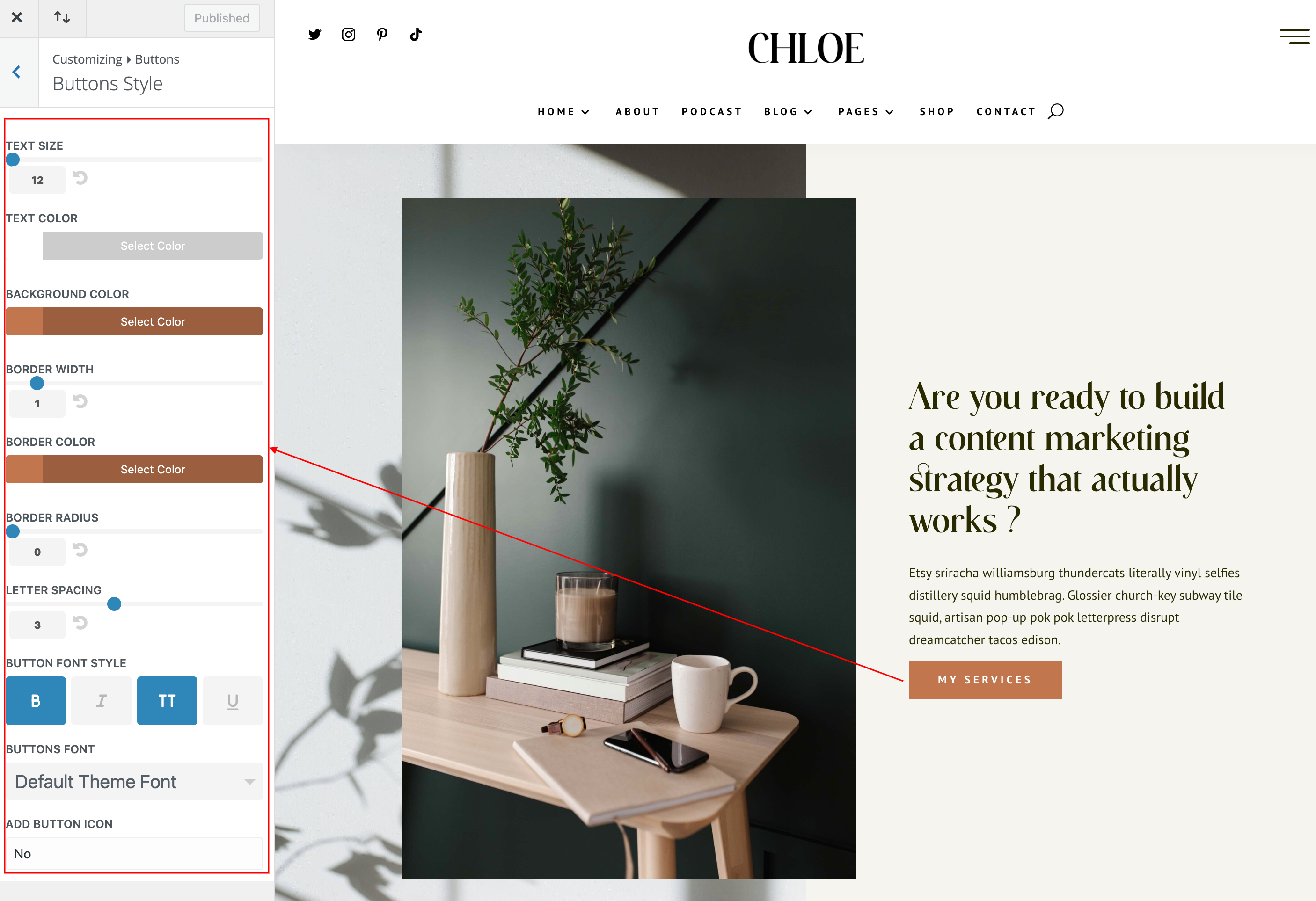
How to change global buttons
Navigate to Appearance > Customize > Buttons > Buttons Styles and Button Hover Styles.