• HOME
  • DIVI BEGINNERS
  • TUTORIALS
  • TROUBLESHOOTING
  • SUBMIT A TICKET
  • HOME
  • DIVI BEGINNERS
  • TUTORIALS
  • TROUBLESHOOTING
  • SUBMIT A TICKET
home/Knowledge Base/4. Olivia Pro - Theme Settings/Olivia Pro – How to change global colors

Olivia Pro – How to change global colors

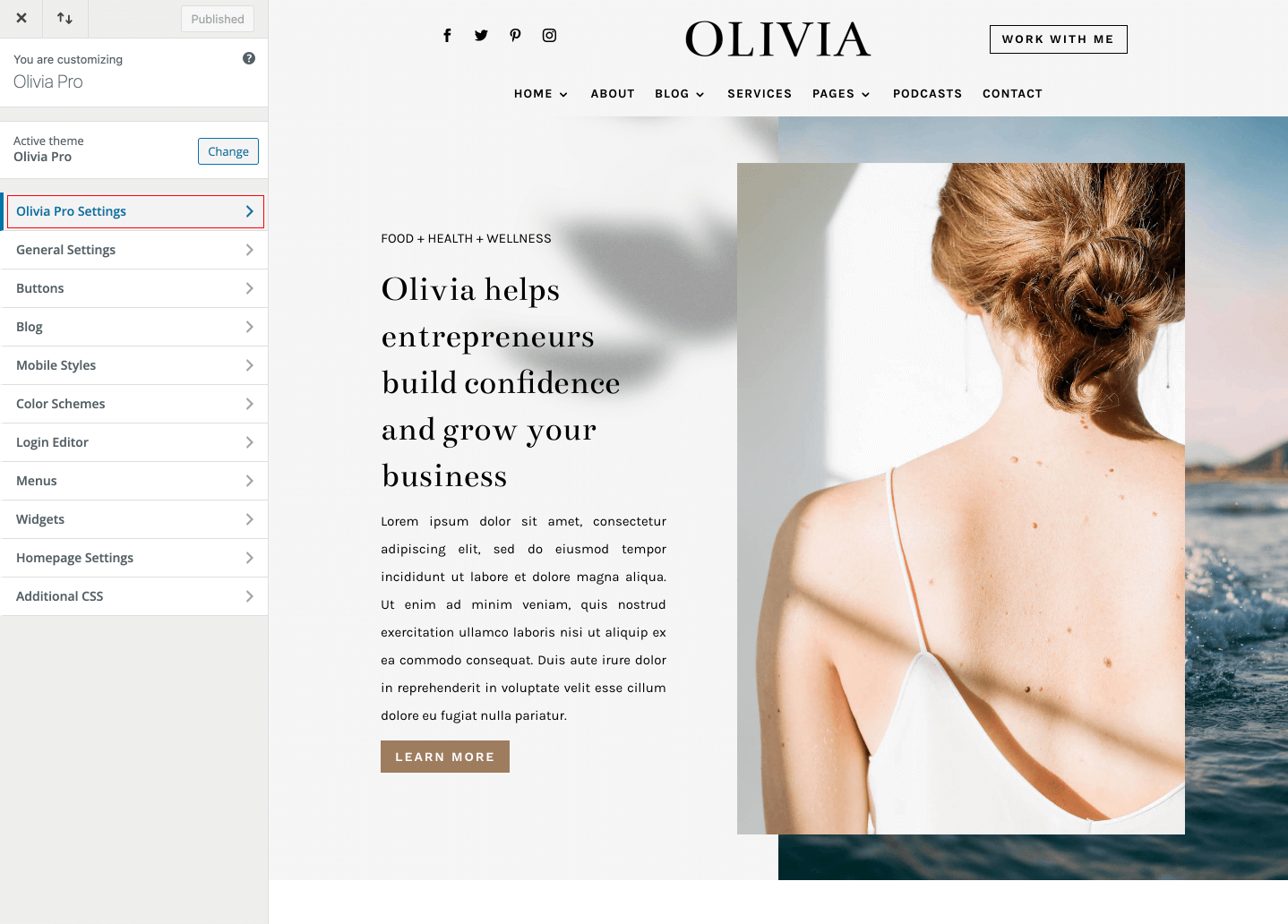
Navigate to Divi > Theme Customizer where you’ll find the Your Theme Settings tab. Inside this tab you’ll find following sections:
 

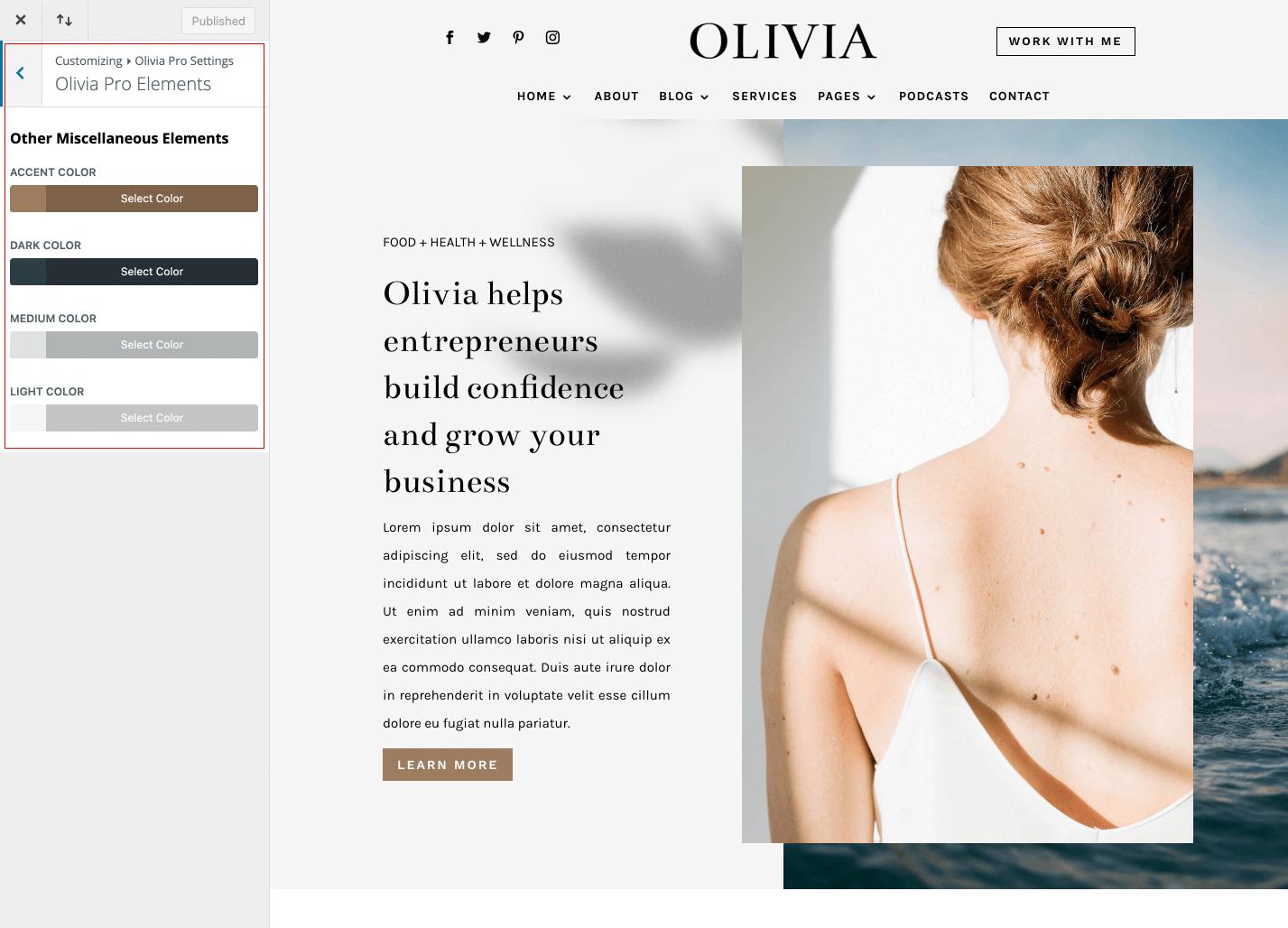
Your Theme Elements – You can set light, medium and dark color for various miscellaneous elements.


Related Articles
  • Olivia Pro – How to Design a Blog Post Template
  • Olivia Pro – How to give a Free Download to your Subscribers
  • Olivia Pro – How to add lovely icons to Blurbs
  • Olivia Pro – Saving And Loading Sections In Divi
  • Olivia Pro – Saving And Loading Layouts In Divi
  • Olivia Pro – How to add Filterable portfolio
4. Olivia Pro - Theme Settings
  • Olivia Pro – How to change global colors
  • Olivia Pro – Theme Options
  • Olivia Pro – How to edit Footer
  • Olivia Pro – How to configure Header
  • Olivia Pro – How to configure Contact Form
  • Olivia Pro – How to add Filterable portfolio
  • Olivia Pro – Saving And Loading Layouts In Divi
  • Olivia Pro – Saving And Loading Sections In Divi
View All 10  

  Olivia Pro – How to configure Contact Form

Olivia Pro – How to add lovely icons to Blurbs  

  • Privacy Policy
  • Terms of Use
  • Copyright 2023. All Rights Reserved.