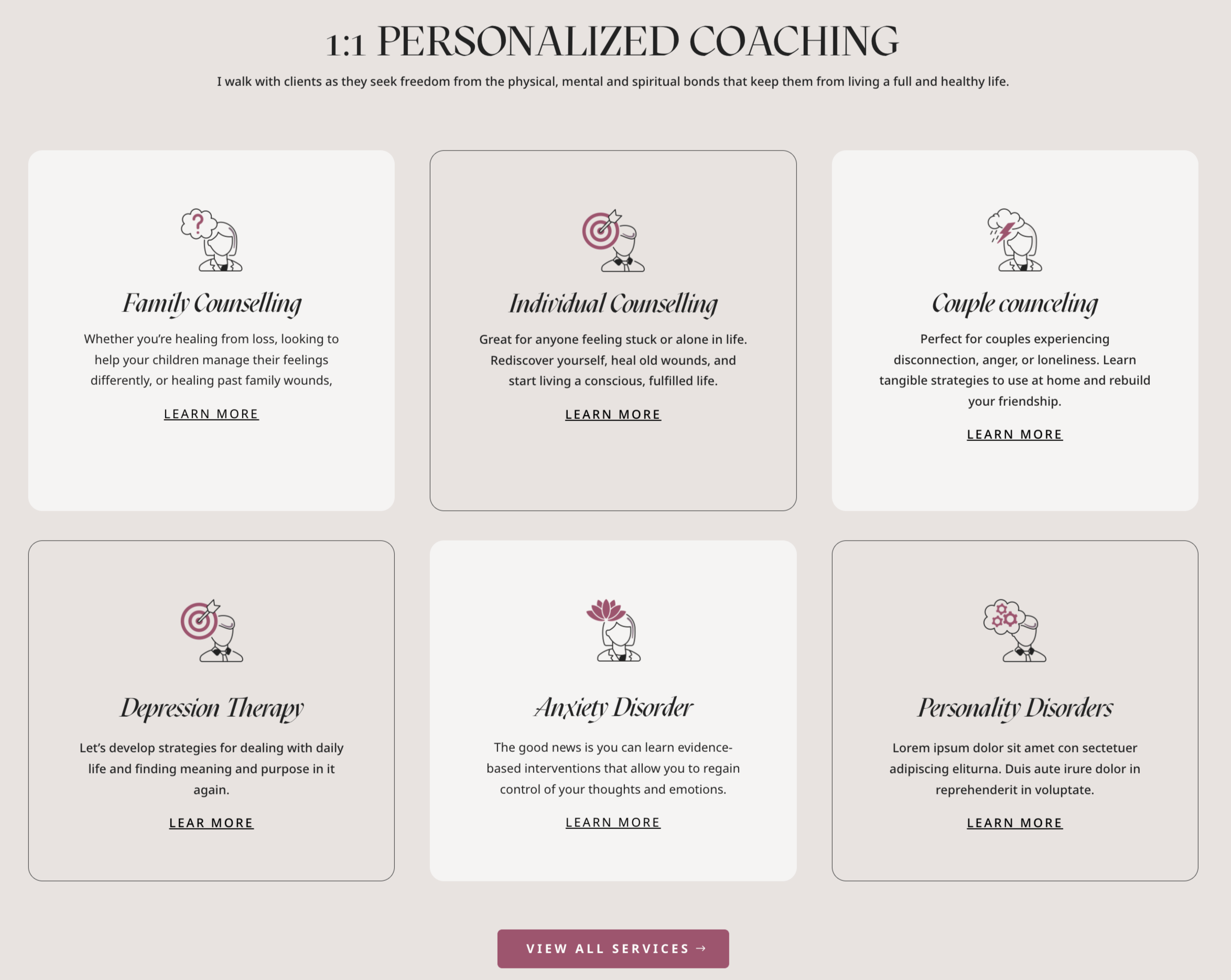
This is is an example of what is shown in the theme demo. However, you can choose blurb Divi icons, or any image that fits your needs!
- Click on Enable Visual Builder in the top bar.
- Create a blurb o edit demo blurb.
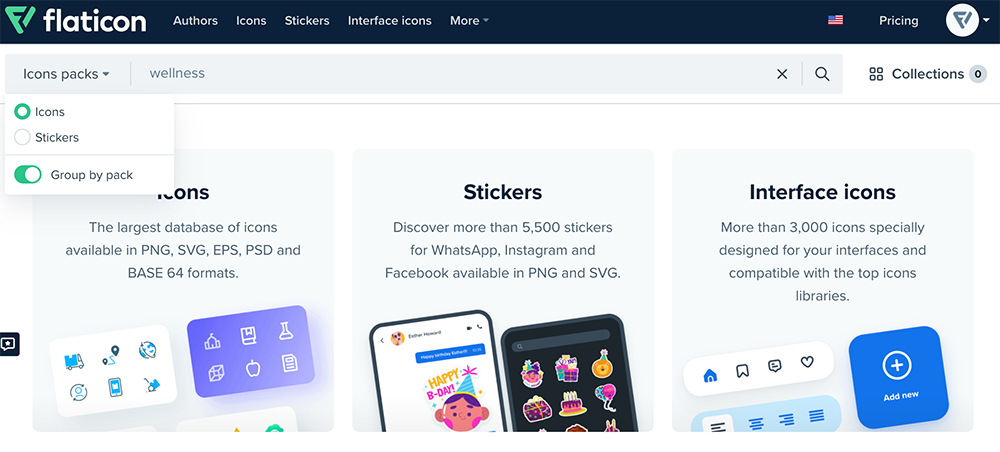
- Go to Flaticon
- Type your website topic and choose pack if you want a cohesive combo icons. (example: wellness).
5. You´ll see all packs.
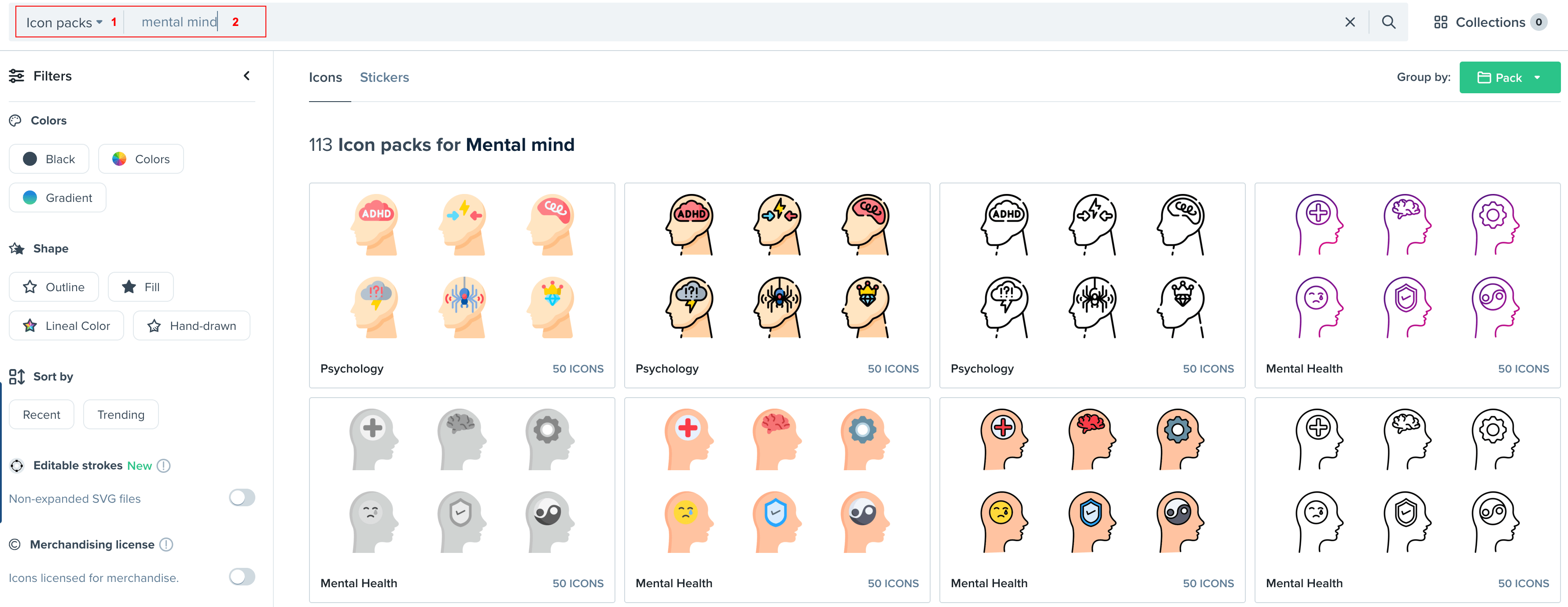
5. I´ve choosen this lovely pack.
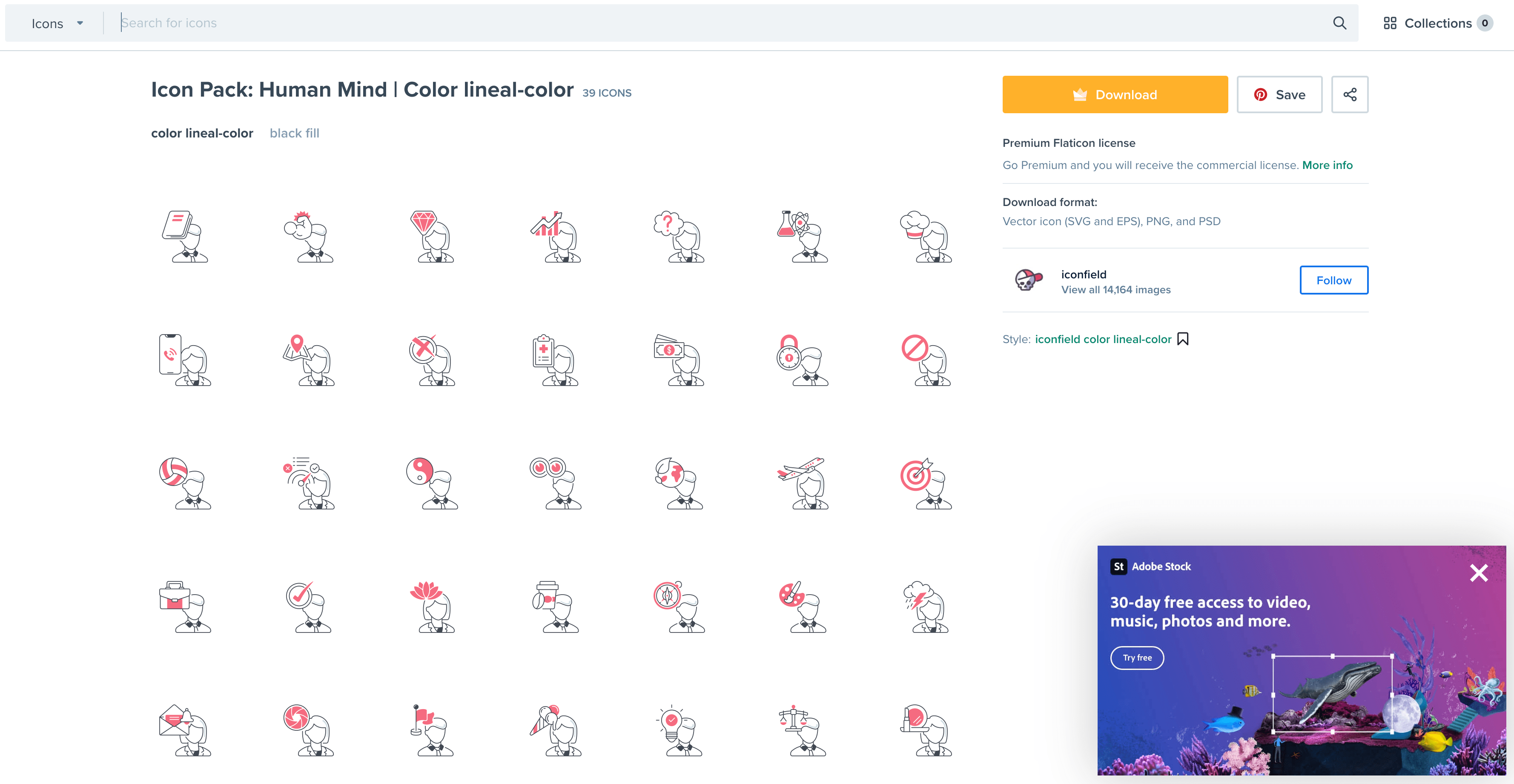
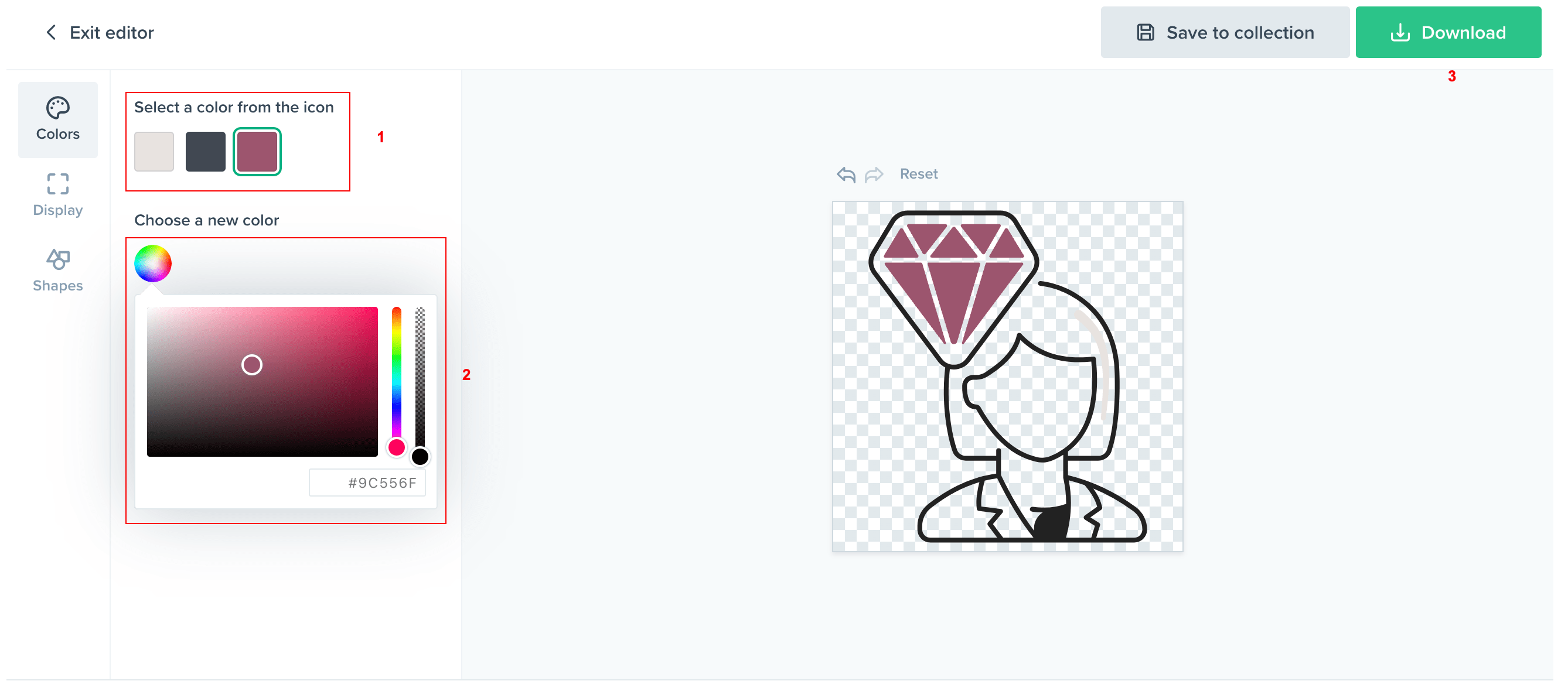
6. Choose your icon and select (Customize your icon > Select Download > Format .PNG > Select 512px).