• HOME
  • DIVI BEGINNERS
  • TUTORIALS
  • TROUBLESHOOTING
  • SUBMIT A TICKET
  • HOME
  • DIVI BEGINNERS
  • TUTORIALS
  • TROUBLESHOOTING
  • SUBMIT A TICKET
home/Knowledge Base/4. Kathy - Theme Settings/Kathy – How to Design a Blog Post Template

Kathy – How to Design a Blog Post Template

Blog post template is created in the Divi Theme Builder which will allow you to build the template completely from scratch with the power of the Divi Builder.

Import “Kathy-Theme-Builder.json” from “Demo archives” folder if you don´t have imported yet (See Import Theme Builder).
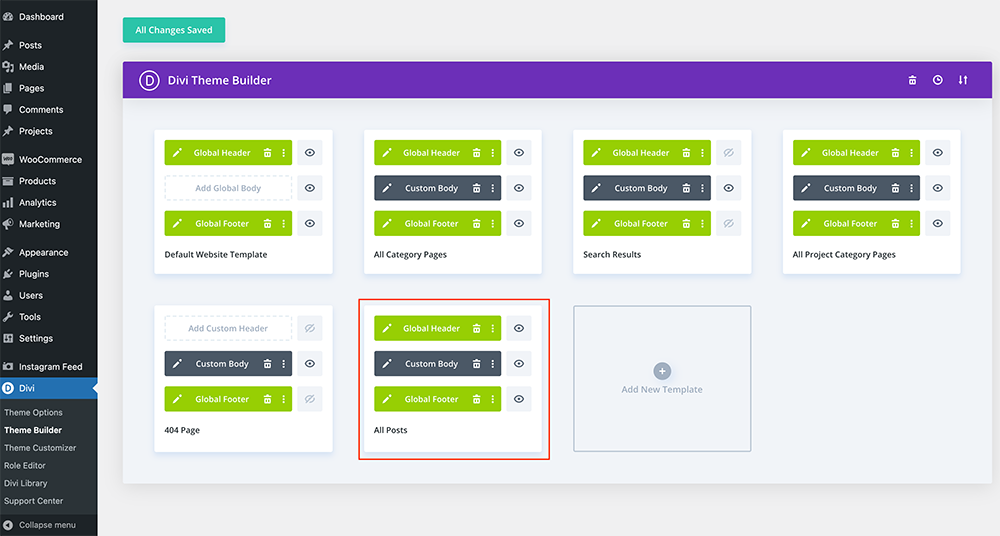
You can customize:

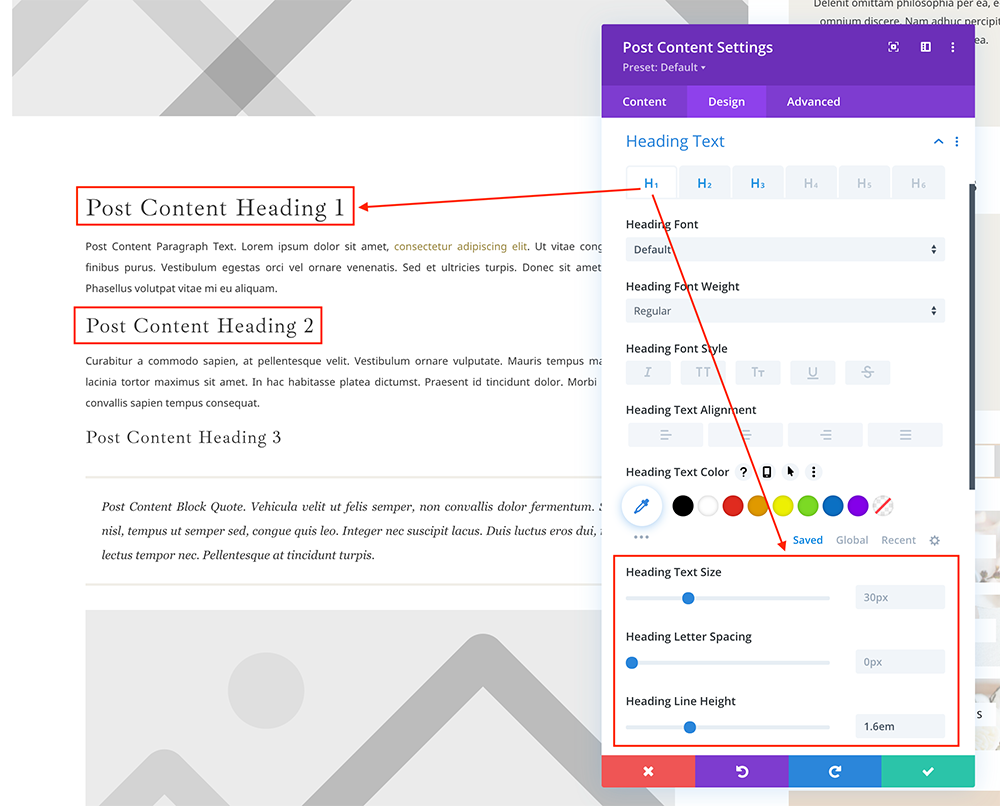
  • Heading – The top area of the post that usually includes the Post Title, Featured Image, and Post Metadata (categories, tags, author, post date, etc.)
  • Post Content – The main content of the article.
  • Related Posts – Links to other articles that readers may be interested in.
  • Comments – A section for users to add and reply to comments about the post.
  • Sidebar – A section for users to add images, texts, social media, menus, optins,..
 

https://www.support.helplovelyconfetti.com/wp-content/uploads/2022/07/Kathy-Blog-Posts.webm


Related Articles
  • Kathy – How Do I Make a Instagram Page?
  • Kathy – How to make an interactive quiz for your Business
  • Kathy – How to add a audio podcast
  • Kathy – How to Add a Popup Video to any Image
  • Kathy – How to add lovely icons to Blurbs
  • Kathy – Saving And Loading Sections In Divi
4. Kathy - Theme Settings
  • Kathy – How to Design a Blog Post Template
  • Kathy – Theme Options
  • Kathy – How to change global colors
  • Kathy – How to Import and edit Footer
  • Kathy – How to configure Header
  • Kathy – How to configure Contact Form
  • Kathy – How to add Filterable portfolio
  • Kathy – Saving And Loading Layouts In Divi
View All 13  

  Kathy – How to Import and edit Footer

Kathy – How to configure Header  

  • Privacy Policy
  • Terms of Use
  • Copyright 2023. All Rights Reserved.