How to edit Hero in Home 1
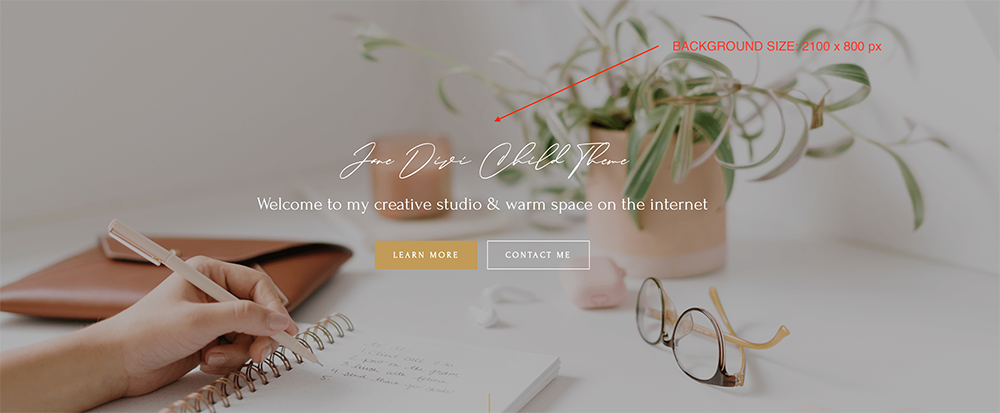
- Click on Enable Visual Builder in the top bar.
- To replace an image and texts, start by hovering your mouse over it. A grey panel should appear with some icons inside it. Click on the cog icon. This will open a new panel with settings related to this specific element.
How to edit Hero in Home 2

- Click on Enable Visual Builder in the top bar.
- To replace an image and texts, start by hovering your mouse over it. A grey panel should appear with some icons inside it. Click on the cog icon. This will open a new panel with settings related to this specific element
- Adding an overlay to a Background image is really easy in Divi. See this tutorial. However this does not work if Parallax Effect is set to Yes in the Background settings. So you can take a look this tutorial: https://bit.ly/3uvz4Ml
How to edit Hero in Home 3

- Click on Enable Visual Builder in the top bar.
- To replace an image and texts, start by hovering your mouse over it. A grey panel should appear with some icons inside it. Click on the cog icon. This will open a new panel with settings related to this specific element.
Need Further Tutorials?
The Divi Button Module: https://bit.ly/2UN7GZc
How To Add Overlay Color To Parallax Background In Divi: https://bit.ly/3uvz4Ml
How to edit texts: https://bit.ly/2Y6UL9s