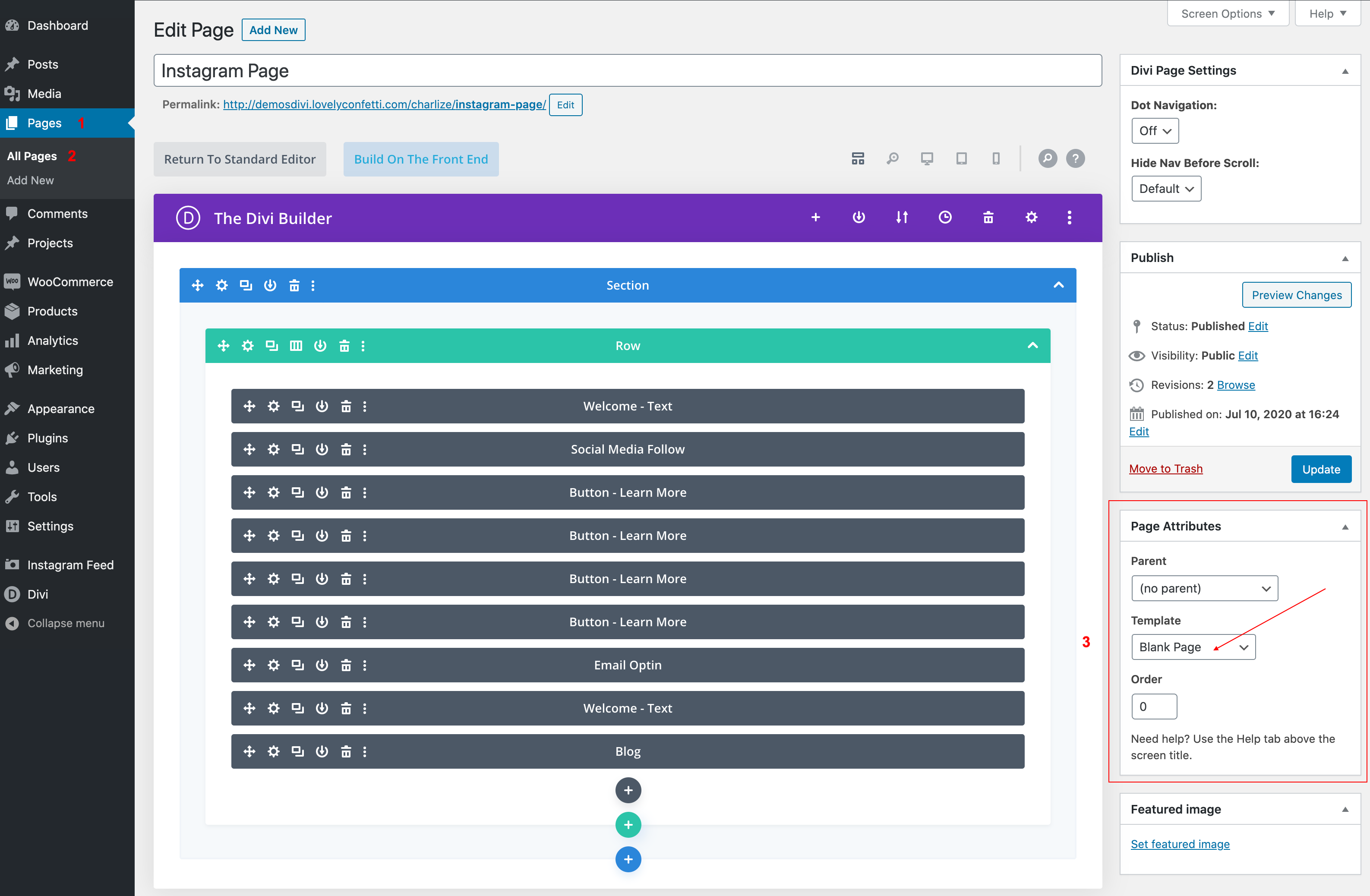
The blank page template disabled your header and footer and a specific page, leaving only what is built with the builder visible.
This is a great way to create unique landing pages that are separate from the rest of your website. For example, you might create a sales landing page, a coming soon page, instagram page, a newsletter optin page, or a maintenance mode page.
- When you create a new page, you will notice a settings box on the side of your screen.
- Go to “Page Attributes.”
- Dropdown menu, select the “Blank Page” template.