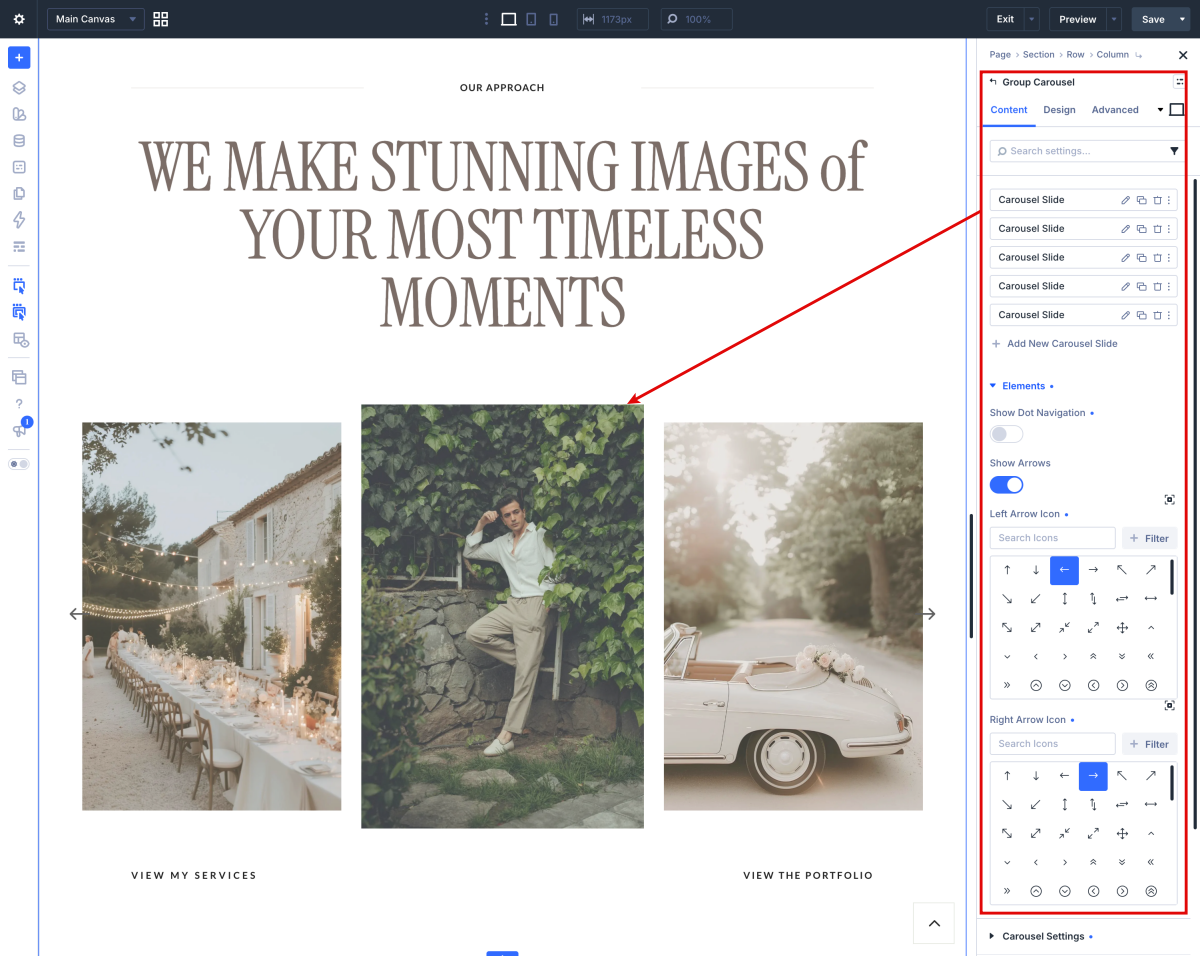
How to edit Featured Work in Home 1 & 3

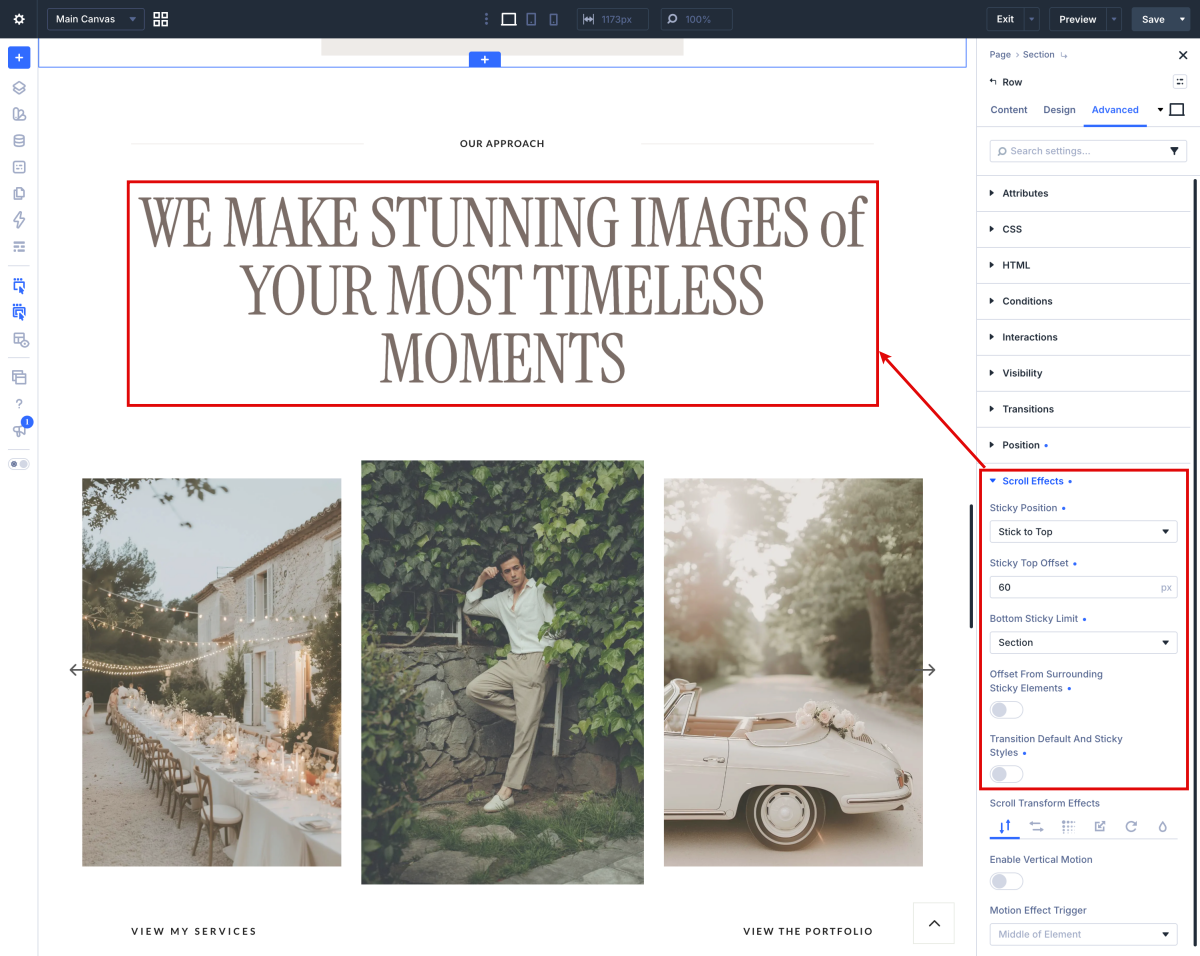
How to Make Any Divi Page Element Sticky
The table containing the title of this section is sticky to top. Sticky (or fixed) elements are parts of a website that remains in place as the user scrolls down the page.
The first step to making an element sticky is to open the page you want to work with. Because this isn’t a global or extended setting and only applies to a single element, we will be working directly within a page (or theme builder layout). Be sure to open it in the Divi builder to edit.
How to edit Hero in Home 2
- Log into WordPress
- Click on Enable Visual Builder in the top bar.
- Edit texts and images.
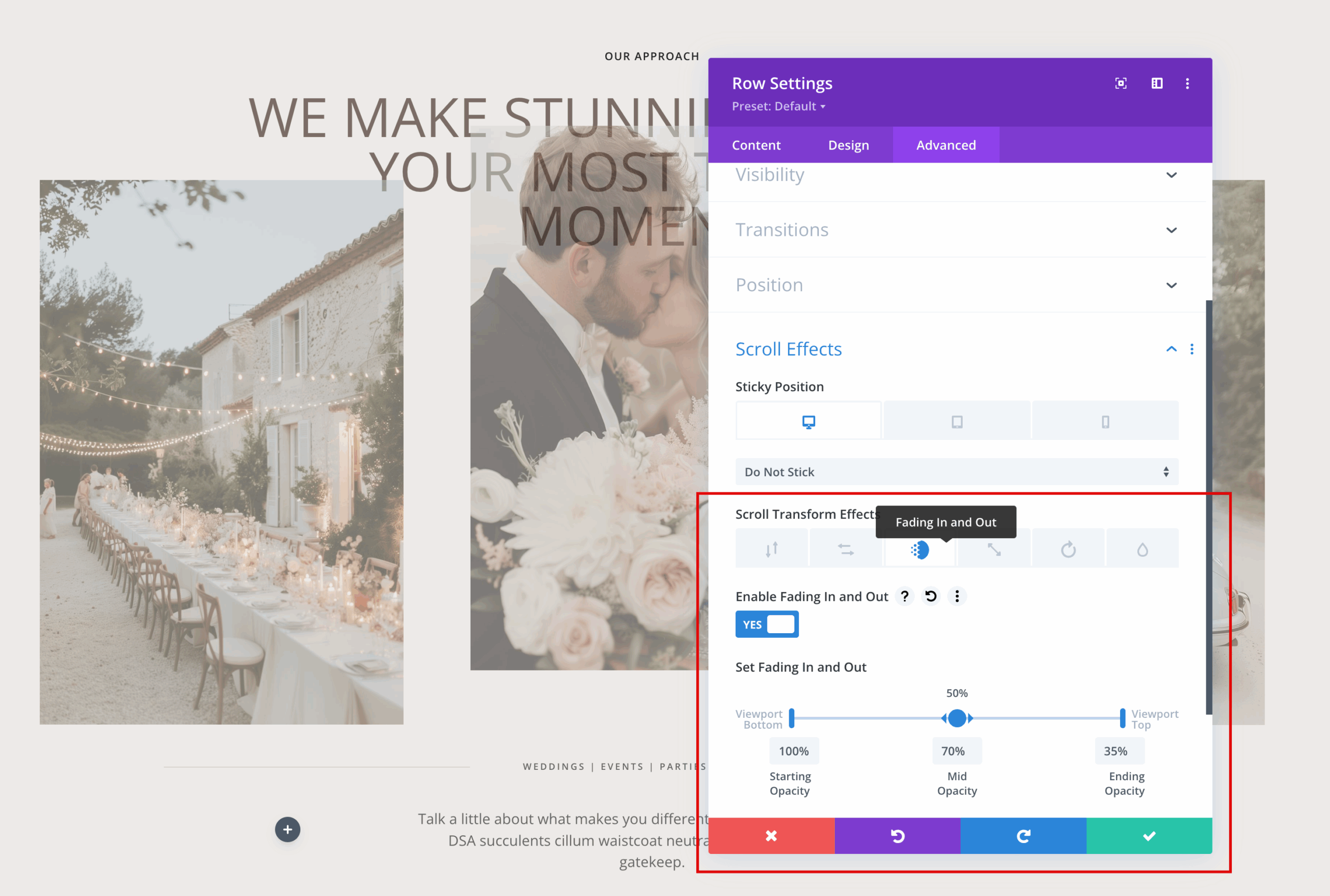
How to Make Any Divi Page Element fade out
To make a Divi module fade out on scroll, you can utilize the built-in scroll effects feature. Navigate to the advanced tab of the module, section, or row you want to animate. Then, go to scroll effects and enable “Fading In and Out”. Adjust the starting, mid, and ending opacity and viewport percentages to control when and how the fade occurs as the user scrolls.