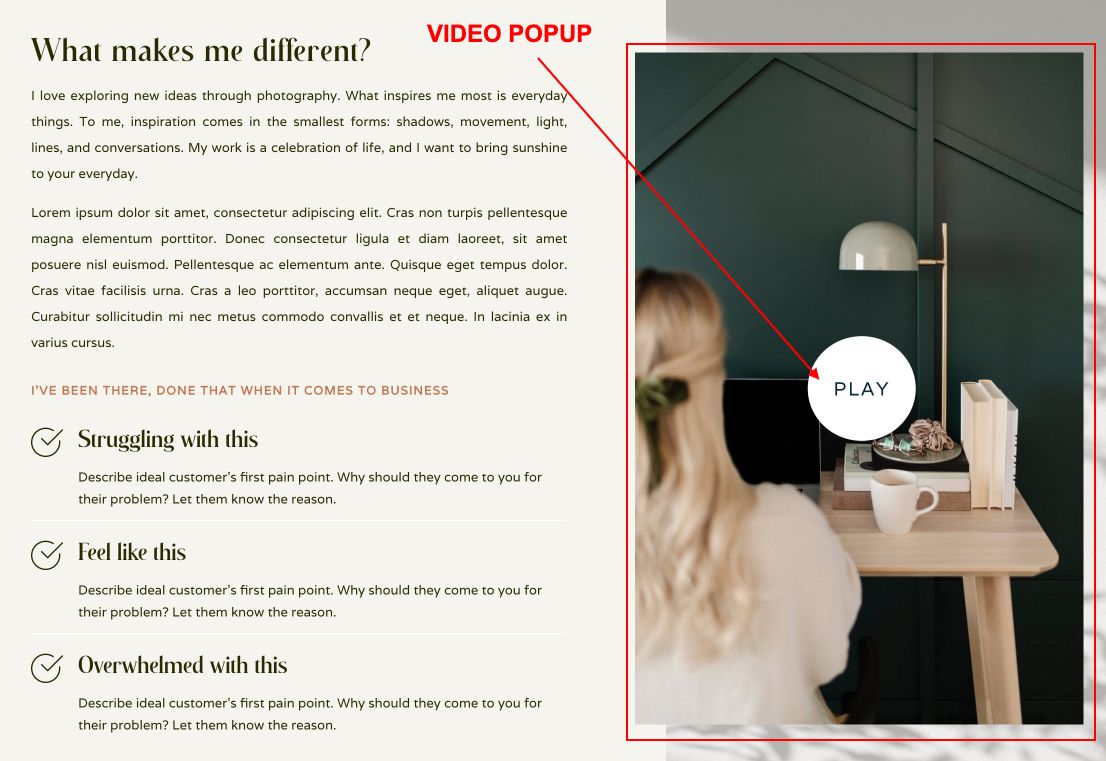
The Video module that comes with the Divi builder allows you to embed videos on your site, but what if you would like to display those videos in a popup window like demo?
- Click on Enable Visual Builder in the top bar.
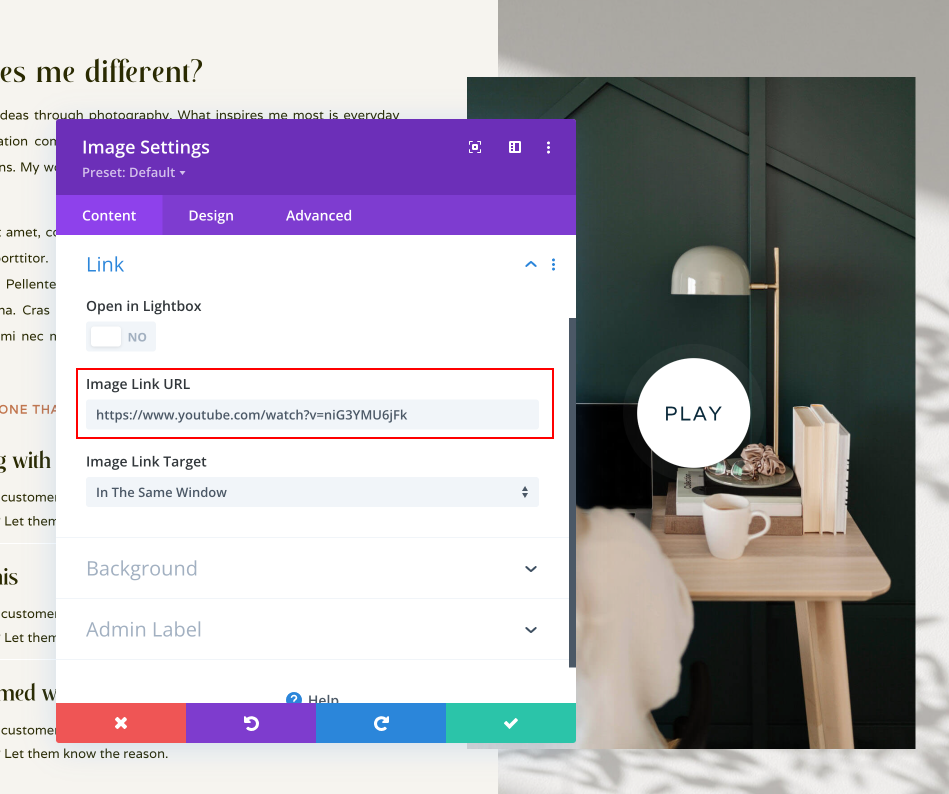
- Open your Image Module.
- Go to Content → Link tab
- Add Video URL to Image Link URL field and Save the module.
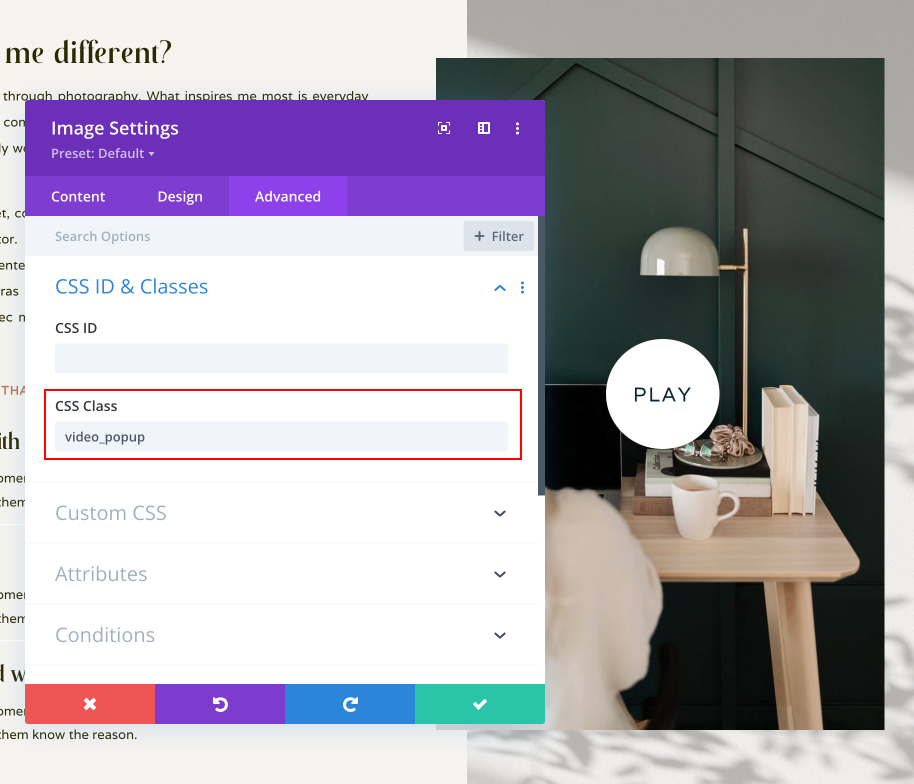
If you want add any other pop-up video to other image go any image module and paste this code:
- Go to Advanced → CSS Class → Paste code: video_popup
- If you don´t want video, delete code.
Need Further Tutorials?
The Divi Blurb Module: https://bit.ly/2KOHKYs