You have to choose your blog layout: FullPost+Grid, Grid Blog, List Blog, List alternate and full post
- Log into WordPress
- Go to the page you want to edit
- Click on Enable Visual Builder in the top bar.
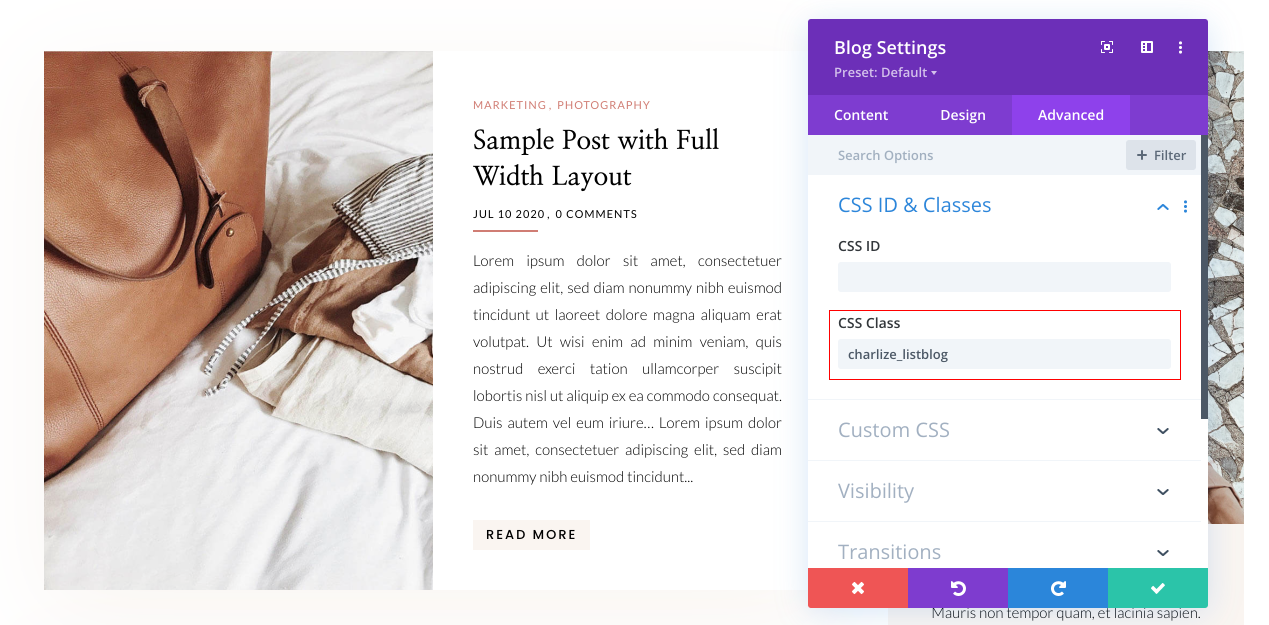
Option 1: Blog List
Go to Blog Module > Advanced > CSS Class > Paste this style code : charlize_listblog
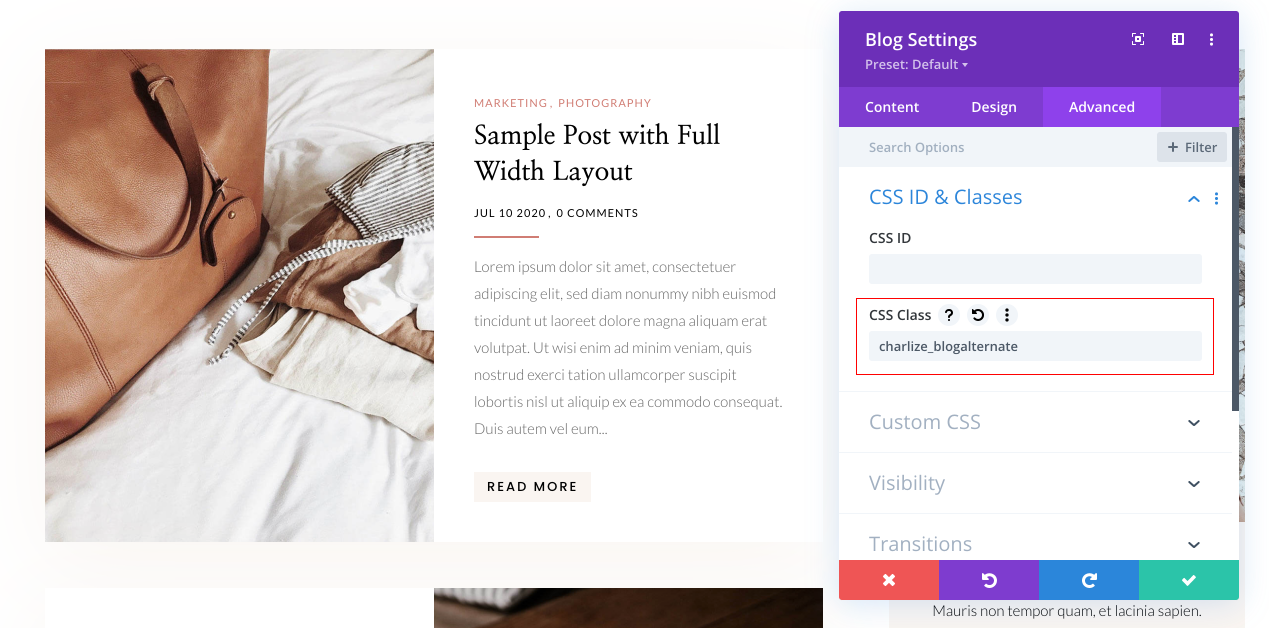
Option 2: Blog Alternate
Go to Blog Module > Advanced > CSS Class > Paste this style code : charlize_blogalternate
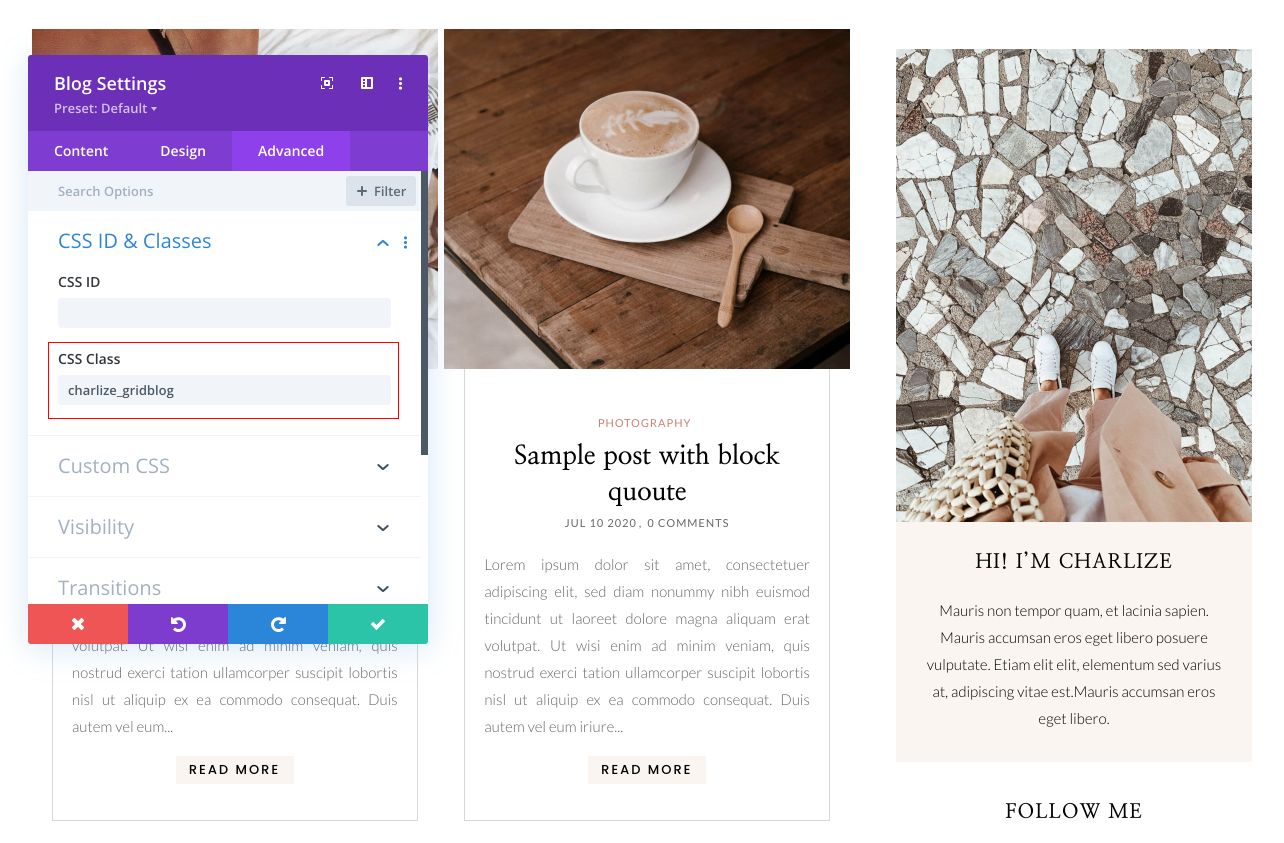
Option 3: Grid Blog
Go to Blog Module > Advanced > CSS Class > Paste this style code : charlize_gridblog
Option 4: Blog FullWidth
Go to Blog Module > Advanced > CSS Class > Paste this style code : charlize_fullblog
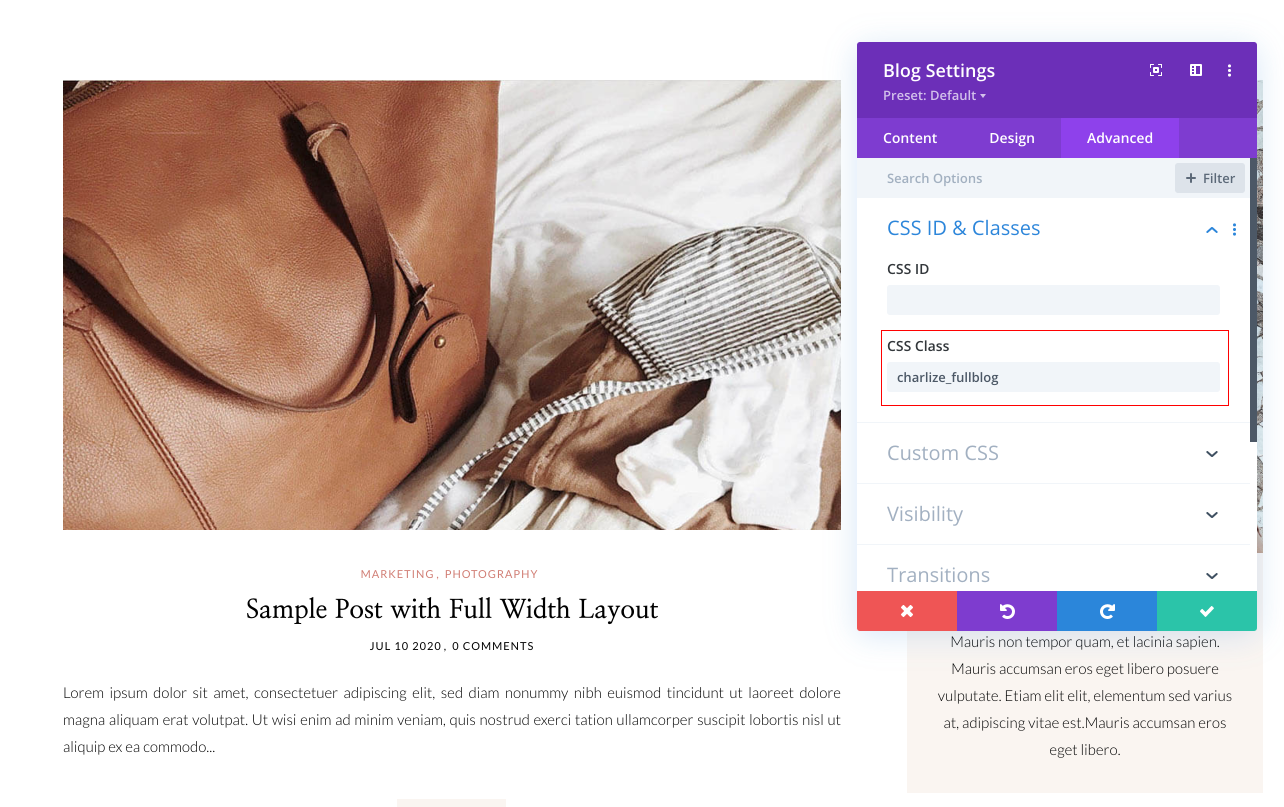
Option 5: FullPost + Grid
In that case, there are 2 blog modules. 1 FullWidth and other Grid.
Step1: FullPost
- Go to Blog Module > Advanced > CSS Class > Paste this style code : charlize_fullblog
- Go to content and select 1 post.
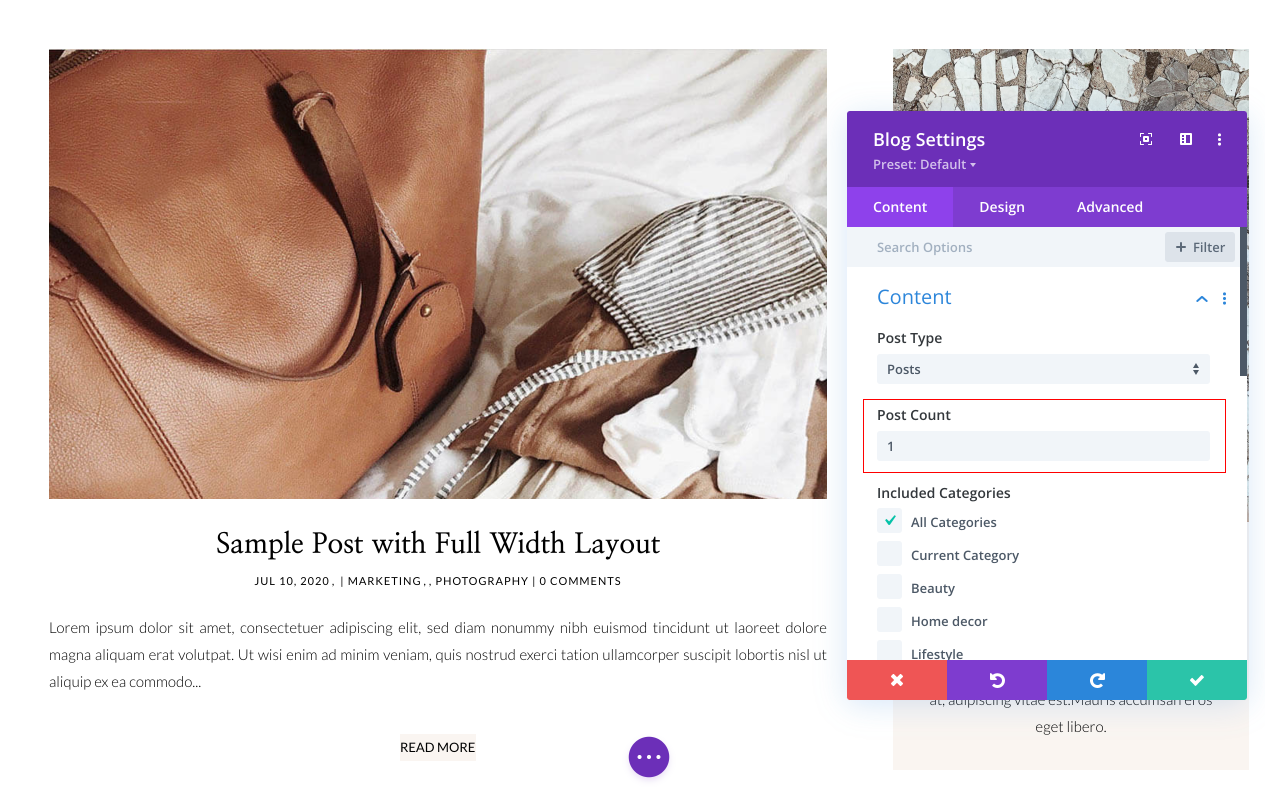
Step2: Grid
- Duplicate Blog Module
- Go to Blog Module > Advanced > CSS Class > Paste this style code : charlize_fullblog
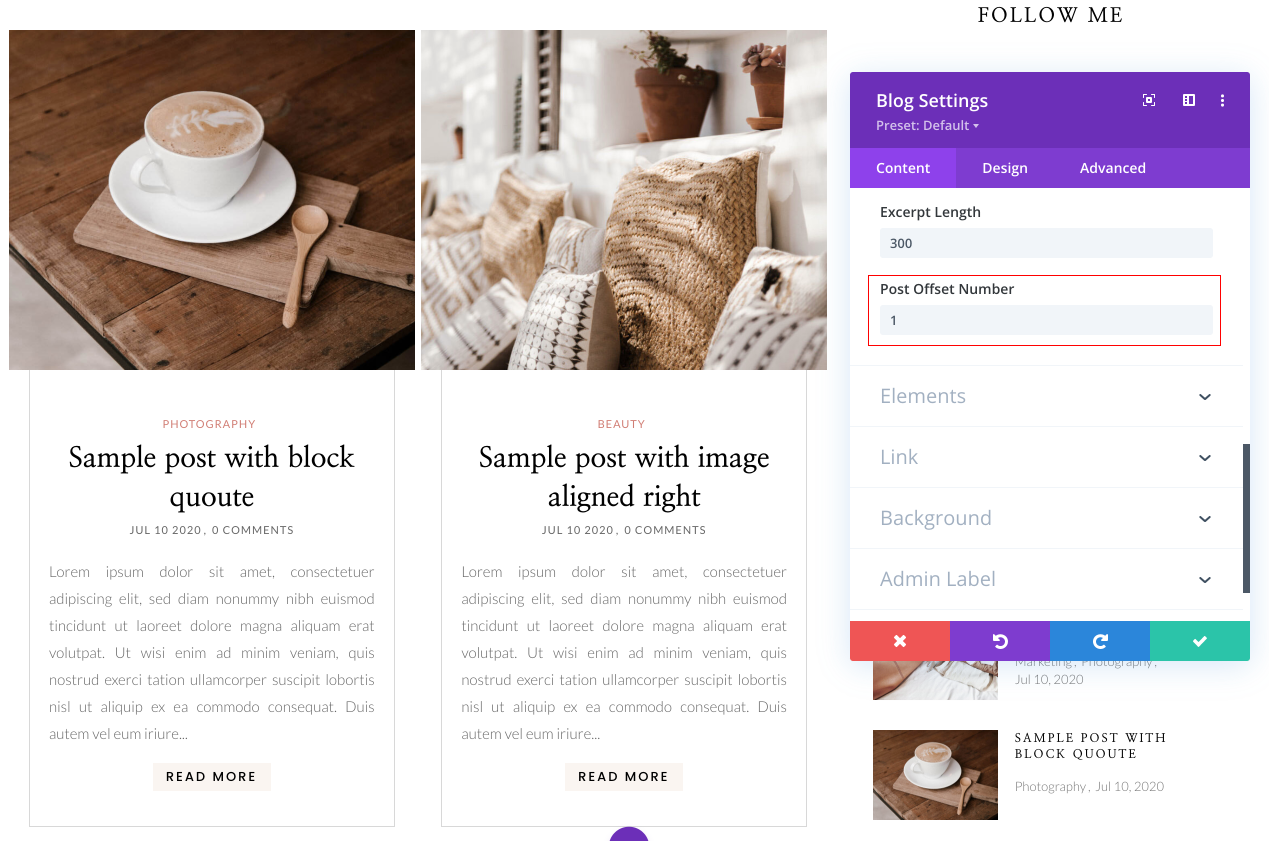
Use Post Offset Number with each Module to avoid duplicate post Displays
Since your post fullwidth is already displaying the first (most recent), you can offset this post on the blog module adjacent to it.
Open the settings for the blog module to the right of the post slider and update the post offset number as follows: