HOME
DIVI BEGINNERS
TUTORIALS
TROUBLESHOOTING
SUBMIT A TICKET
HOME
DIVI BEGINNERS
TUTORIALS
TROUBLESHOOTING
SUBMIT A TICKET
home
/
Knowledge Base
/
3. Theme Settings
/
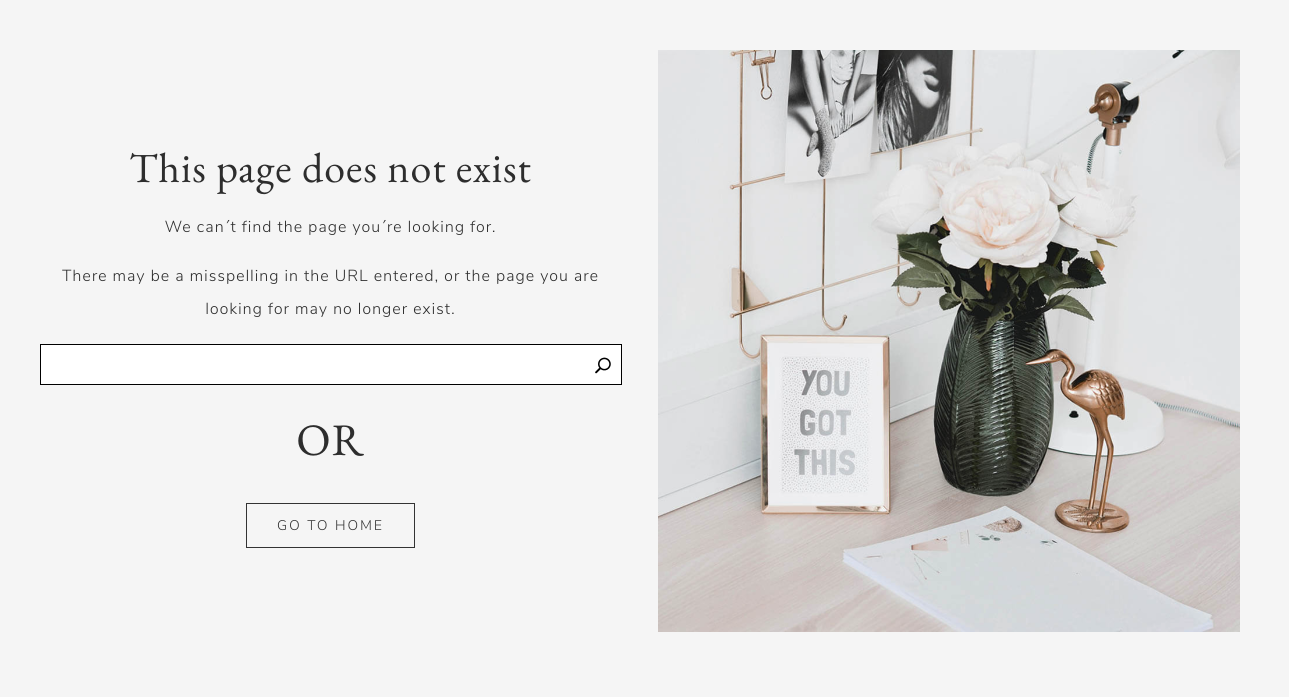
How to configure 404 Page
How to configure 404 Page
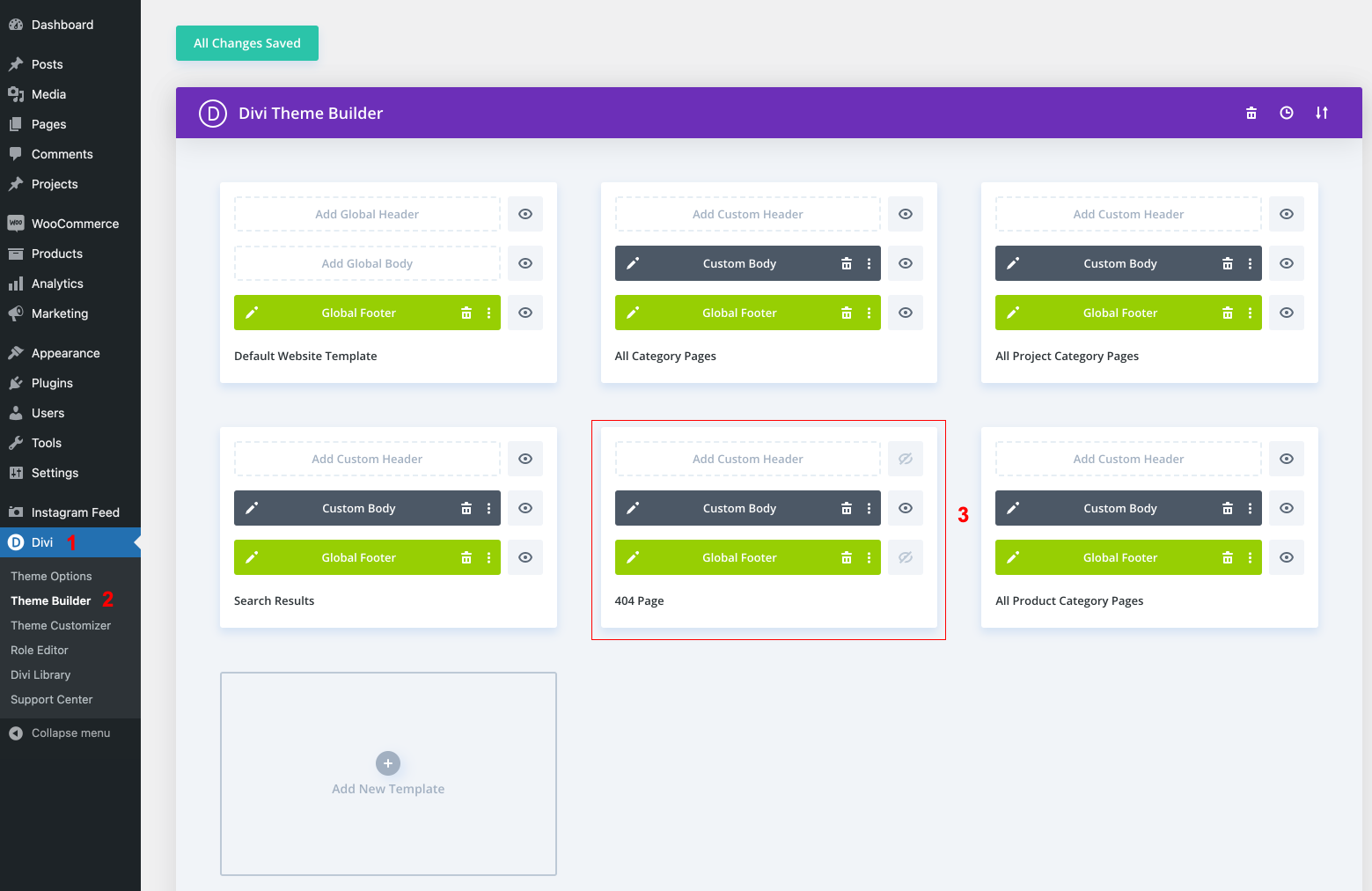
Go to Divi Theme Builder
, To start creating the 404 page template, go to the Divi Theme Builder in your Divi settings.
Edit or create your 404 page.
https://www.support.helplovelyconfetti.com/wp-content/uploads/2021/03/Annette-Pro-404.webm
Related Articles
How to Add Shop (WooCoommerce)?
How Do I Make a Coming Soon Page?
How to create a Blank Page Template (no header/footer)
How to add a Custom Font to your Divi website
How to add Instagram feed
How do I se tup menus
How to create a Blank Page Template (no header/footer)
How to Add Shop (WooCoommerce)?