- Click on Enable Visual Builder in the top bar.
- Making changes to text with the Divi Visual Builder is as simple as clicking and typing and change your images.
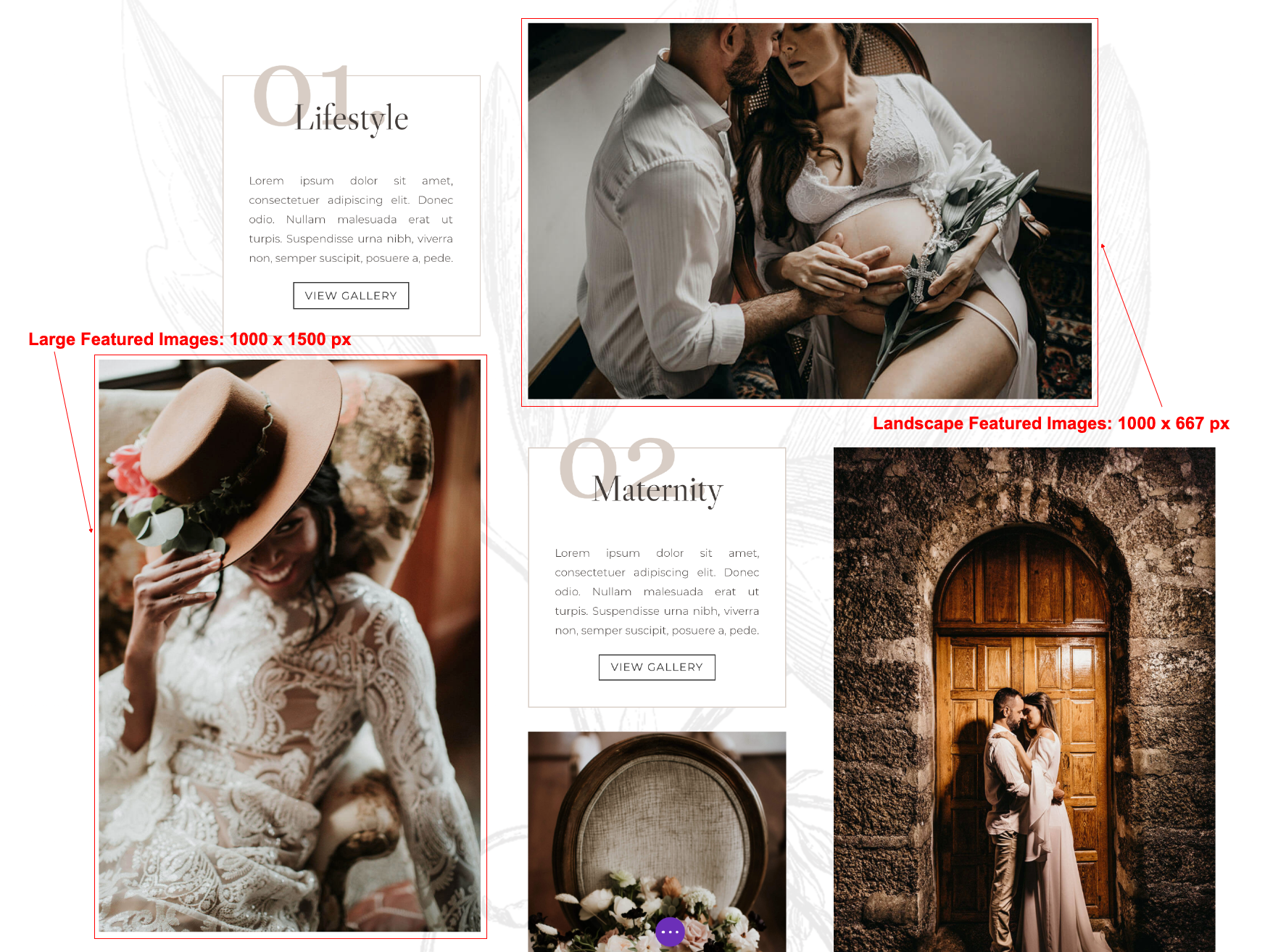
- Change images (Recomended sizes: Large Featured Images:1000 x 1500 px and Landscape Featured Images:1000 x 667 px)
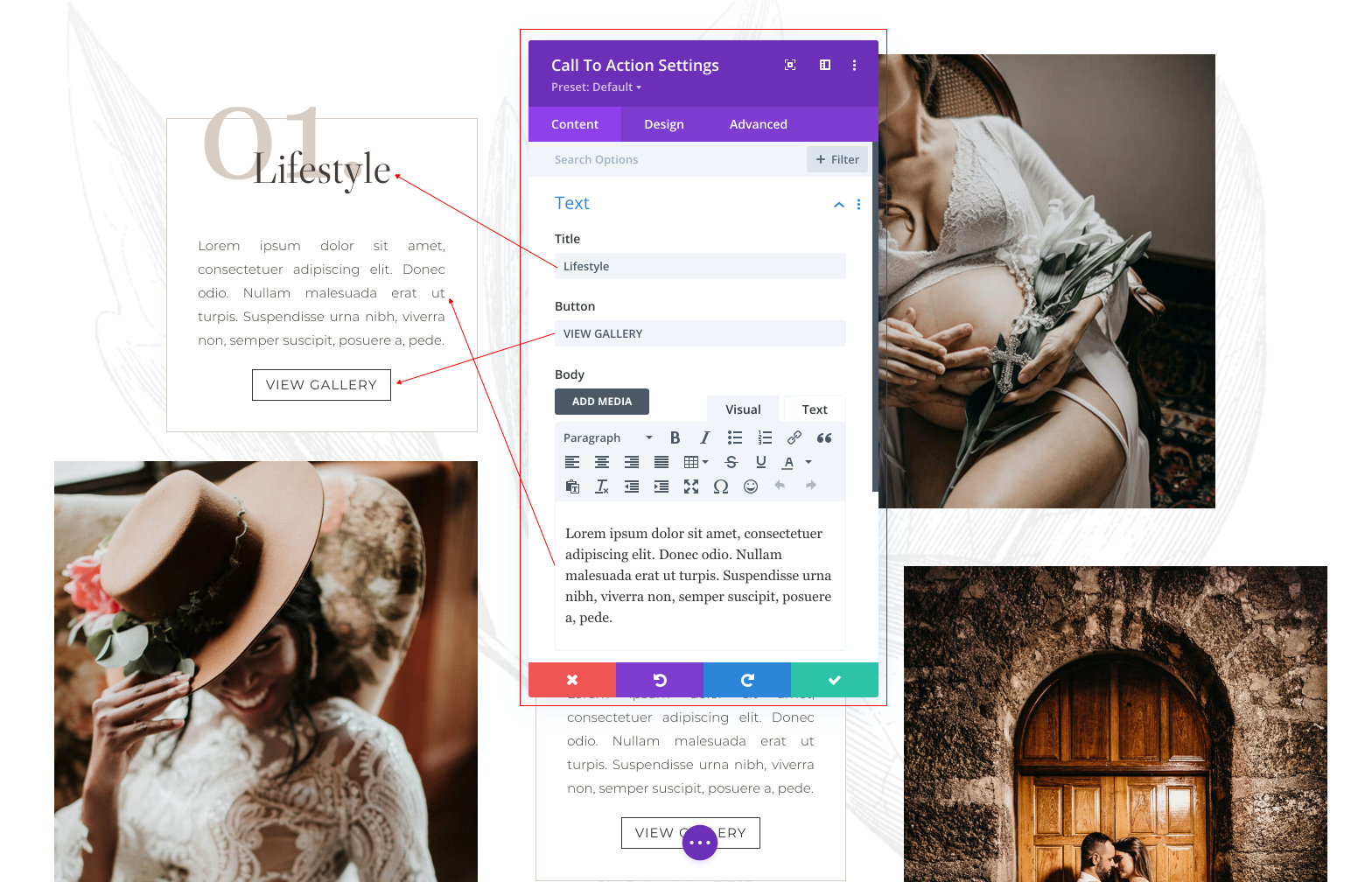
- Edit texts:
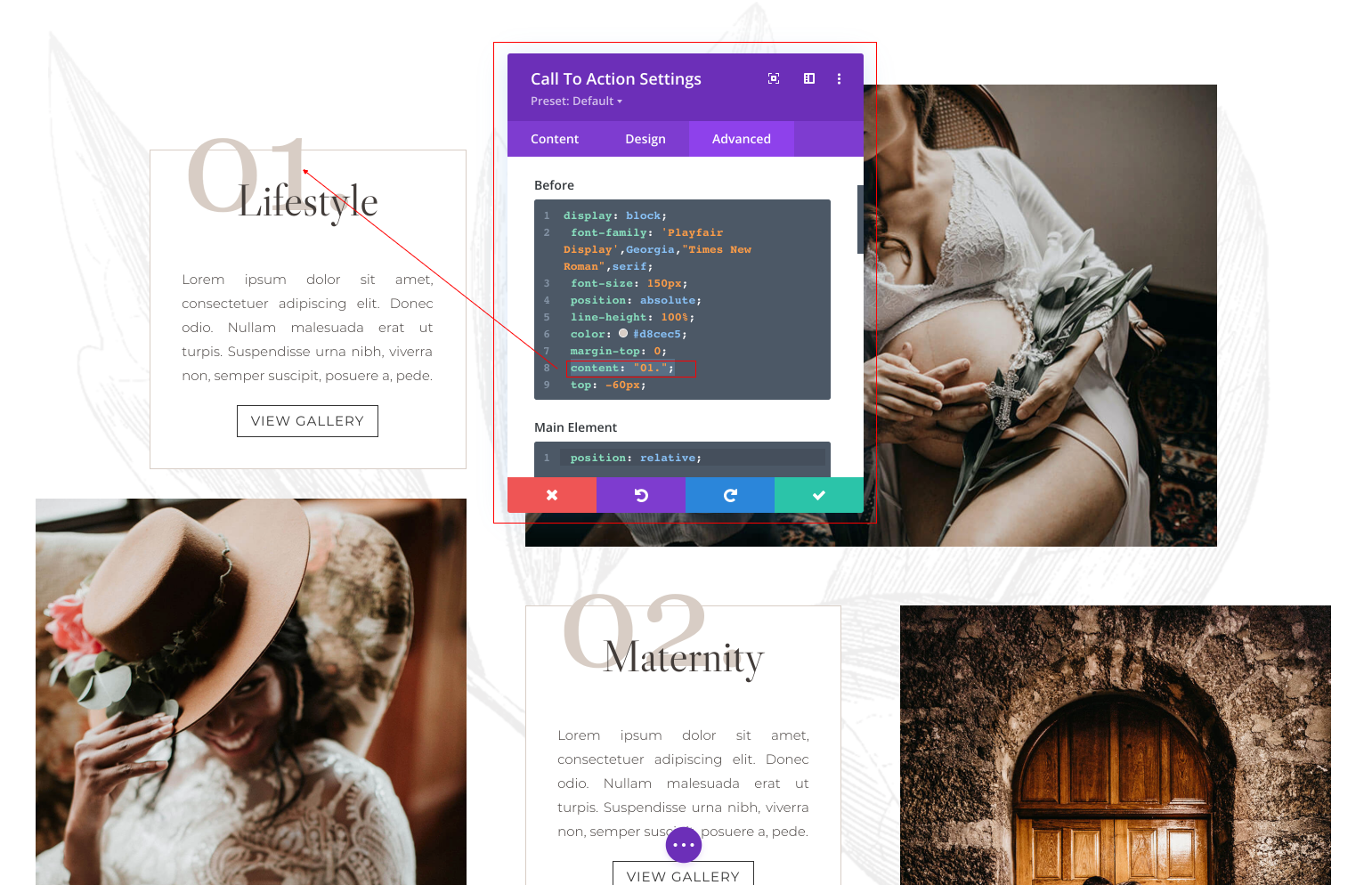
4. How to edit Call to Action Number:
Go to Advanced Tab > Edit Number.