• HOME
  • DIVI BEGINNERS
  • TUTORIALS
  • TROUBLESHOOTING
  • SUBMIT A TICKET
  • HOME
  • DIVI BEGINNERS
  • TUTORIALS
  • TROUBLESHOOTING
  • SUBMIT A TICKET
home/Knowledge Base/2. Sophia - Use Divi Visual Builder/Sophia – How to add lovely icons to Blurbs

Sophia – How to add lovely icons to Blurbs

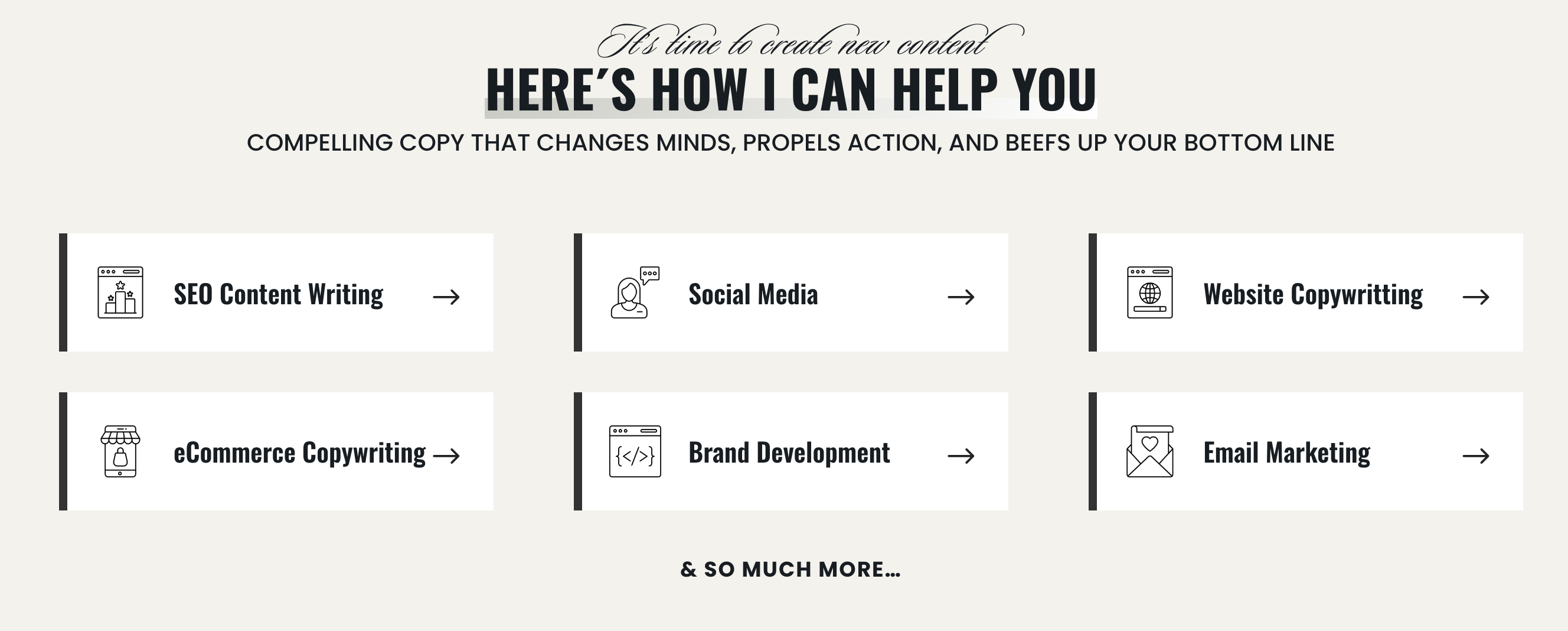
This is  is an example of what is shown in the theme demo.  However, you can choose blurb Divi icons, or any image that fits your needs!

  1. Click on Enable Visual Builder in the top bar.
  2. Create a blurb o edit demo blurb.
  3. Go to Flaticon
  4. Type your website topic and choose pack if you want a cohesive combo icons. (example: wellness).
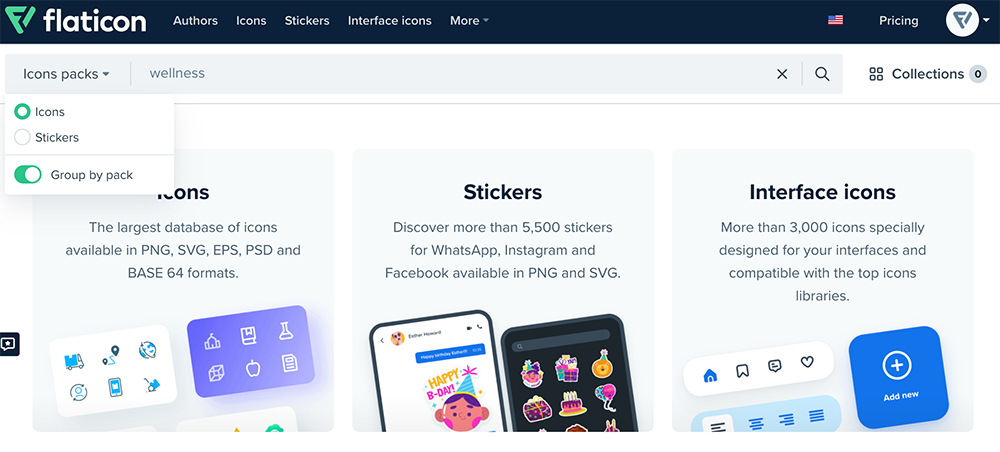
5. You´ll see all packs.
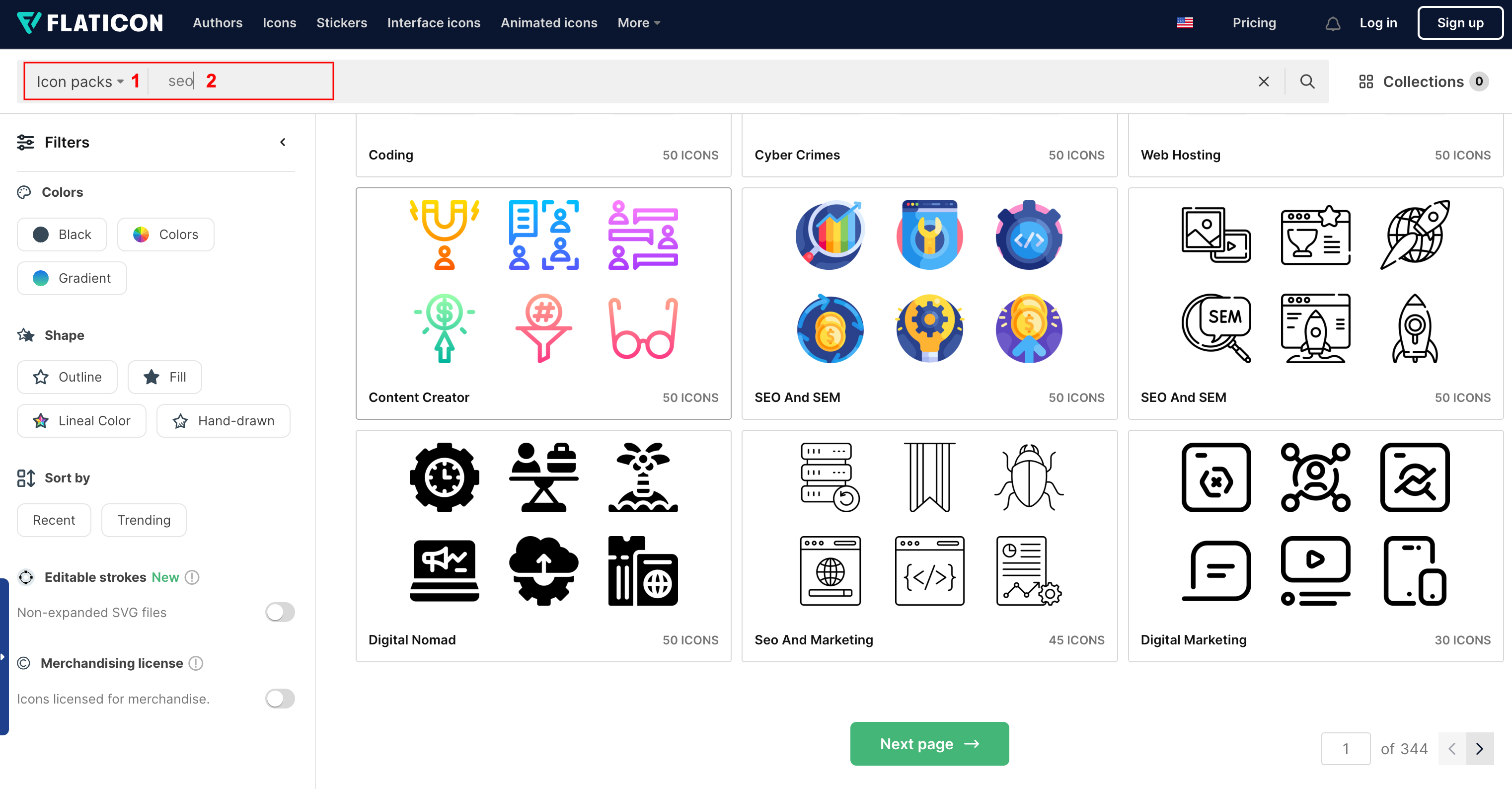
5. I´ve choosen this lovely pack.
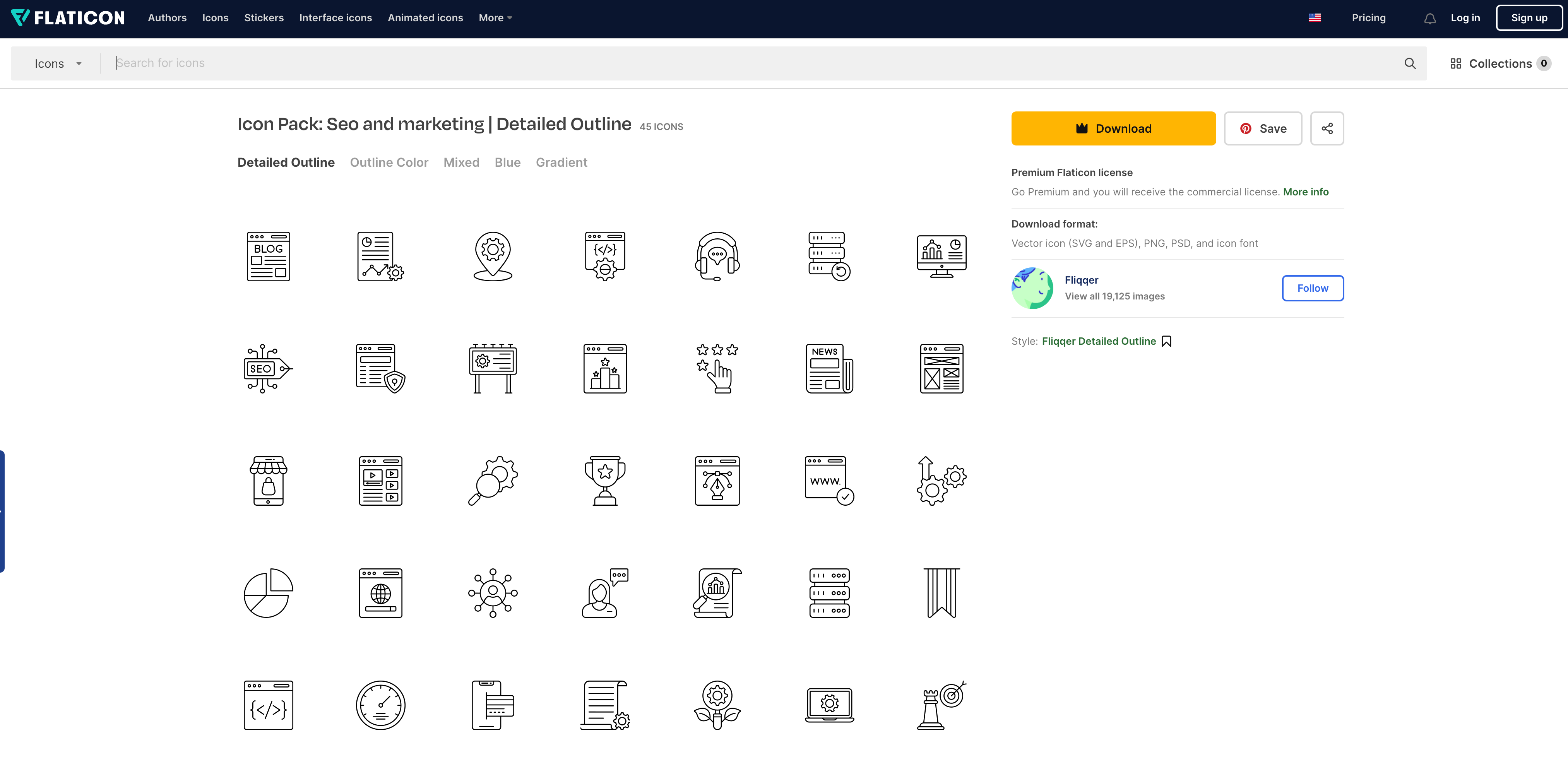
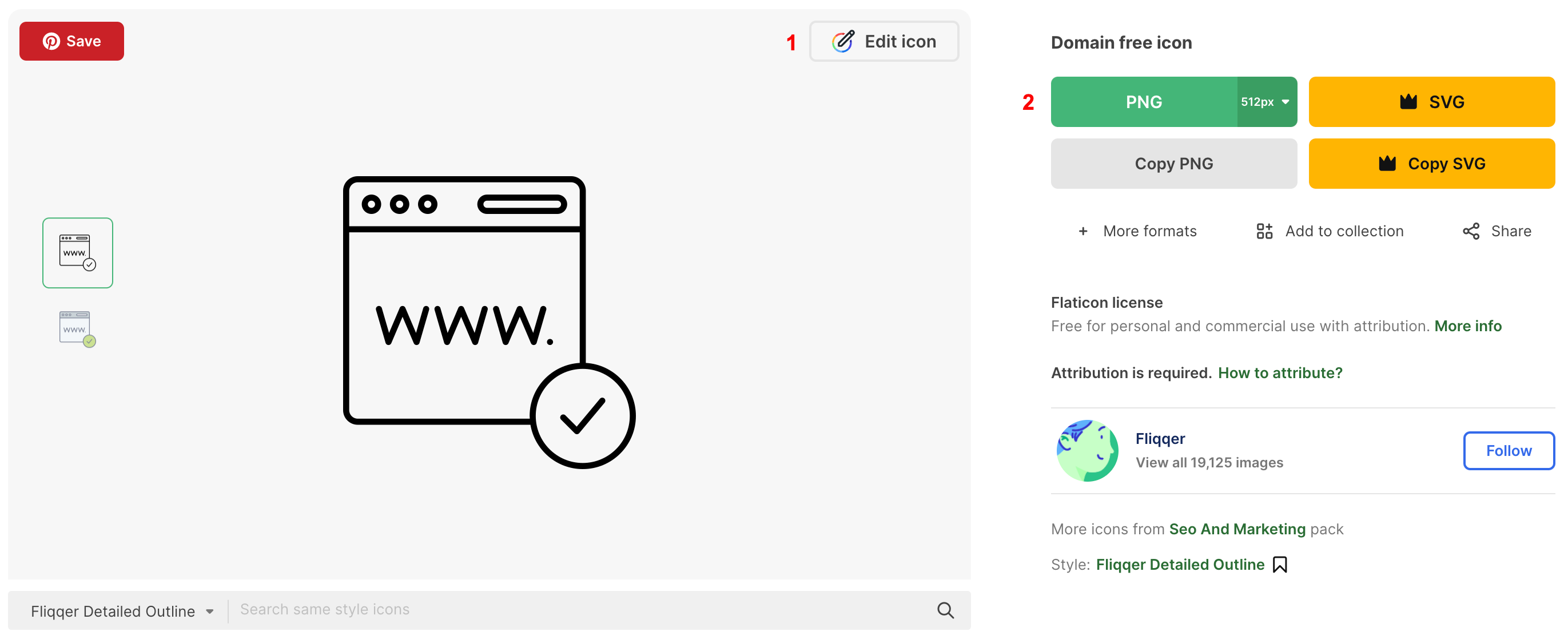
6. Choose your icon and select (Customize your icon > Select Download > Format .PNG > Select 512px).
https://www.support.helplovelyconfetti.com/wp-content/uploads/2024/01/Sophia-Servicesh2.webm
Related Articles
  • Sophia – How to edit Testimonials
  • Sophia – How to edit About
  • Sophia – How to edit Services
  • Sophia – How to edit Hero
  • Sophia – How to edit texts
  • Sophia – How to edit images
2. Sophia - Use Divi Visual Builder
  • Sophia – How to add lovely icons to Blurbs
  • Sophia – How to enable the Divi Visual Builder
  • Sophia – Choose your Home
  • Sophia – How to edit images
  • Sophia – How to edit texts
  • Sophia – How to edit Hero
  • Sophia – How to edit Services
  • Sophia – How to edit About
View All 8  

  Sophia – How to edit About

Sophia – Choose your Home  

  • Privacy Policy
  • Terms of Use
  • Copyright 2023. All Rights Reserved.