• HOME
  • DIVI BEGINNERS
  • TUTORIALS
  • TROUBLESHOOTING
  • SUBMIT A TICKET
  • HOME
  • DIVI BEGINNERS
  • TUTORIALS
  • TROUBLESHOOTING
  • SUBMIT A TICKET
home/Knowledge Base/2. Shirley - Use Divi Builder/Shirley – How to edit Testimonials

Shirley – How to edit Testimonials

How to edit Testimonials in Home 1 & 3
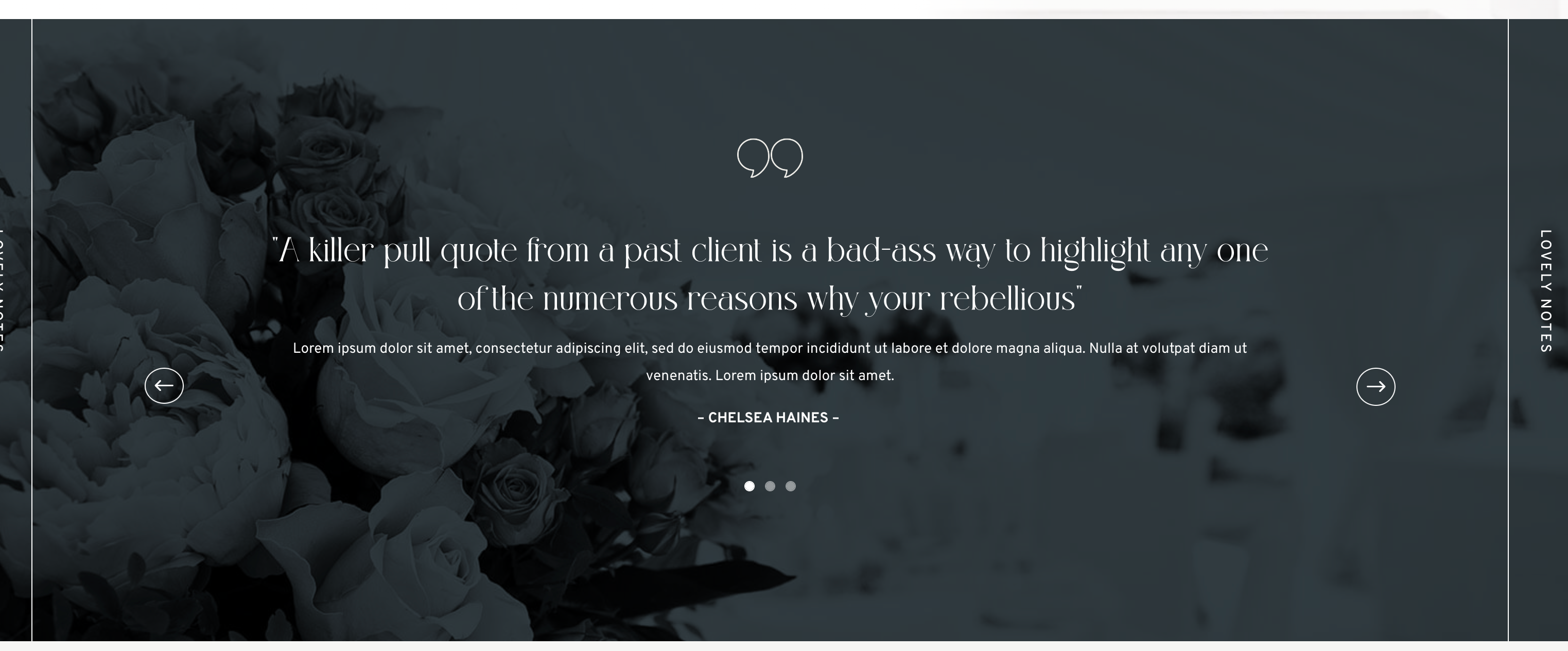
 

  1. Log into WordPress
  2. Click on Enable Visual Builder in the top bar.
  3. Edit texts and background.
https://www.support.helplovelyconfetti.com/wp-content/uploads/2023/01/Shirley_Testimonialh1.webm


How to edit Testimonials in Home 2


  1. Log into WordPress
  2. Click on Enable Visual Builder in the top bar.
  3. Edit texts and images in slider module.
https://www.support.helplovelyconfetti.com/wp-content/uploads/2023/01/Shirley_Testimonialh2.webm


Related Articles
  • Shirley – How to edit Featured Work
  • Shirley – How to edit Portfolio
  • Shirley – How to edit About Me
  • Shirley – How to edit Services
  • Shirley – How to edit Hero
  • Shirley – How to edit texts
2. Shirley - Use Divi Builder
  • Shirley – How to edit Testimonials
  • Shirley – Choose your Home
  • Shirley – How to edit images and backgrounds
  • Shirley – How to edit texts
  • Shirley – How to edit Hero
  • Shirley – How to edit Services
  • Shirley – How to edit About Me
  • Shirley – How to edit Portfolio
View All 8  

  Shirley – How to edit texts

Shirley – How to edit Services  

  • Privacy Policy
  • Terms of Use
  • Copyright 2023. All Rights Reserved.