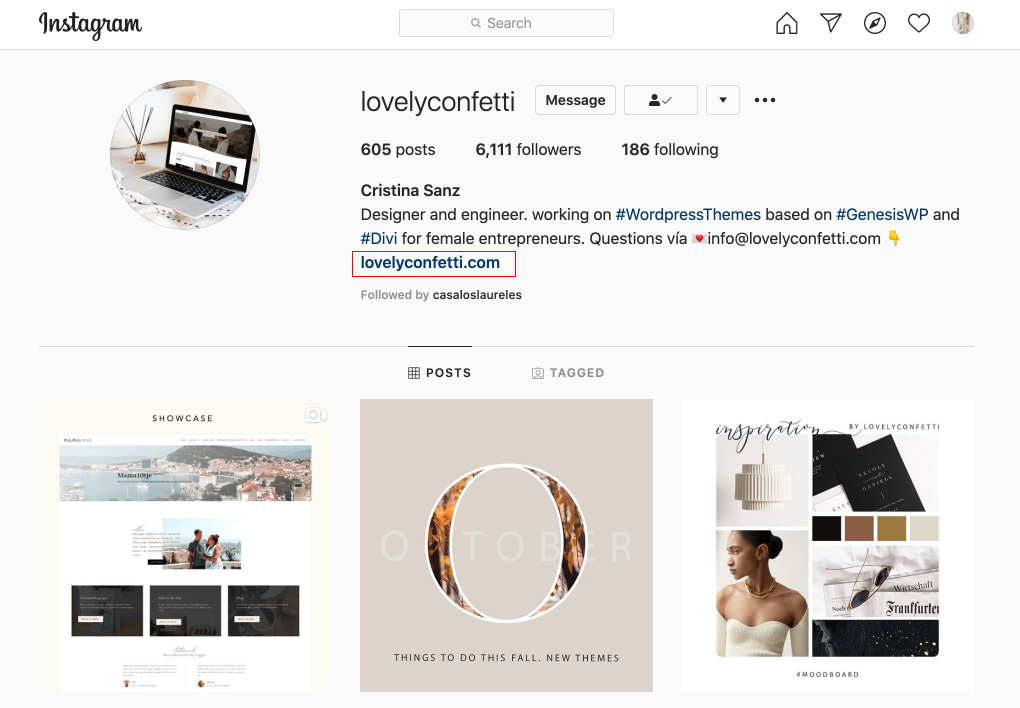
Do you want to use a beautiful linktree page for your Instagram?
By creating your own Instagram landing page, you facilitate a personalized experience for visitors, get credit for the traffic, maintain creative control over the look, save money in the process, and reduce the number of opportunities for technology to get in the way.
Step 1: Go to your the Instagram Landing Page Template and edit
- Go to Instagram page.
- Click on Enable Visual Builder in the top bar.
- Making changes with the Divi Visual Builder is as simple as clicking and typing.
- How to integrate Maiclhimp for action: https://www.support.helplovelyconfetti.com/work/how-to-integrate-mailchimp-with-divi-builder/
- Rename your page to show up in your Instagram.
Step 2: Add your Linktree to Instagram
Go to Log in in Instagram > Add your Instagram Page