• HOME
  • DIVI BEGINNERS
  • TUTORIALS
  • TROUBLESHOOTING
  • SUBMIT A TICKET
  • HOME
  • DIVI BEGINNERS
  • TUTORIALS
  • TROUBLESHOOTING
  • SUBMIT A TICKET
home/Knowledge Base/4. Marie - Theme Settings/Marie – How to Add a Popup Video to any Image

Marie – How to Add a Popup Video to any Image

The Video module that comes with the Divi builder allows you to embed videos on your site, but what if you would like to display those videos in a popup window like demo?
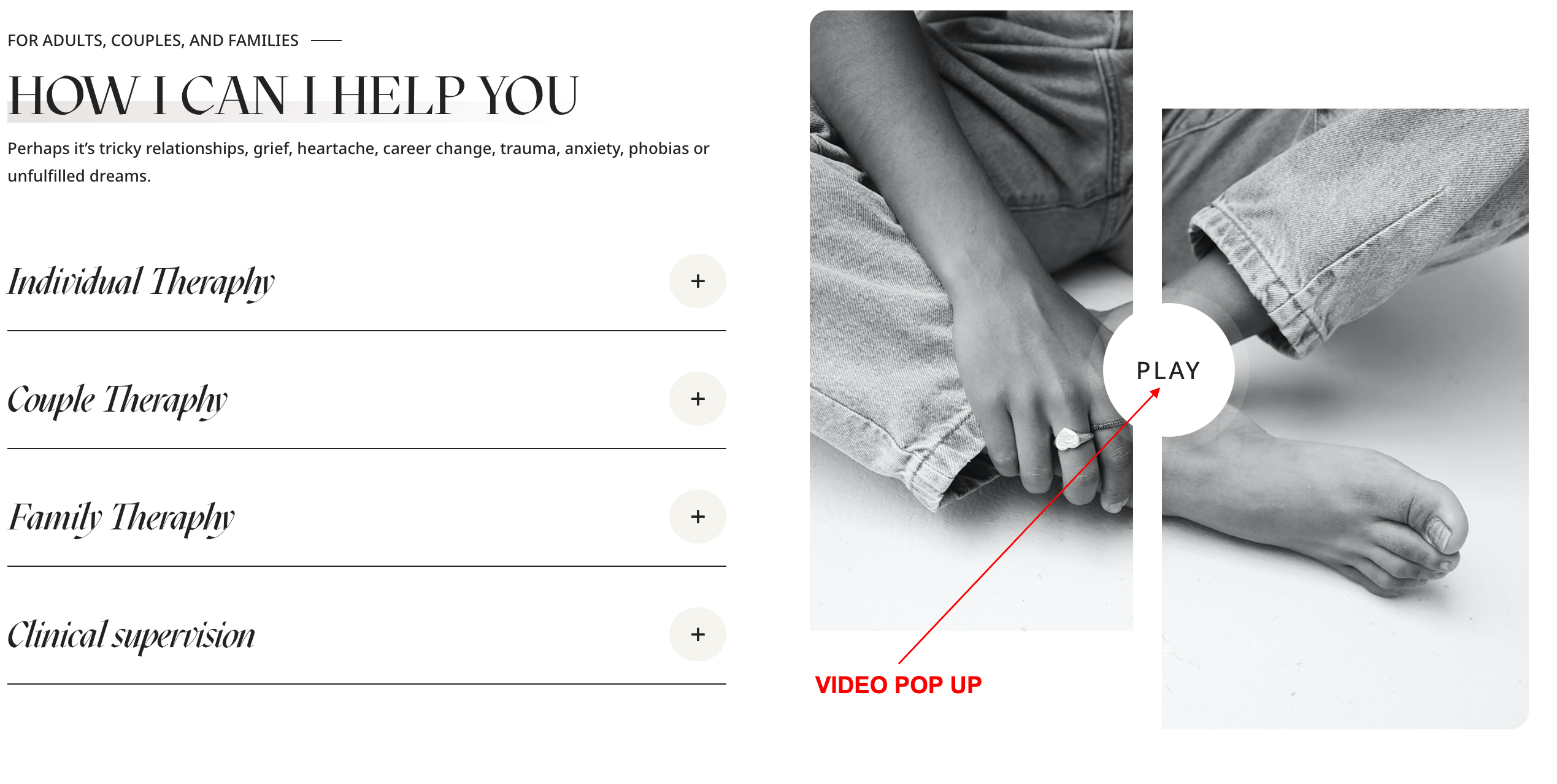
  1. Click on Enable Visual Builder in the top bar.
  2. Open your Image Module.
  3. Go to Content → Link tab
  4. Add Video URL to Image Link URL field and Save the module.
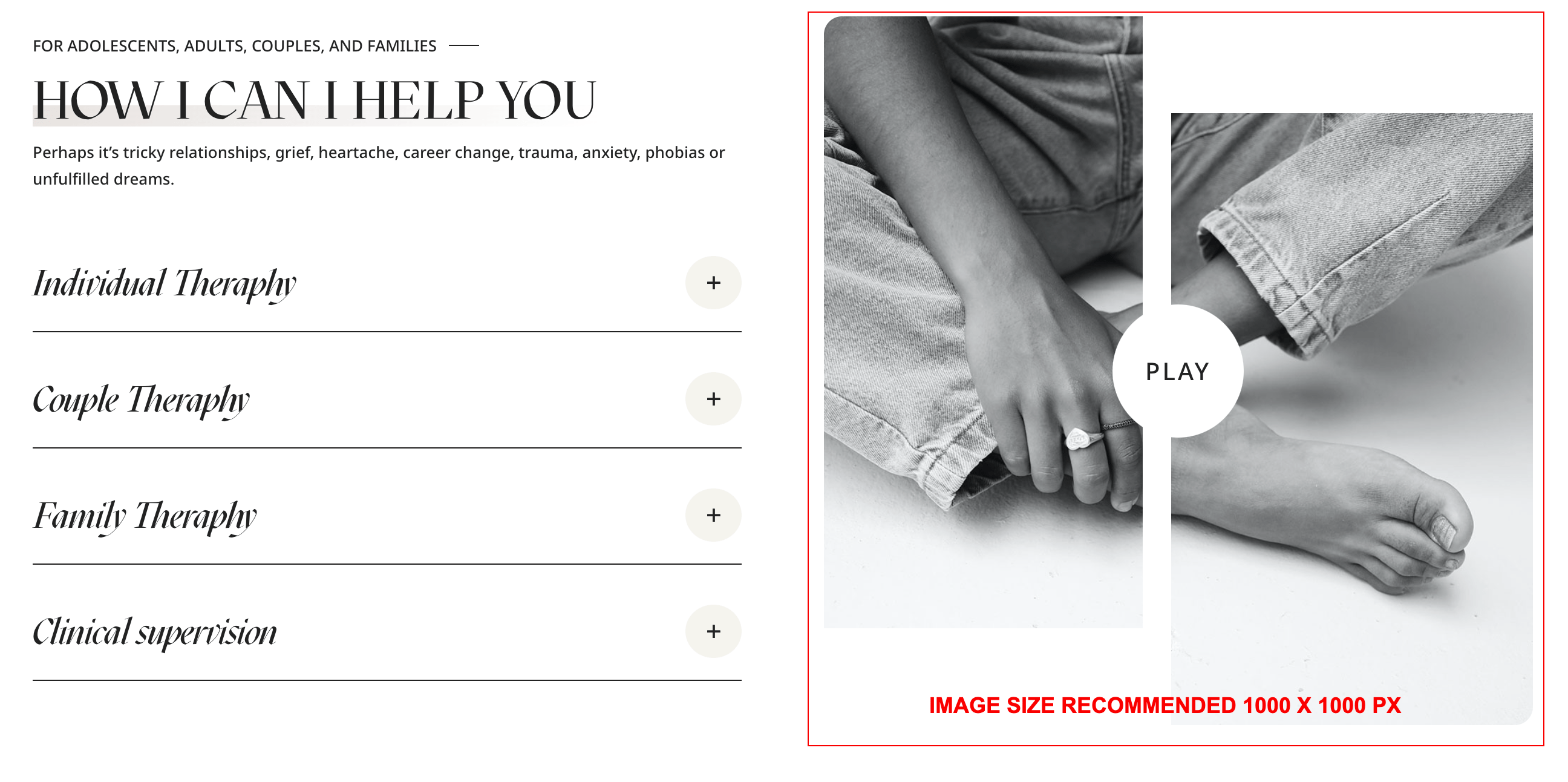
 

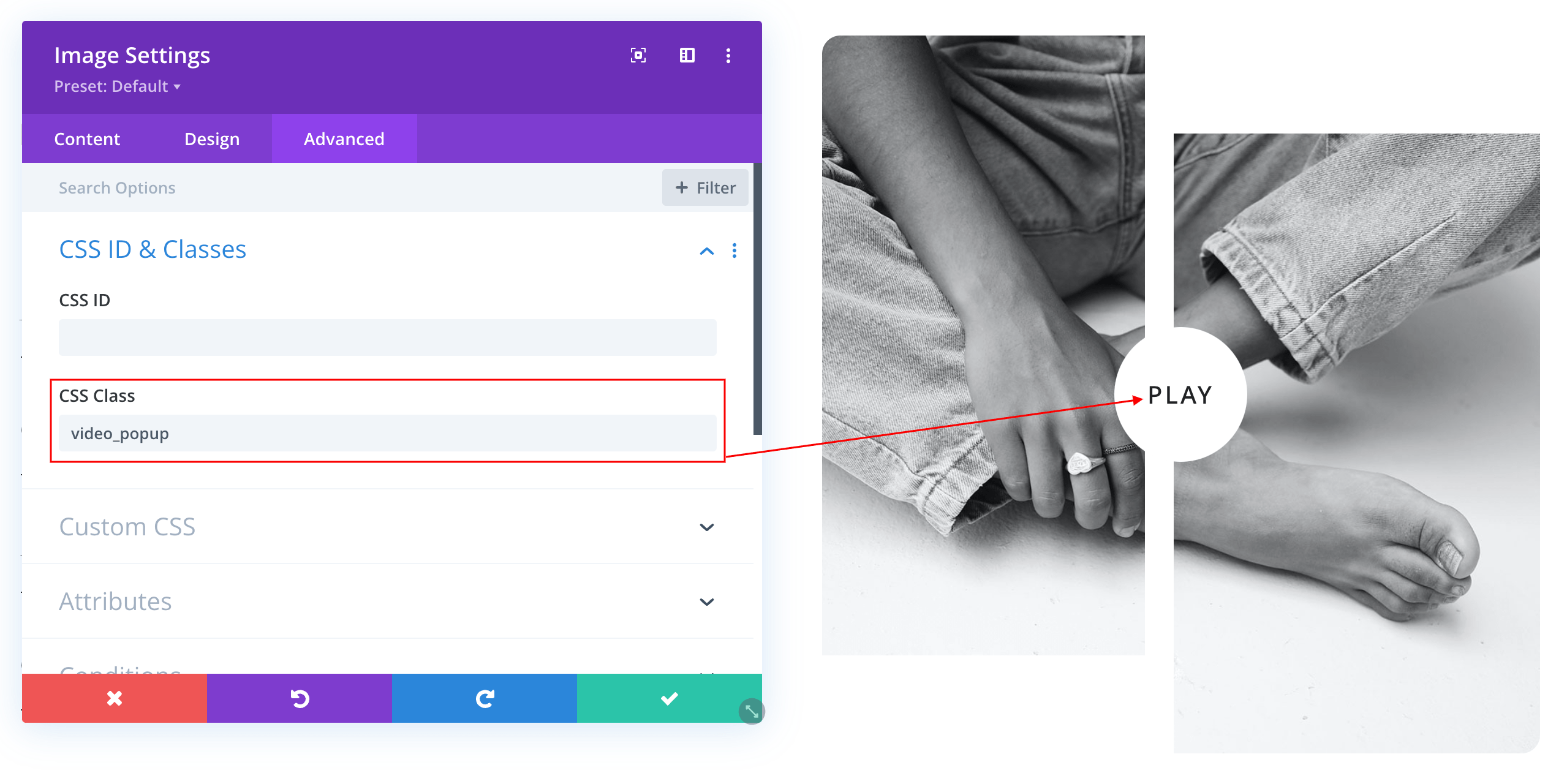
If you want add any other pop-up video to other image go any image module and paste this code:

  • Go to Advanced → CSS Class → Paste code: video_popup
Need Further Tutorials?

The Divi Blurb Module: https://bit.ly/2KOHKYs

Related Articles
  • Marie – How to Design a Product Template
  • Marie – How to Design a Blog Post Template
  • Marie – Saving And Loading Sections In Divi
  • Marie – Saving And Loading Layouts In Divi
  • Marie – How to add Filterable portfolio
  • Marie – How to configure Contact Form
4. Marie - Theme Settings
  • Marie – How to Add a Popup Video to any Image
  • Marie – How to change global colors
  • Marie – How to Import and edit Footer
  • Marie – How to configure Header
  • Marie – How to configure Contact Form
  • Marie – How to add Filterable portfolio
  • Marie – Saving And Loading Layouts In Divi
  • Marie – Saving And Loading Sections In Divi
View All 9  

  Marie – How to add Filterable portfolio

  • Privacy Policy
  • Terms of Use
  • Copyright 2023. All Rights Reserved.