• HOME
  • DIVI BEGINNERS
  • TUTORIALS
  • TROUBLESHOOTING
  • SUBMIT A TICKET
  • HOME
  • DIVI BEGINNERS
  • TUTORIALS
  • TROUBLESHOOTING
  • SUBMIT A TICKET
home/Knowledge Base/4. Ellen - Theme Settings/Ellen – How to Import and edit Footer

Ellen – How to Import and edit Footer

  1. Log in to your WP Admin panel.
  2. Navigate to Divi > Theme Builder > Edit Footer > Save changes.
  3. Import “Ellen-Theme-Builder.json” from “Demo archives” folder if you have not imported it yet.
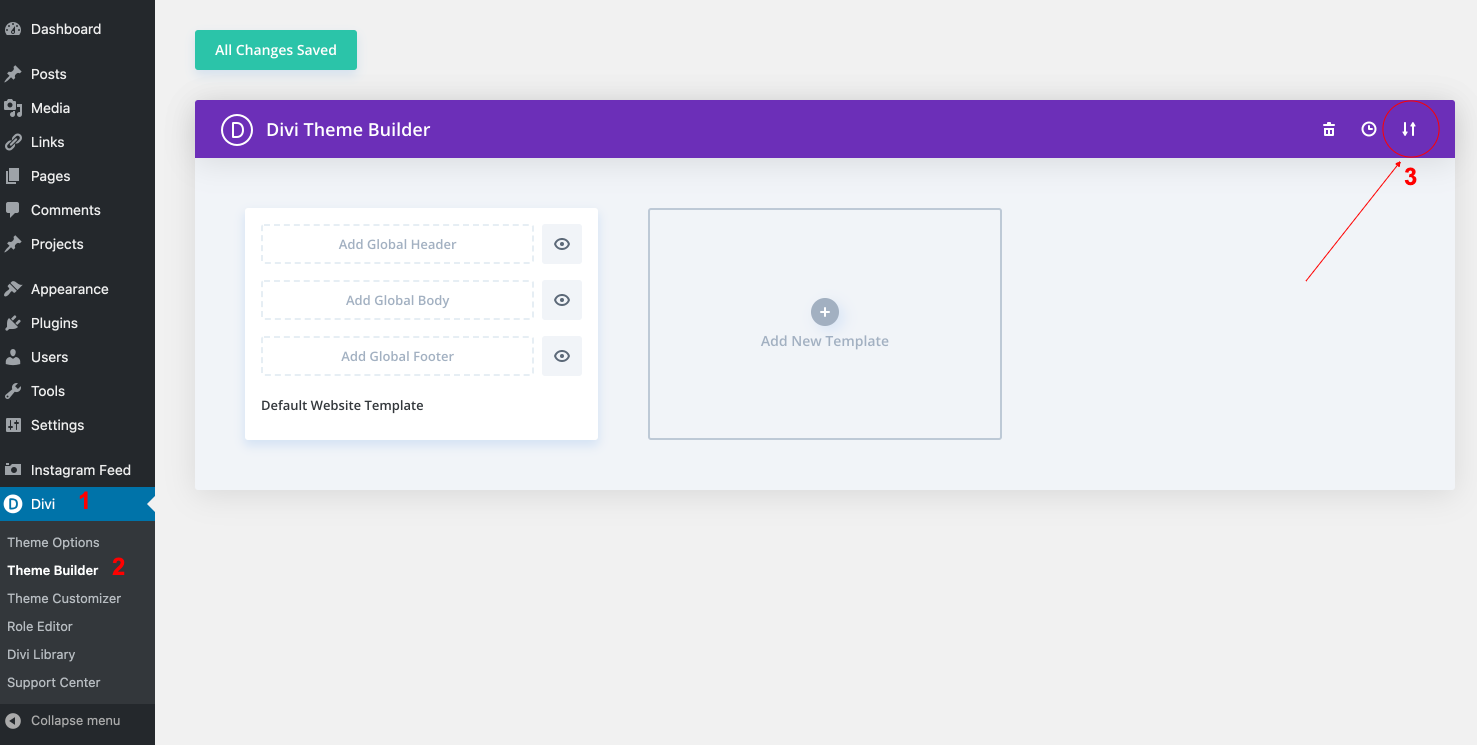
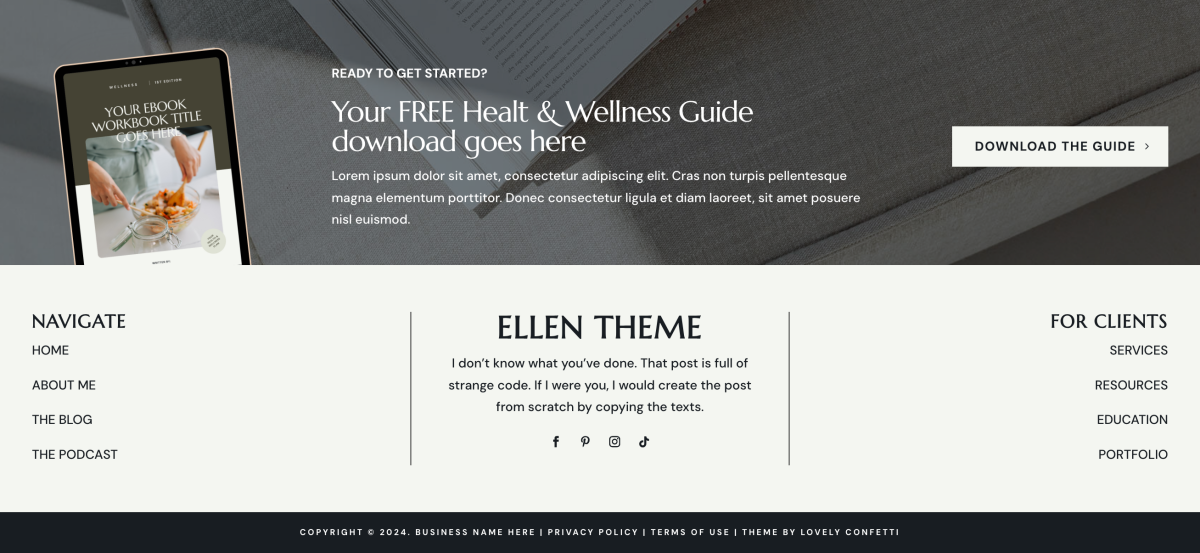
4. Edit your Footer > Save changes.


How to integrate Mailchimp for action: https://www.support.helplovelyconfetti.com/work/how-to-integrate-mailchimp-with-divi-builder/

Related Articles
  • Ellen – How to Create an anchor text link in Resources
  • Ellen – How to make an interactive quiz for your Business
  • Ellen – How to Design a Product Page Template
  • Ellen – How to Design a Blog Post Template
  • Ellen – Saving And Loading Sections In Divi
  • Ellen – Saving And Loading Layouts In Divi
4. Ellen - Theme Settings
  • Ellen – How to Import and edit Footer
  • Ellen – How to change global colors
  • Ellen – How to Import and edit Header
  • Ellen – How to configure Contact Form
  • Ellen – How to add Filterable portfolio
  • Ellen – Saving And Loading Layouts In Divi
  • Ellen – Saving And Loading Sections In Divi
  • Ellen – How to Design a Blog Post Template
View All 10  

  Ellen – How to Import and edit Header

Ellen – How to Design a Product Page Template  

  • Privacy Policy
  • Terms of Use
  • Copyright 2023. All Rights Reserved.