HOME
DIVI BEGINNERS
TUTORIALS
TROUBLESHOOTING
SUBMIT A TICKET
HOME
DIVI BEGINNERS
TUTORIALS
TROUBLESHOOTING
SUBMIT A TICKET
home
/
Knowledge Base
/
1. LChloe - Use Divi Builder
/
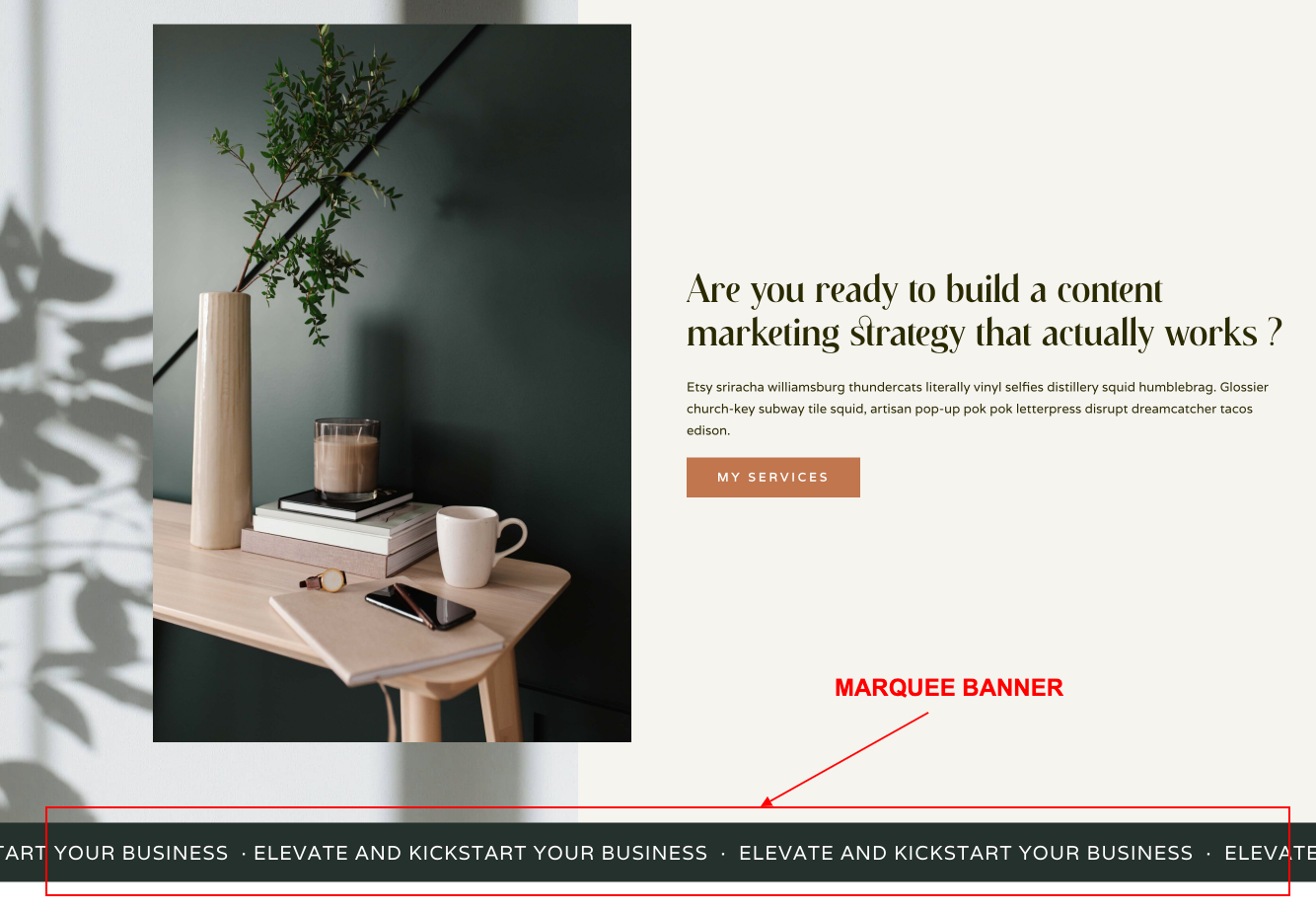
Chloe – How To Add A Marquee Banner
Chloe – How To Add A Marquee Banner
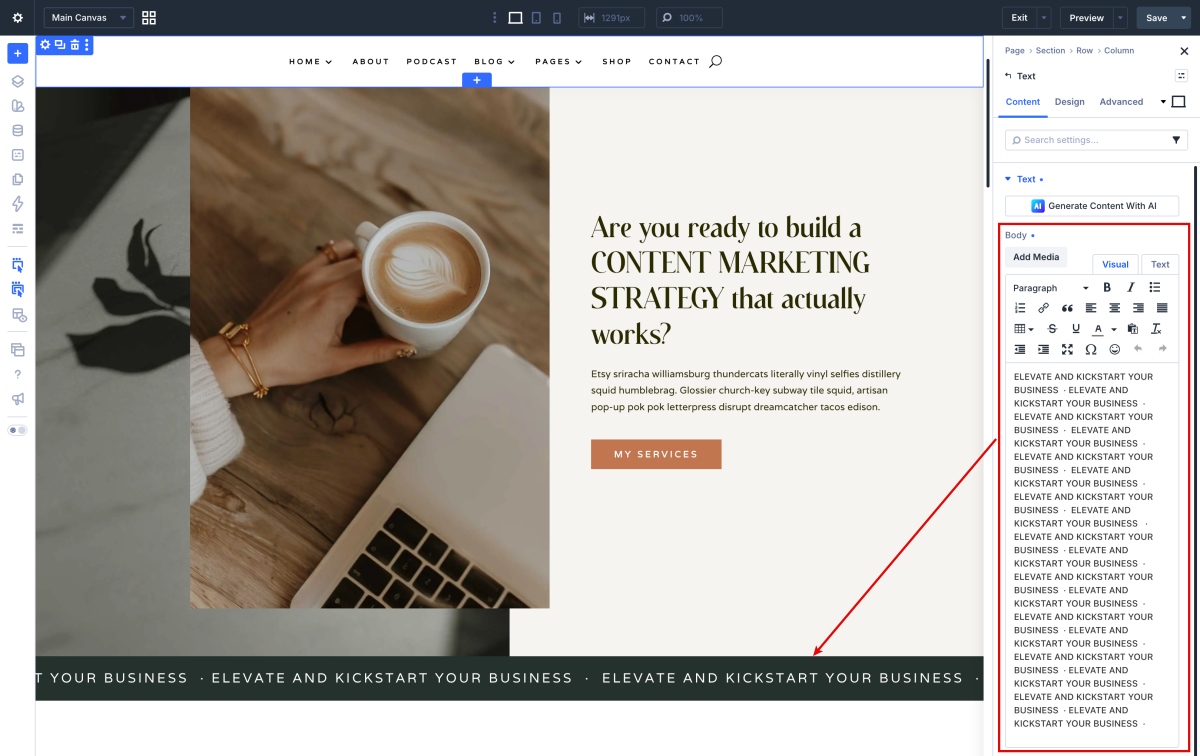
Click on Enable Visual Builder in the top bar.
Go to
Text Module> Text tab > Add your banner text.
Add your Page Link.
https://www.support.helplovelyconfetti.com/wp-content/uploads/2022/07/Chloe-Marquee-1.webm
Related Articles
Chloe – How to edit Testimonials
Chloe – How to edit Services
Chloe – How to edit Hero
Chloe – How to edit texts
Chloe – How to edit images and backgrounds
Chloe – Choose your Home
Chloe – How to edit Hero
Chloe – Choose your Home