How to edit About in Home 1

- Click on Enable Visual Builder in the top bar.
- To replace an image, start by hovering your mouse over it. A grey panel should appear with some icons inside it. Click on the cog icon. This will open a new panel with settings related to this specific element.
- For best results, use images with equal size.
How to edit About in Home 2 & 3
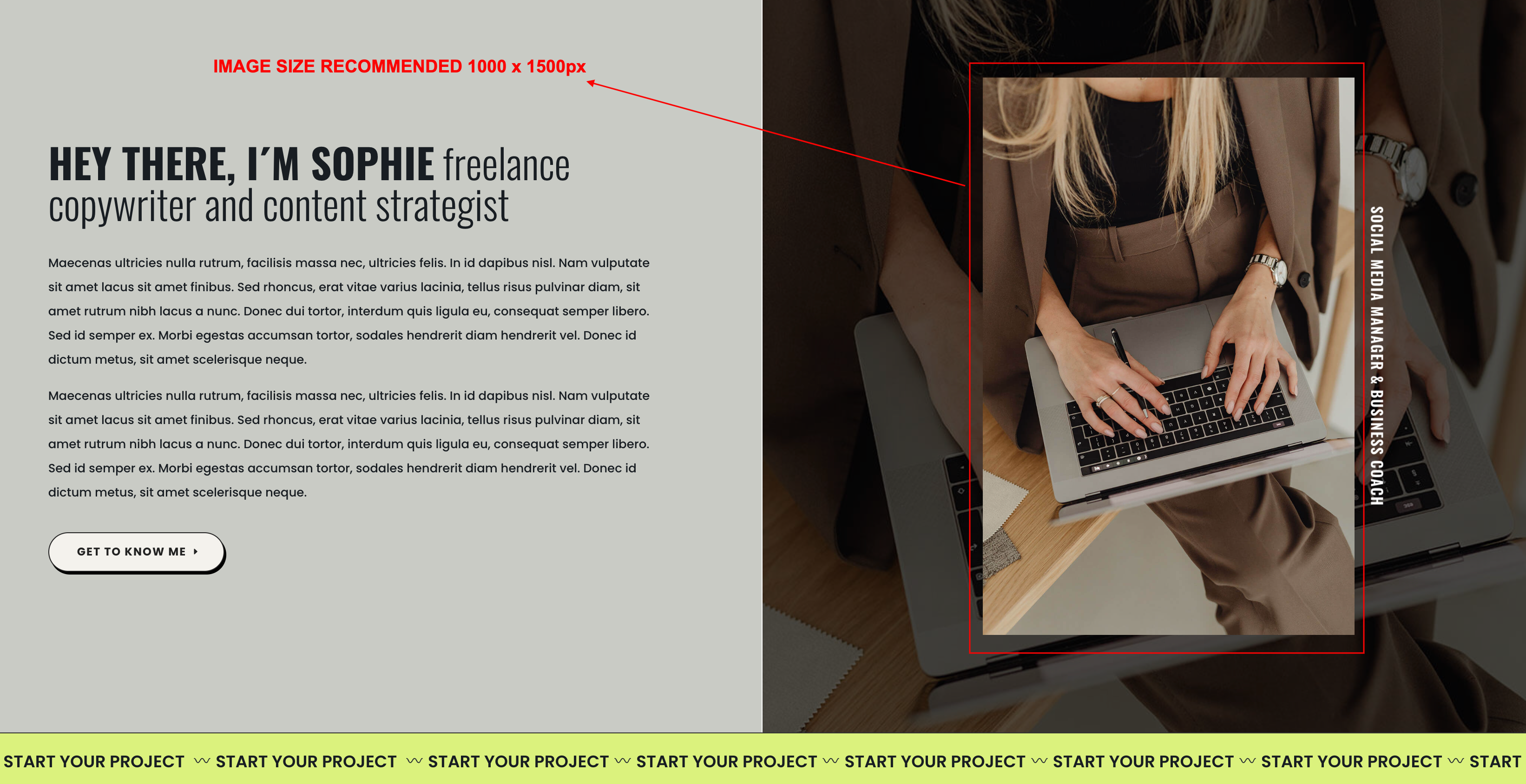
- Click on Enable Visual Builder in the top bar.
- To replace an image, start by hovering your mouse over it. A grey panel should appear with some icons inside it. Click on the cog icon. This will open a new panel with settings related to this specific element.
- For best results, use images with equal size.
Need Further Tutorials?
The Divi Button Module: https://bit.ly/2UN7GZc