COLOR GUIDE:
Accent color: #a17b62
Dark color: #333333
Medium color: #e1dfd9
Light color: #f3f0ed
Headings & Body: #333333
How to change global colors
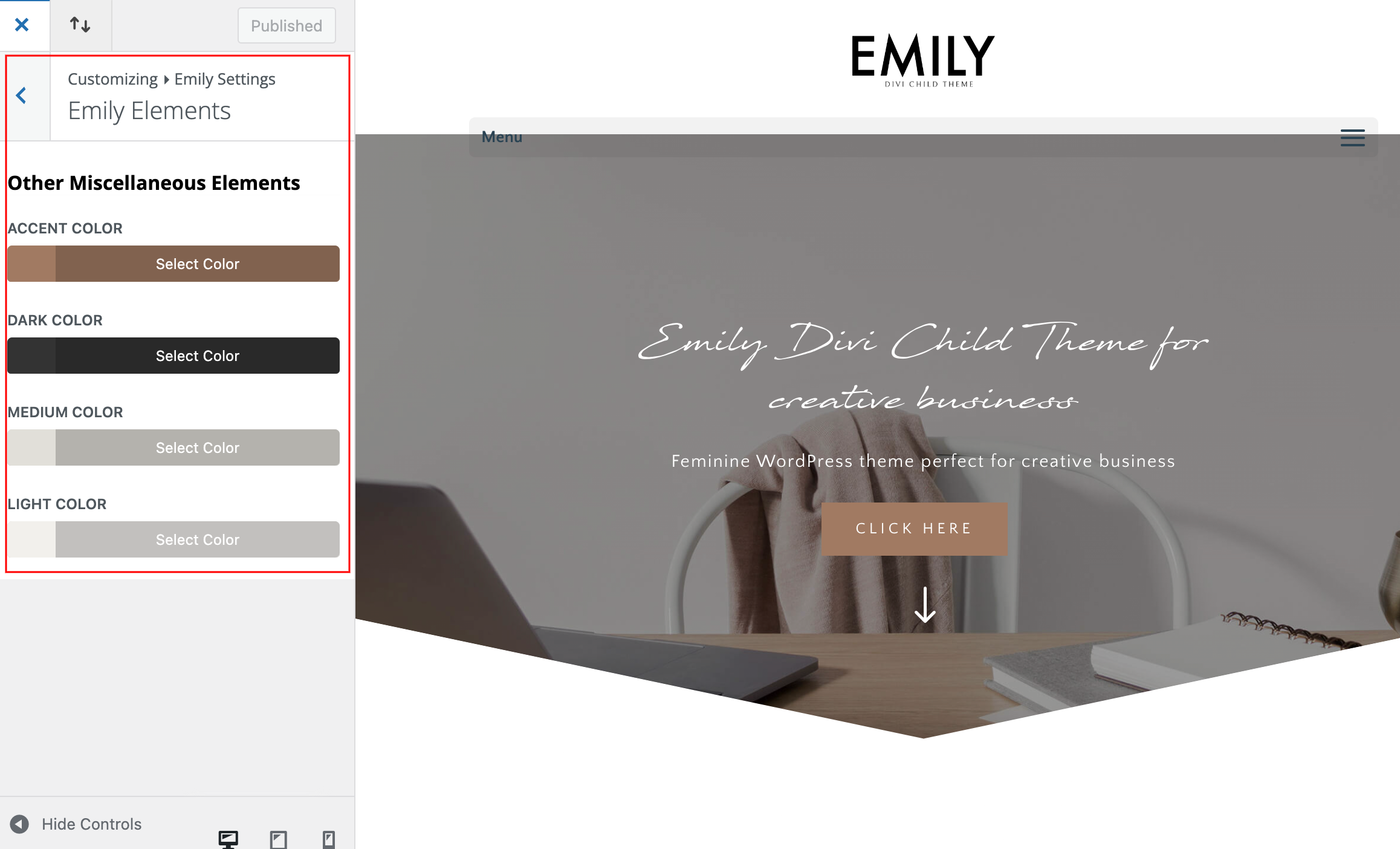
Navigate to Appearance > Customize > Emily Settings > Emily Elements
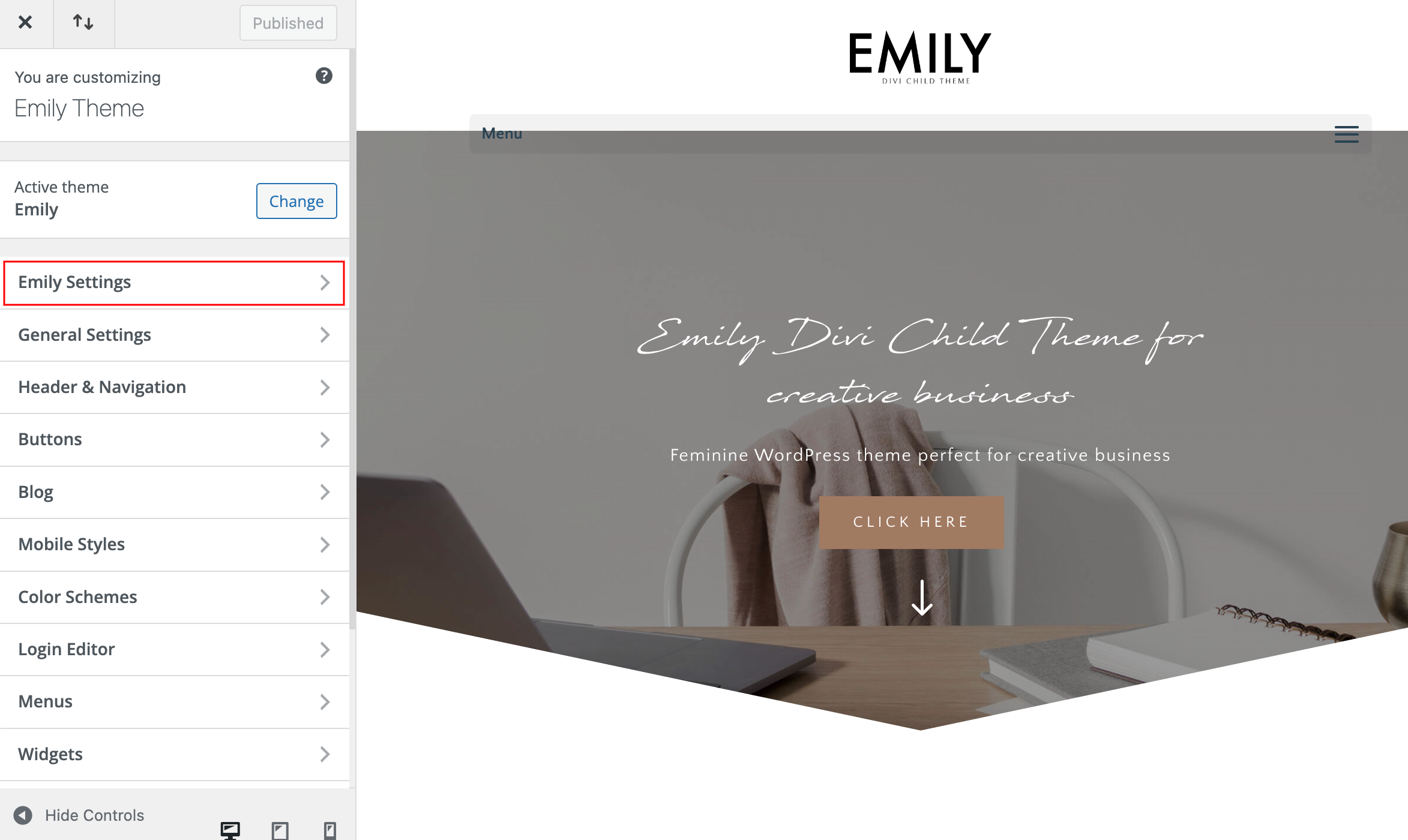
Your Theme Elements – You can set light, medium and dark color for various miscellaneous elements.
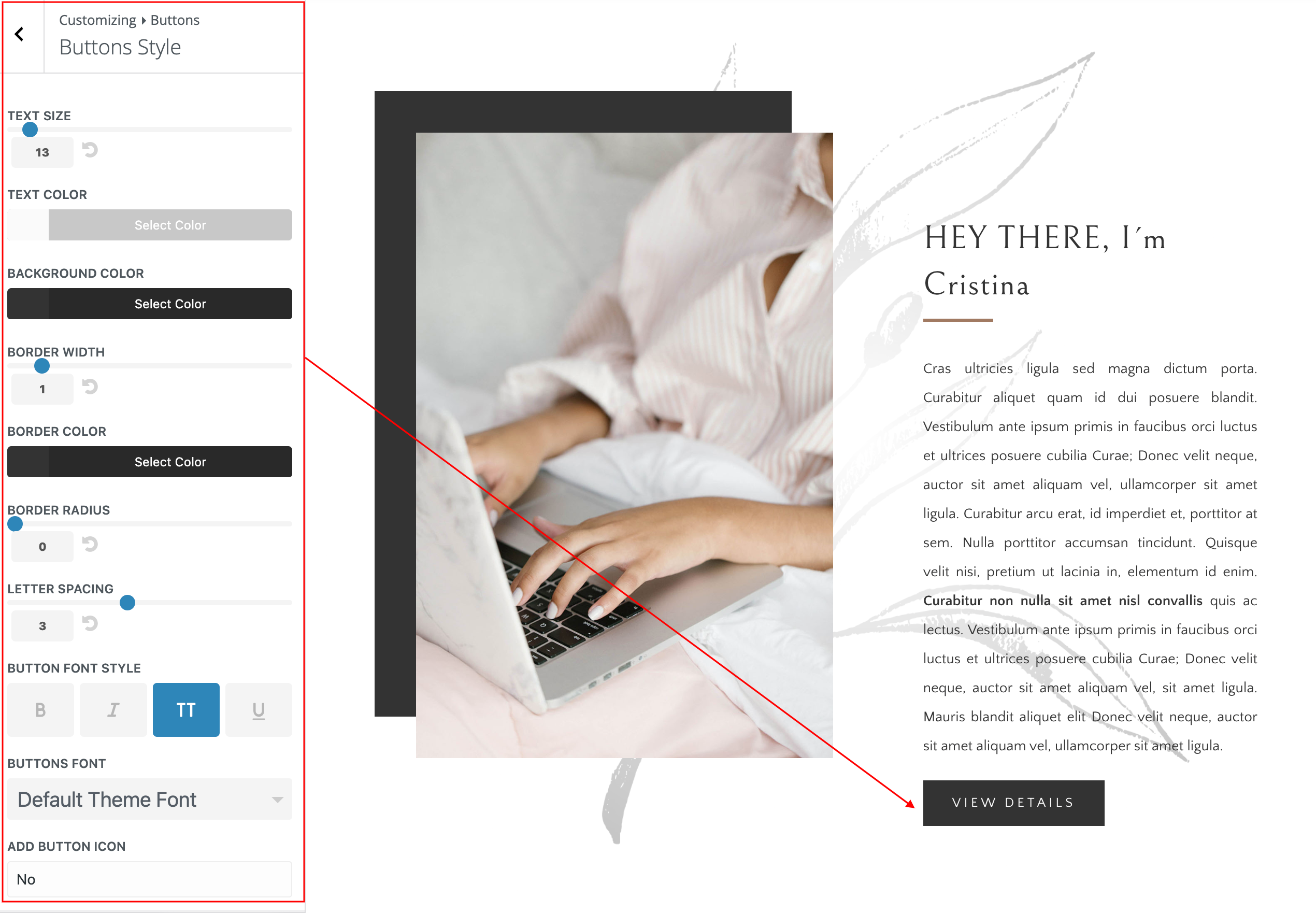
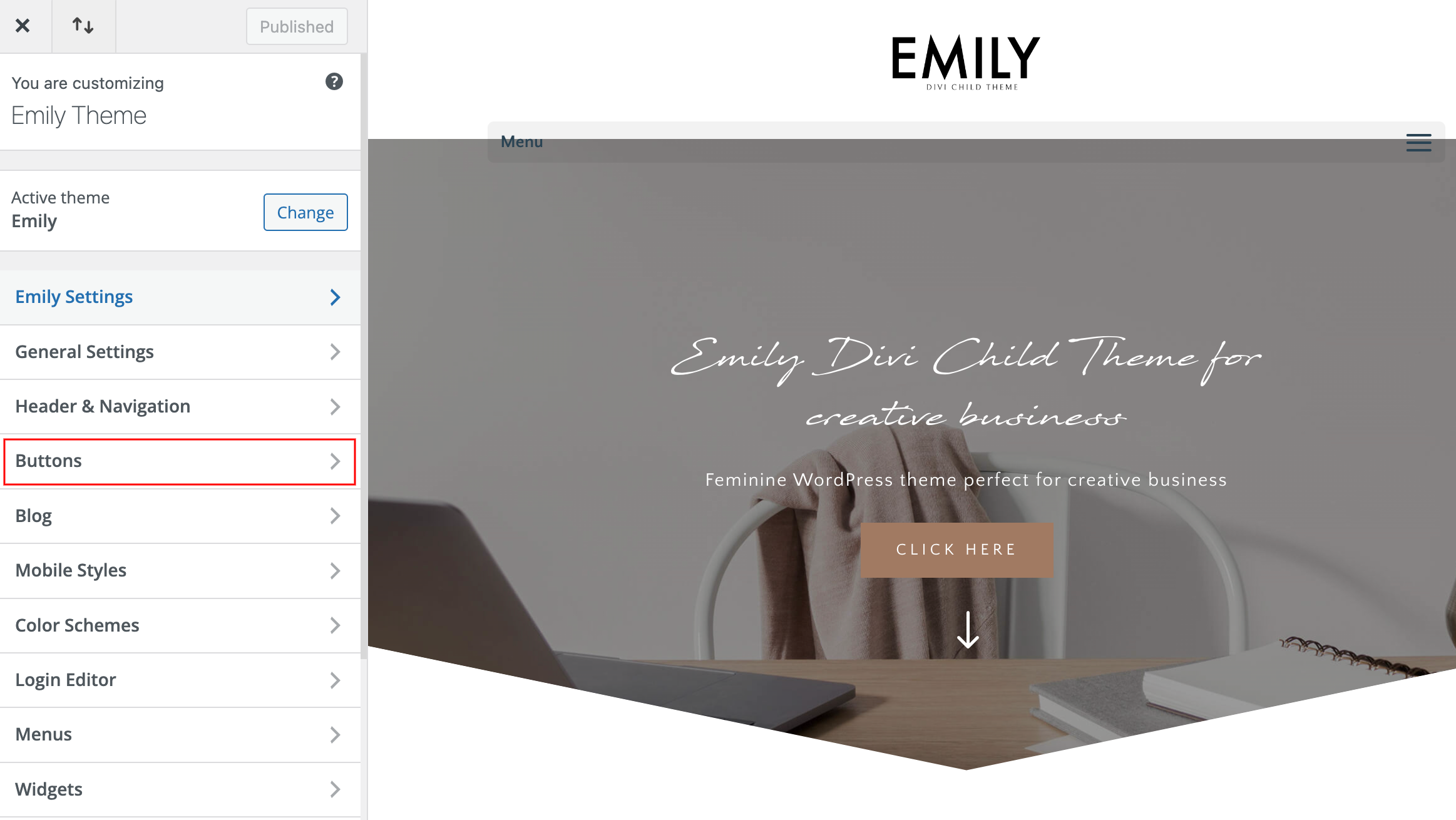
How to change global buttons
Navigate to Appearance > Customize > Buttons > Buttons Styles and Button Hover Styles.
Edit Buttons Styles and Button Hover Styles.