How to edit Hero in Home 1

See this tutorial >How to edit carousel slider
How to edit Hero in Home 2
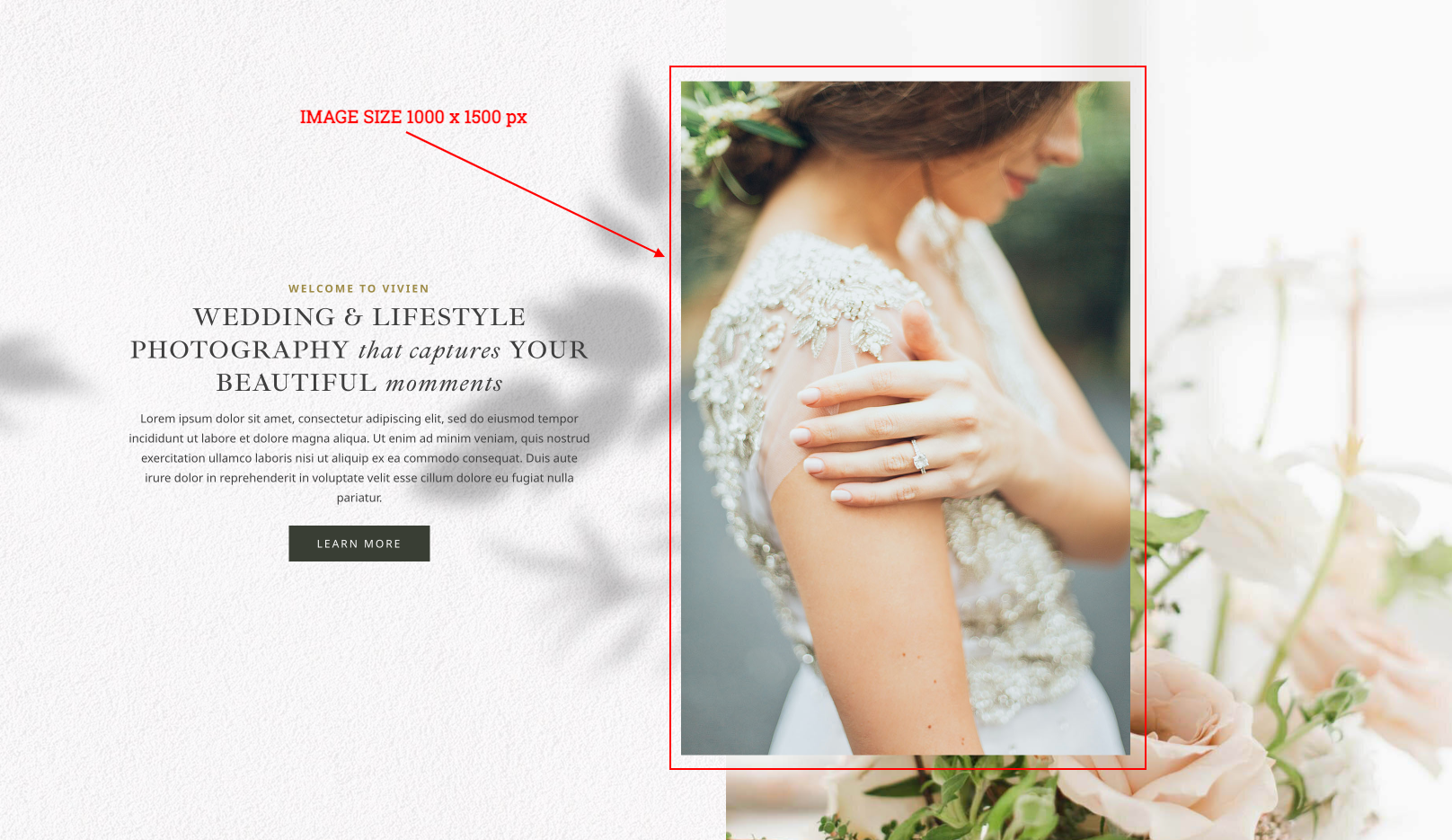
- Click on Enable Visual Builder in the top bar.
- To replace an image, start by hovering your mouse over it. A grey panel should appear with some icons inside it. Click on the cog icon. This will open a new panel with settings related to this specific element.
How to edit Hero in Home 3

- Click on Enable Visual Builder in the top bar.
- To replace an image, start by hovering your mouse over it. A grey panel should appear with some icons inside it. Click on the cog icon. This will open a new panel with settings related to this specific element.
How to edit Hero in Home 4
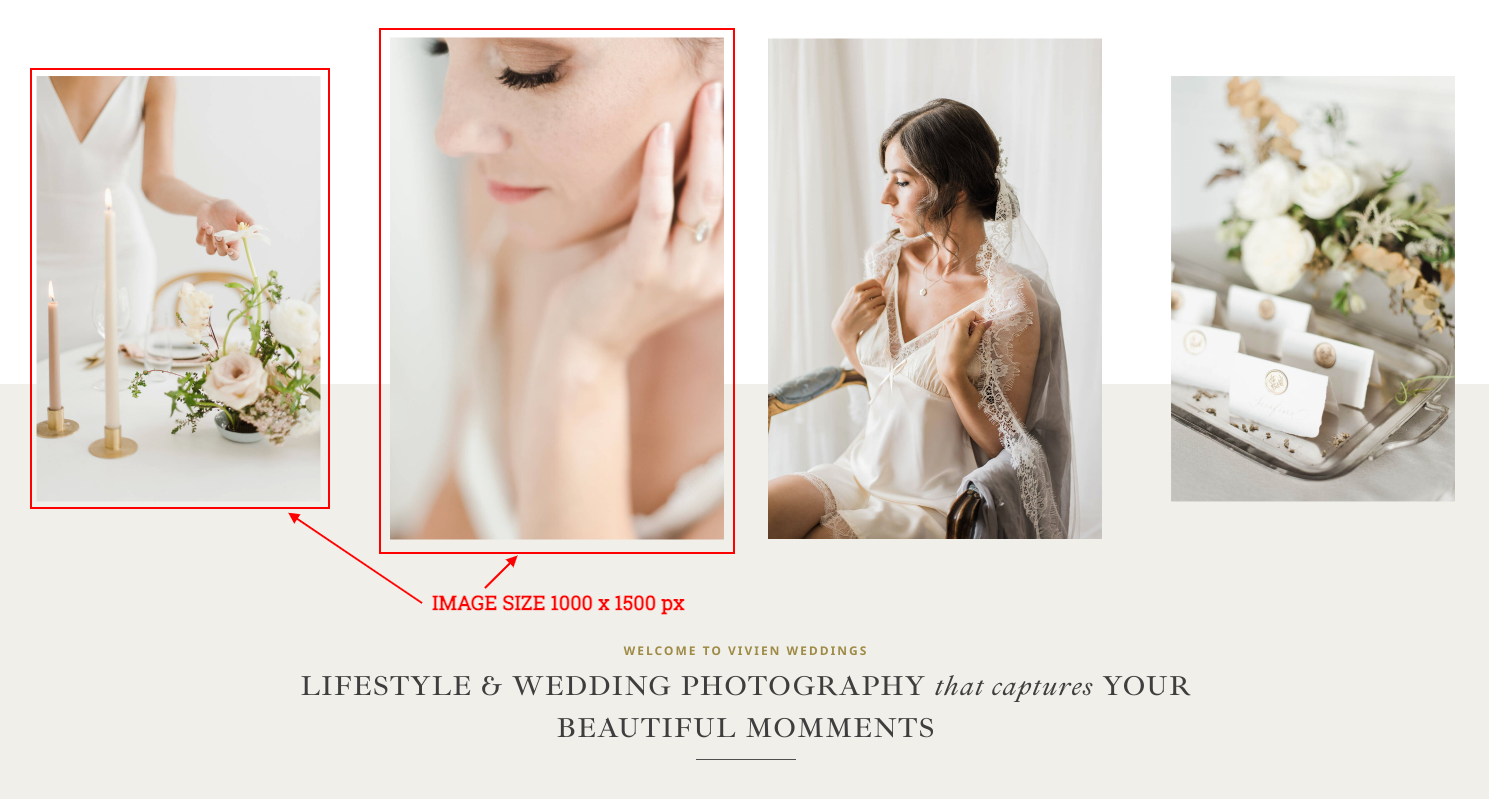
- Click on Enable Visual Builder in the top bar.
- To replace an image, start by hovering your mouse over it. A grey panel should appear with some icons inside it. Click on the cog icon. This will open a new panel with settings related to this specific element.
Need Further Tutorials?
How to add a video background to Divi: https://bit.ly/3wUuwSO
How to Setup Menus: https://bit.ly/2RLC33Y
Divi Builder overiew: https://www.elegantthemes.com/documentation/divi/visual-builder/