Divi has the option to upload your own font without code code required!
This is how to do it:
Step 1:
In any module with text on your site, click into the module settings.
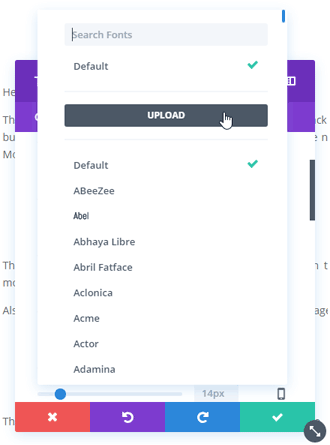
Click on the “Design” tab, then click on the font selector.
Then in the font options, click “UPLOAD”.
Step 2:
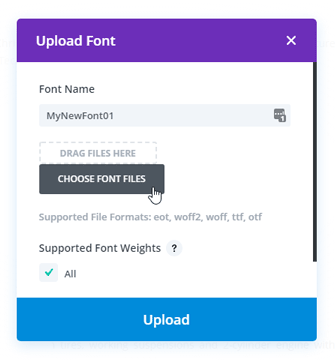
Write in the font name, then upload your font’s ttf or otf file.
NOTE: Note: If you are getting an error saying that this file type is not permitted for security reasons. Follow this tutorial