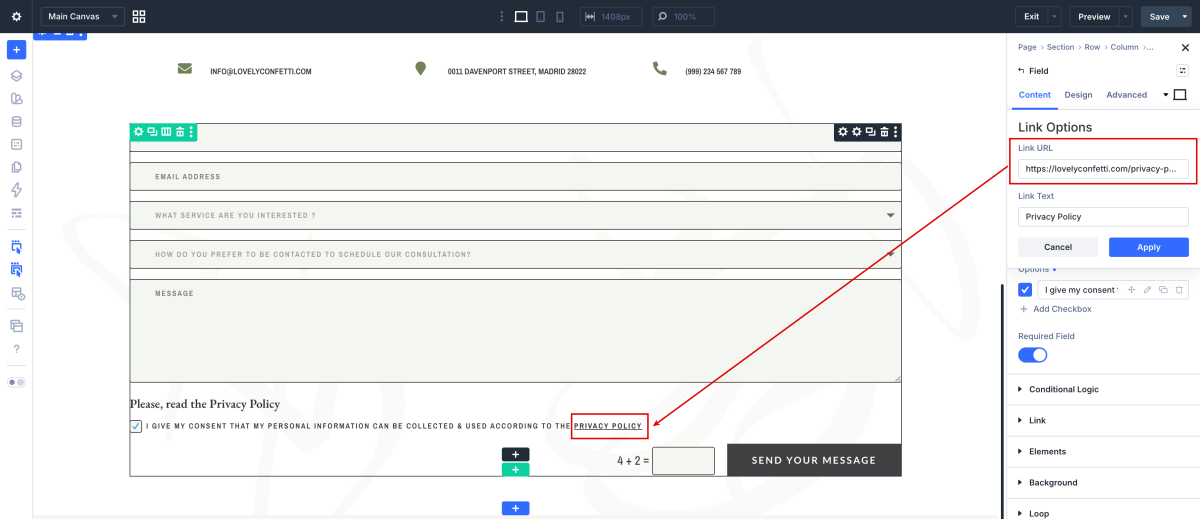
In this post I´m going to explain how to add Privacy Policy to Divi Contact Form.
The General Data Protection Regulation (GDPR) is an European Union and United States law (EU) that requires companies and site owners to disclose the information they collect about their visitors and how this information is used (check out WordPress GDPR compliance guide for 2021.)
All websites collect information about their visitors in different ways ( Comments, Contact forms, Google Analytics, Optin Forms, Google Adsense, ..)
So It´s it is necessary to make clear in Privacy Policy what information you are collecting, why, and how your readers can update, manage, export, and delete their information.
Step 1: Create your Privacy Policy
If you don´t know exactly how to create your Privacy Policy, you can use this awesome generator.

Go to Pages > Create your page > Open More Tools & Options > Select Code editor > Paste code generated below > Publish your page.
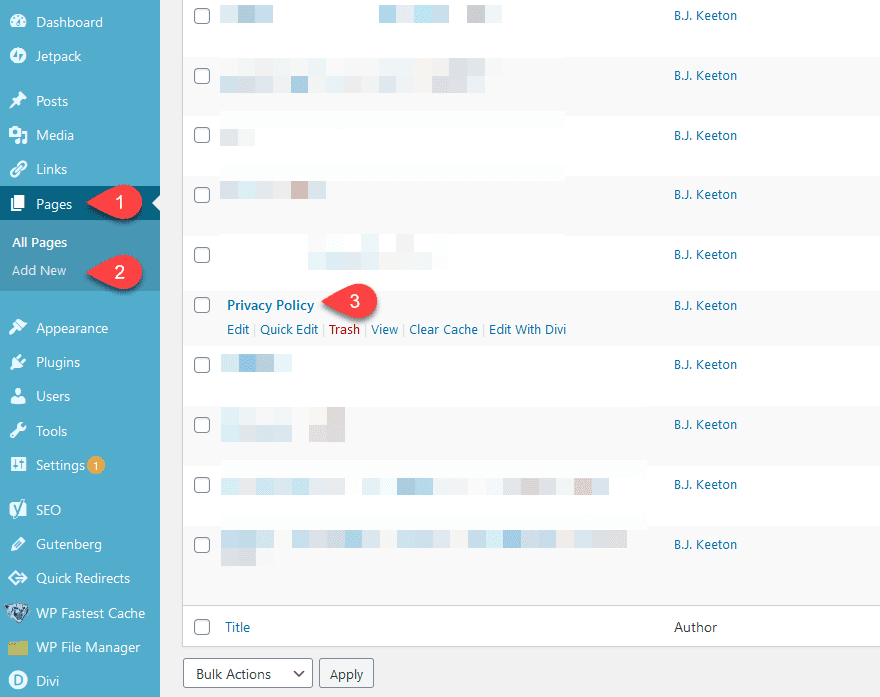
Then it’s a simple matter of pasting in either the WordPress privacy policy text or the embed code.
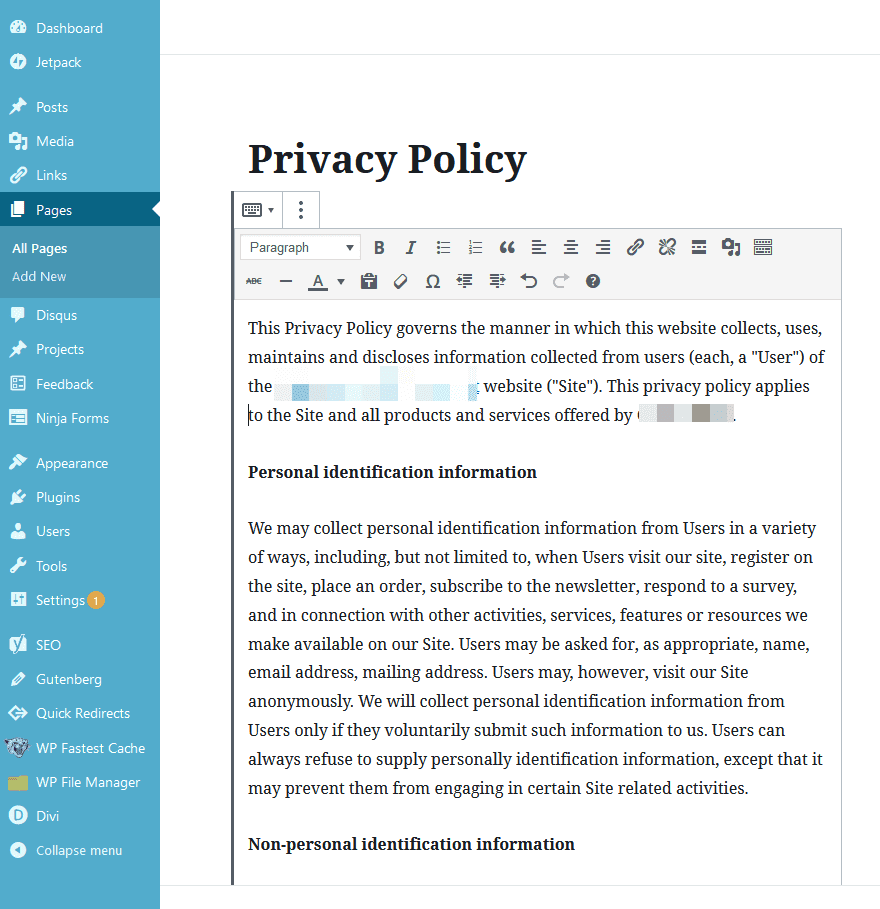
Now you have your Privacy Policy created !
Navigate to to Settings > Privacy > Select your Privacy Policy you´ve already created.

Step 2 : Adding Link to Privacy Policy to your Contact Form
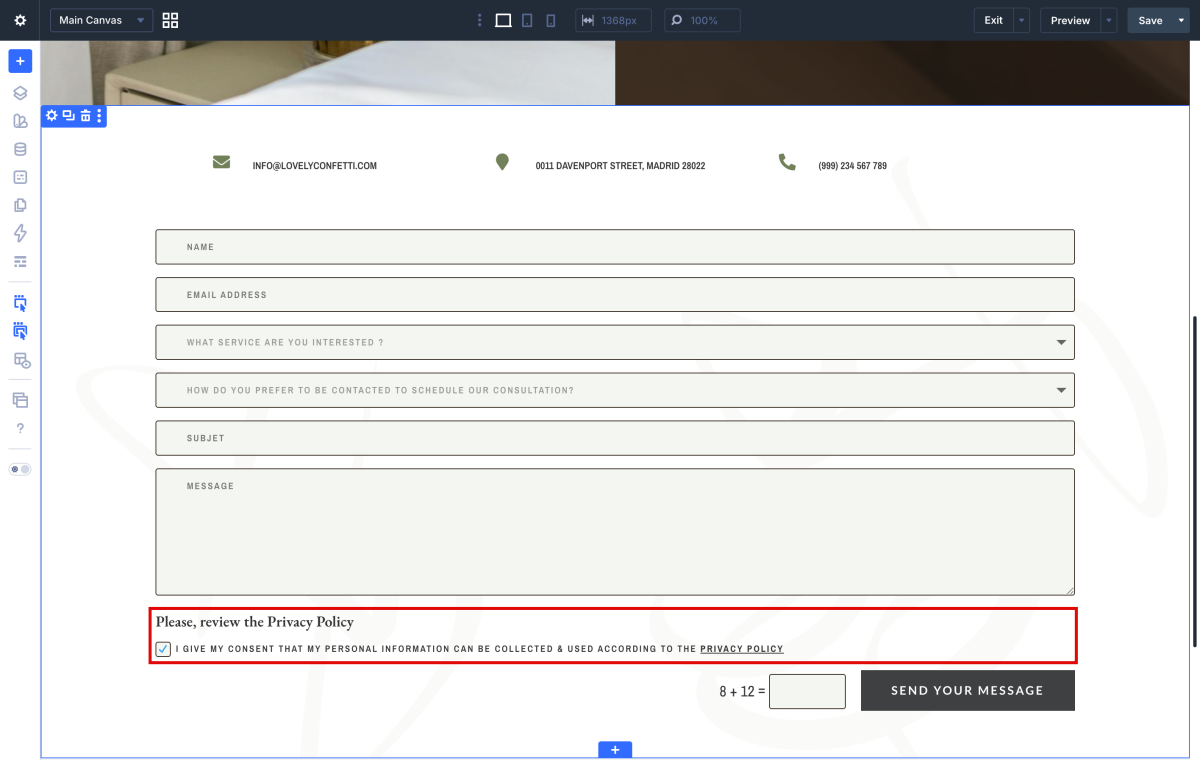
Now, open the Contact Form Module (By default, it comes with First Name, Last Name, Email and Message ) and add new field to it.
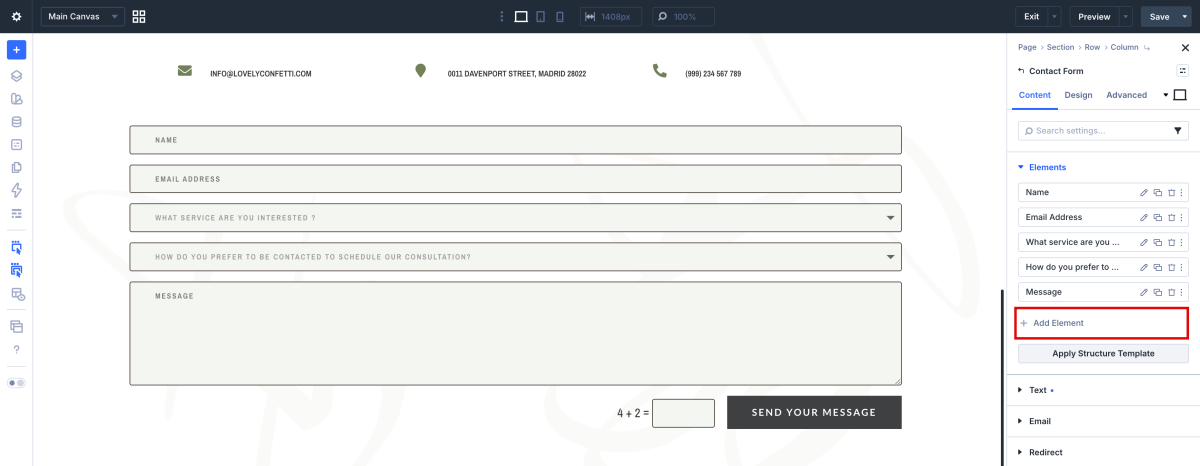
Add Field ID and Title. This text will appear above checkbox field.
Choose “Checkboxes” as the type of this field.
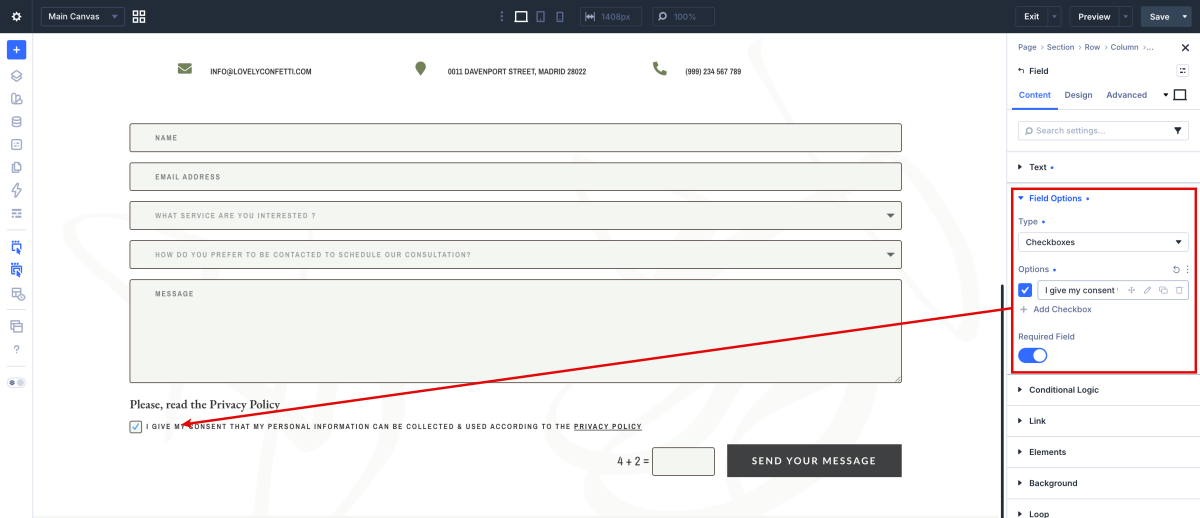
Type the checkbox and open the hyperlink icon.
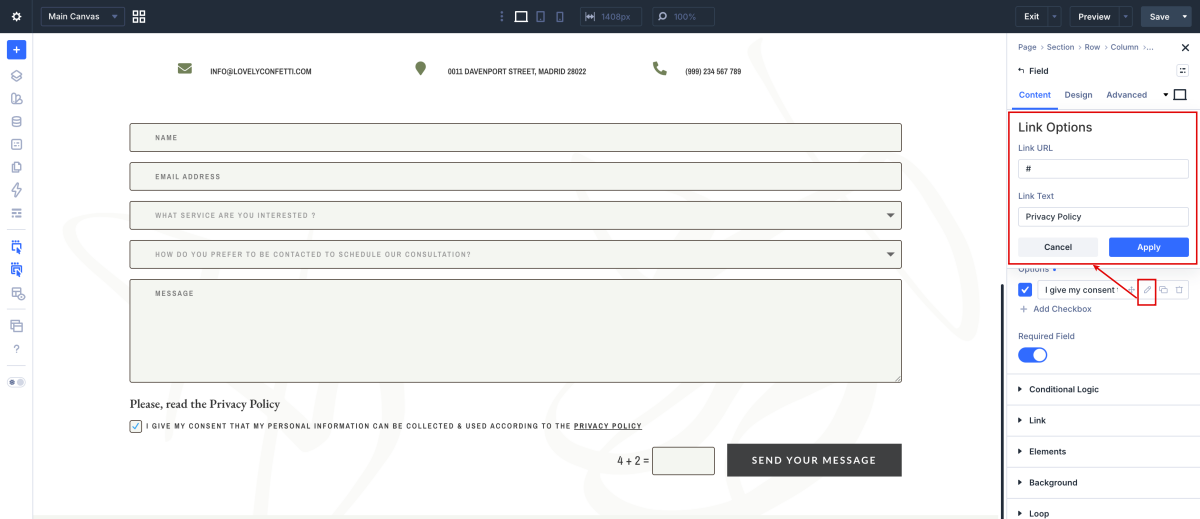
Paste the Privacy Policy link and Link Text.