COLOR GUIDE:
Accent color: #a29683
Dark color: #313b41
Medium color: #d1d7d9
Light color: #f6f6f4
Headings & Body: #222
How to change global colors
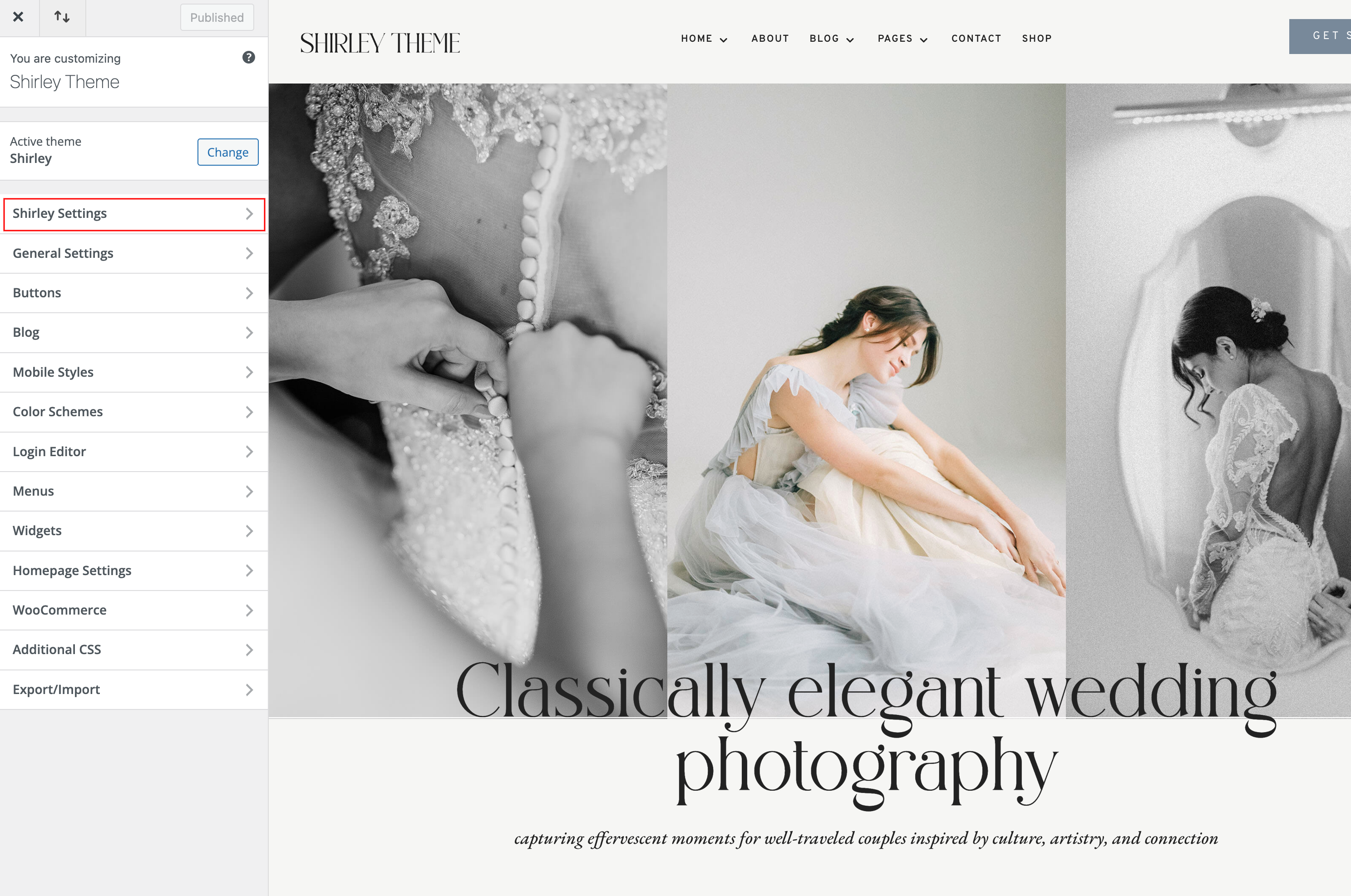
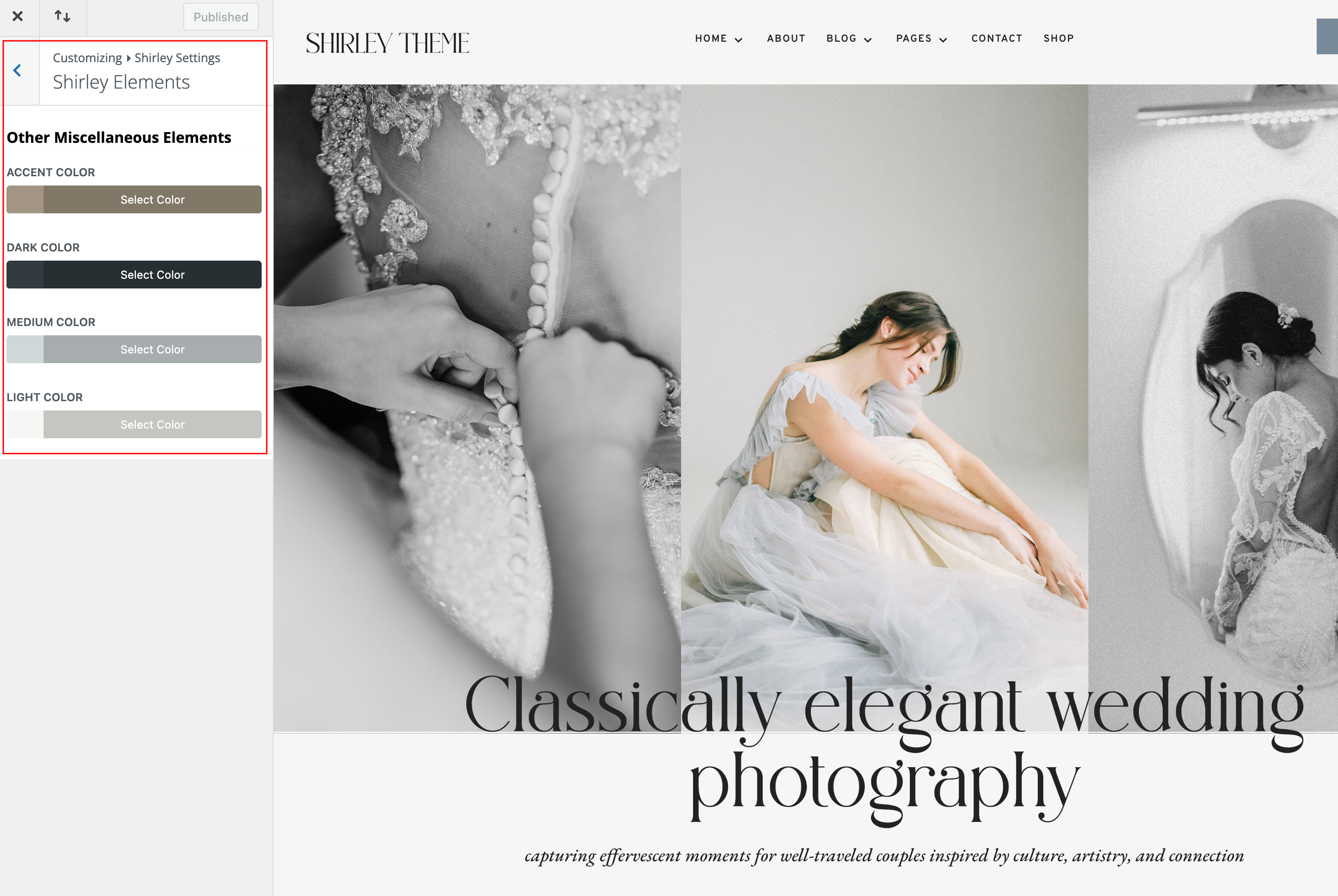
Navigate to Appearance > Customize > Shirley Settings > Shirley Elements
Your Theme Elements – You can set light, medium and dark color for various miscellaneous elements.
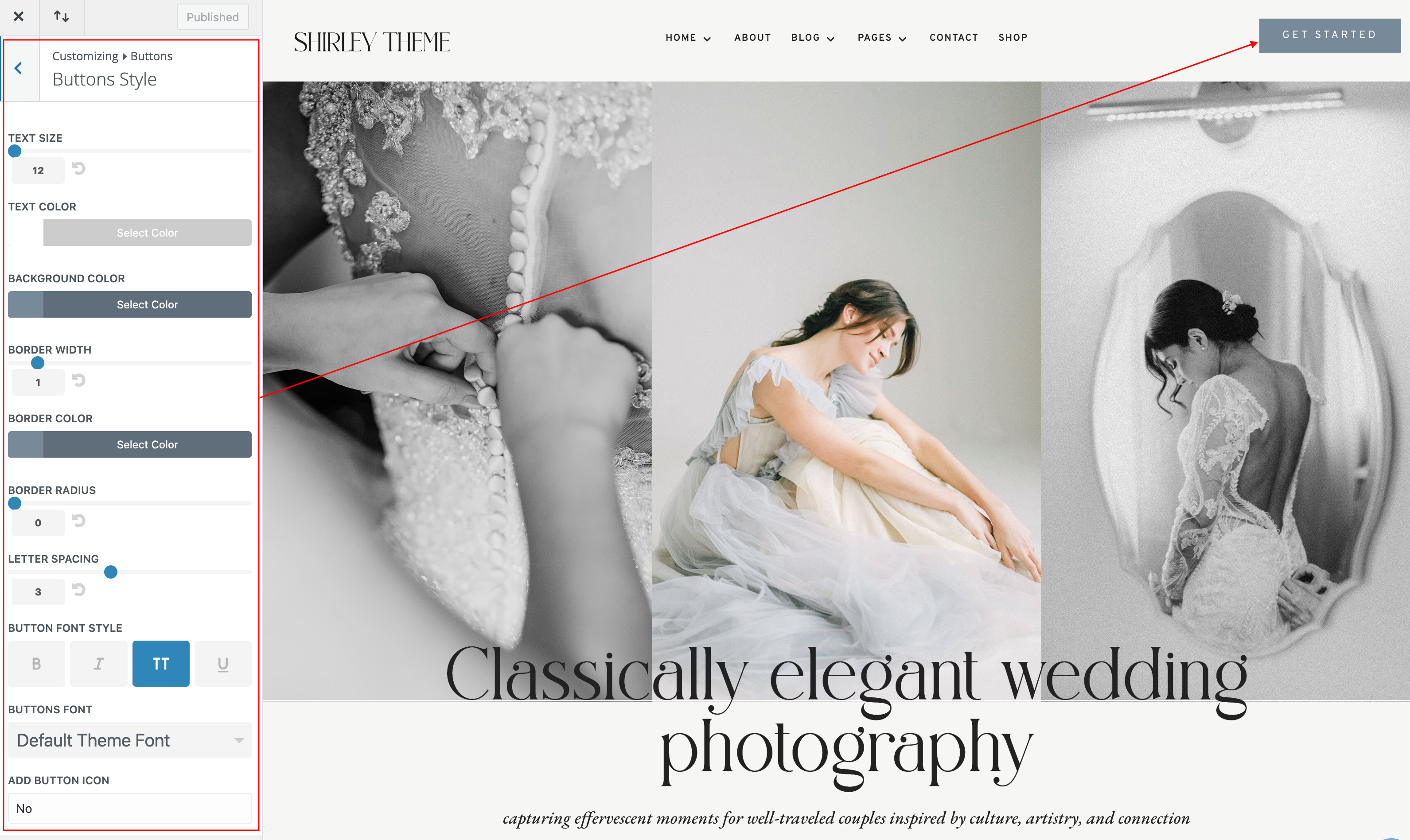
How to change global buttons
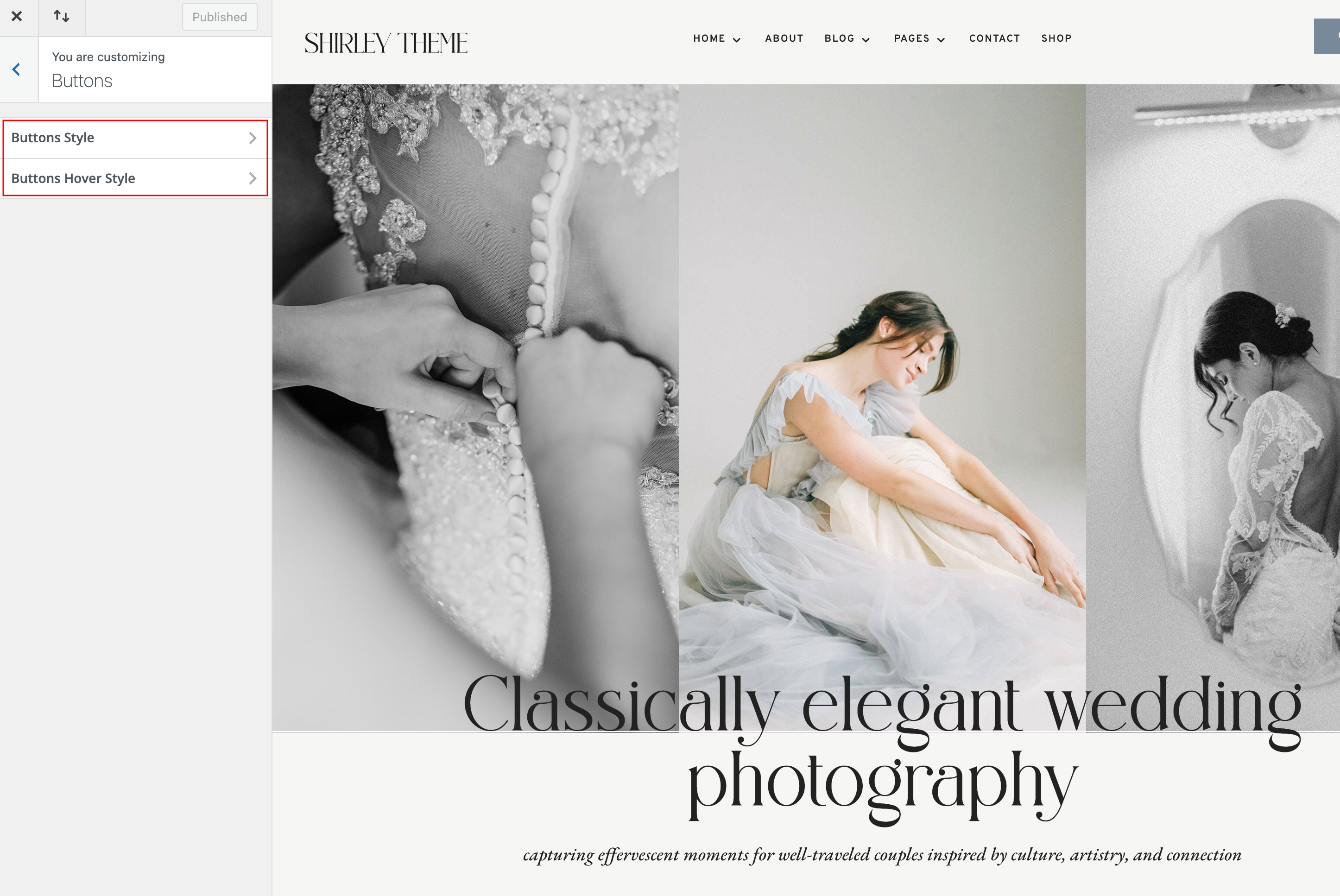
Navigate to Appearance > Customize > Buttons > Buttons Styles and Button Hover Styles.
You can change the color of your button text & background, adjust the button font size and style, and even create rounded buttons using the border-radius slider. In addition, you can change the default font and icon used within the buttons.