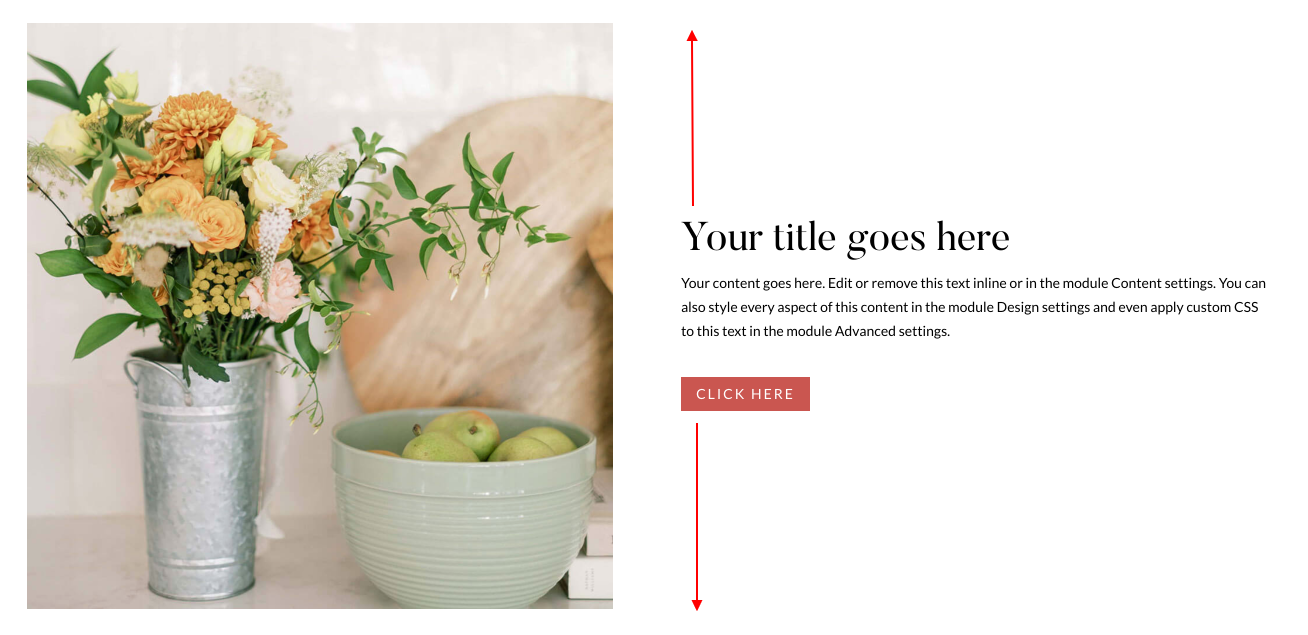
In this tutorial, I’ll show you how to How to Vertically Center Content in Divi.
In this example I´ve created 2 columns with an image and text with button.
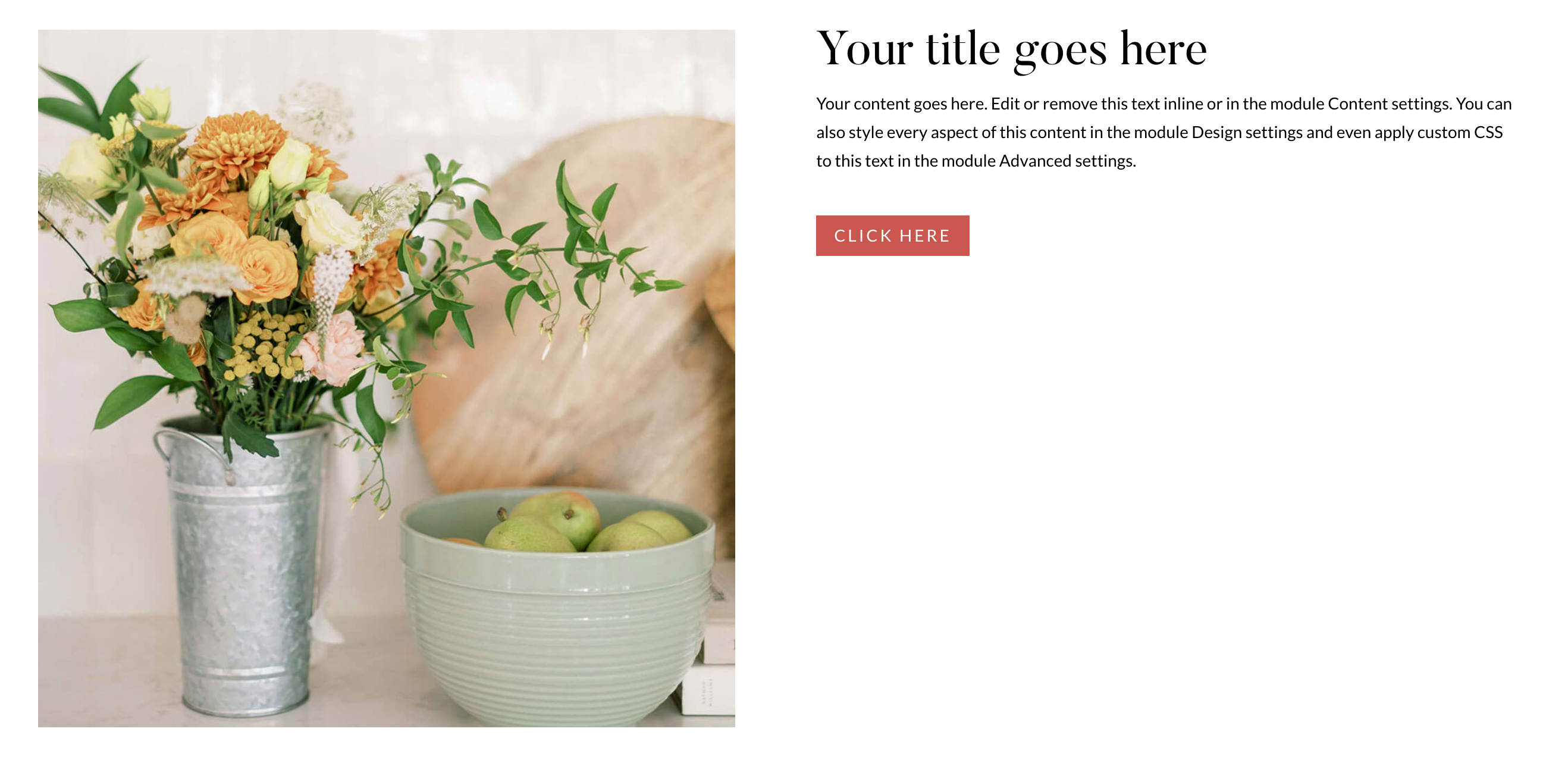
By default the result is this:
To create a Vertically Center Content in Divi follow these simple steps:
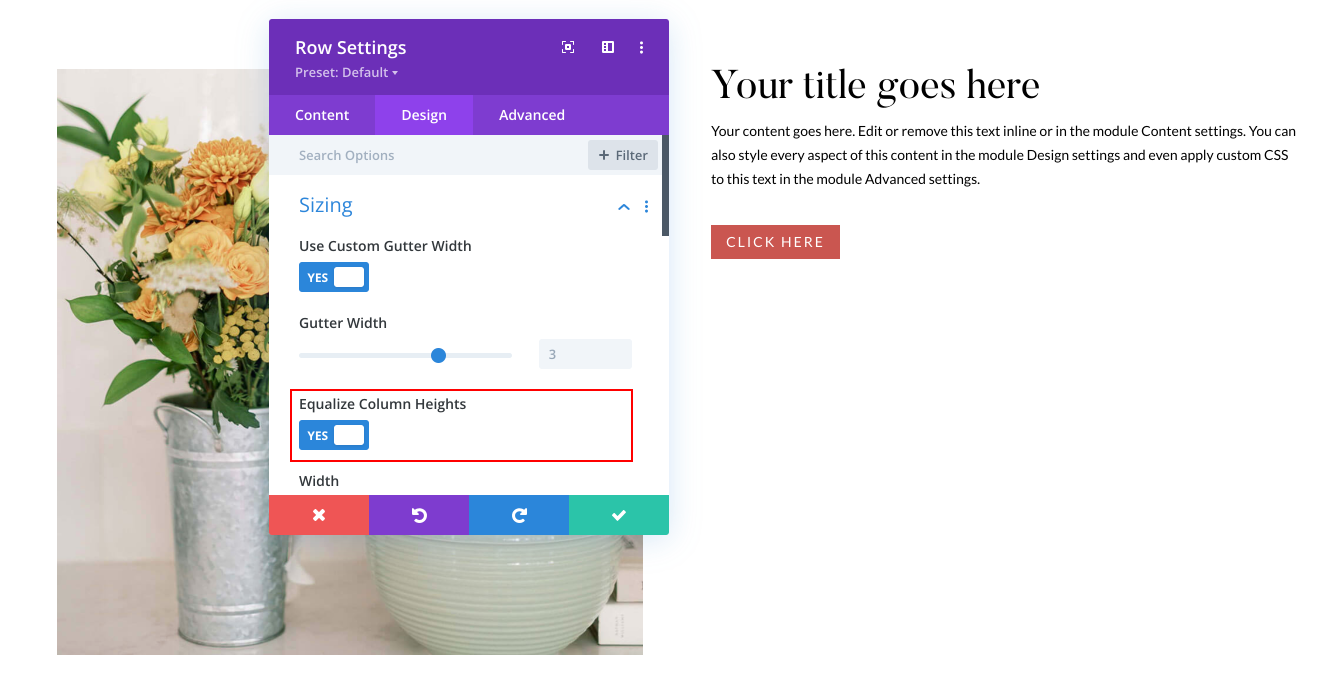
Step 1: Equalize Column Heights
Go to columns you´ve created > Design > Select Equalize Column Heights option as shown below!
Step 2: Add CSS Code
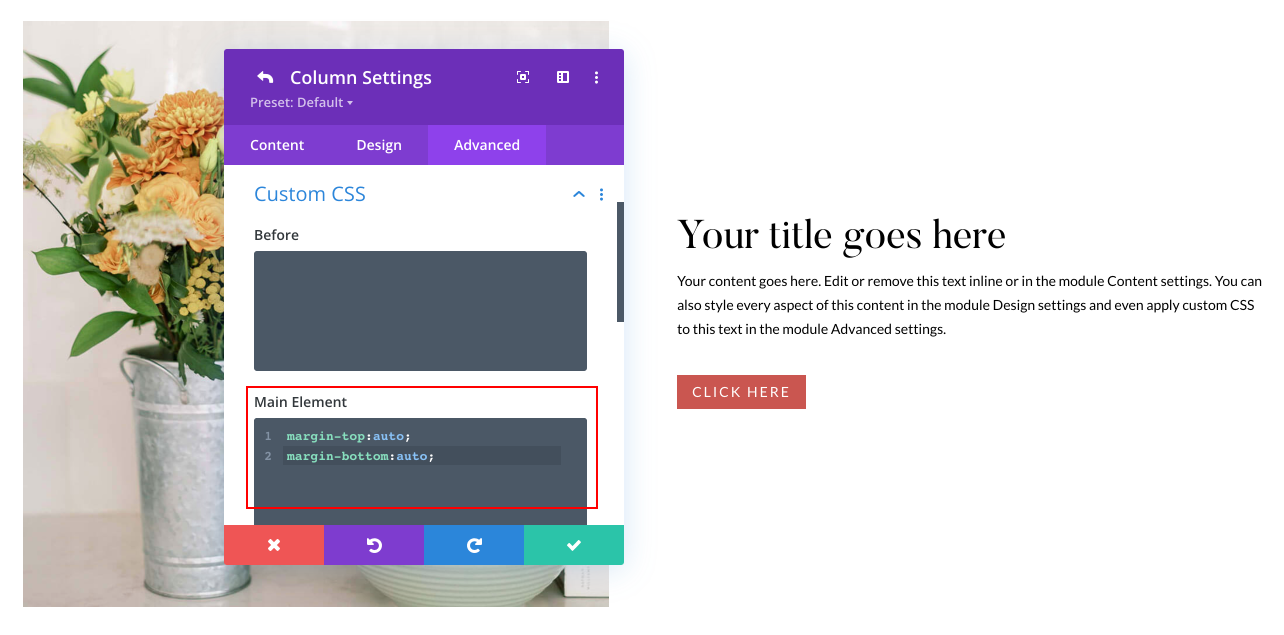
Go to Content Column (Second Column) you want to center content and add the following code:
margin-top:auto;
margin-bottom:auto;
Then you’re done! Easy peasy.