Navigate to Divi > Theme Customizer where you’ll find the Your Theme Settings tab. Inside this tab you’ll find following sections:
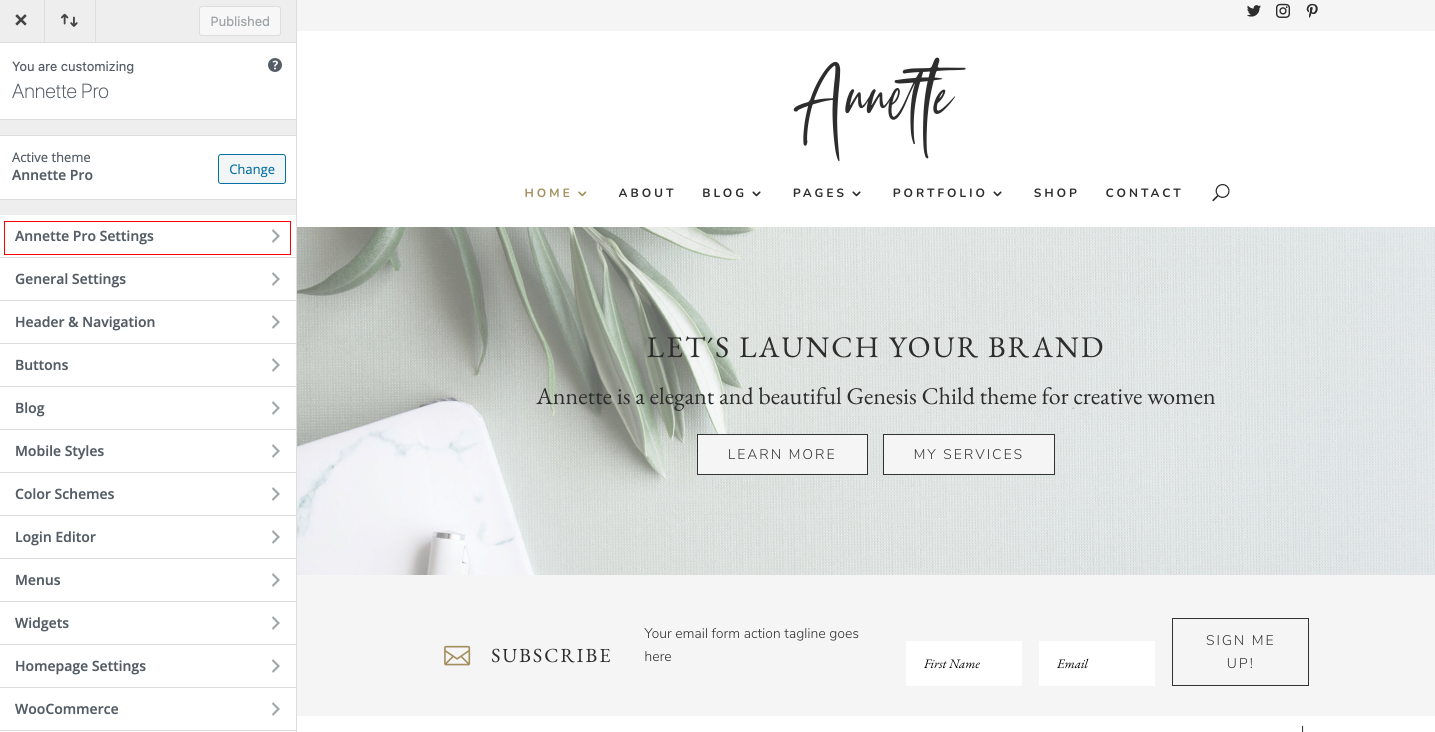
Your Theme Elements – You can set light, medium and dark color for various miscellaneous elements.
Navigate to Divi > Theme Customizer where you’ll find the Your Theme Settings tab. Inside this tab you’ll find following sections:
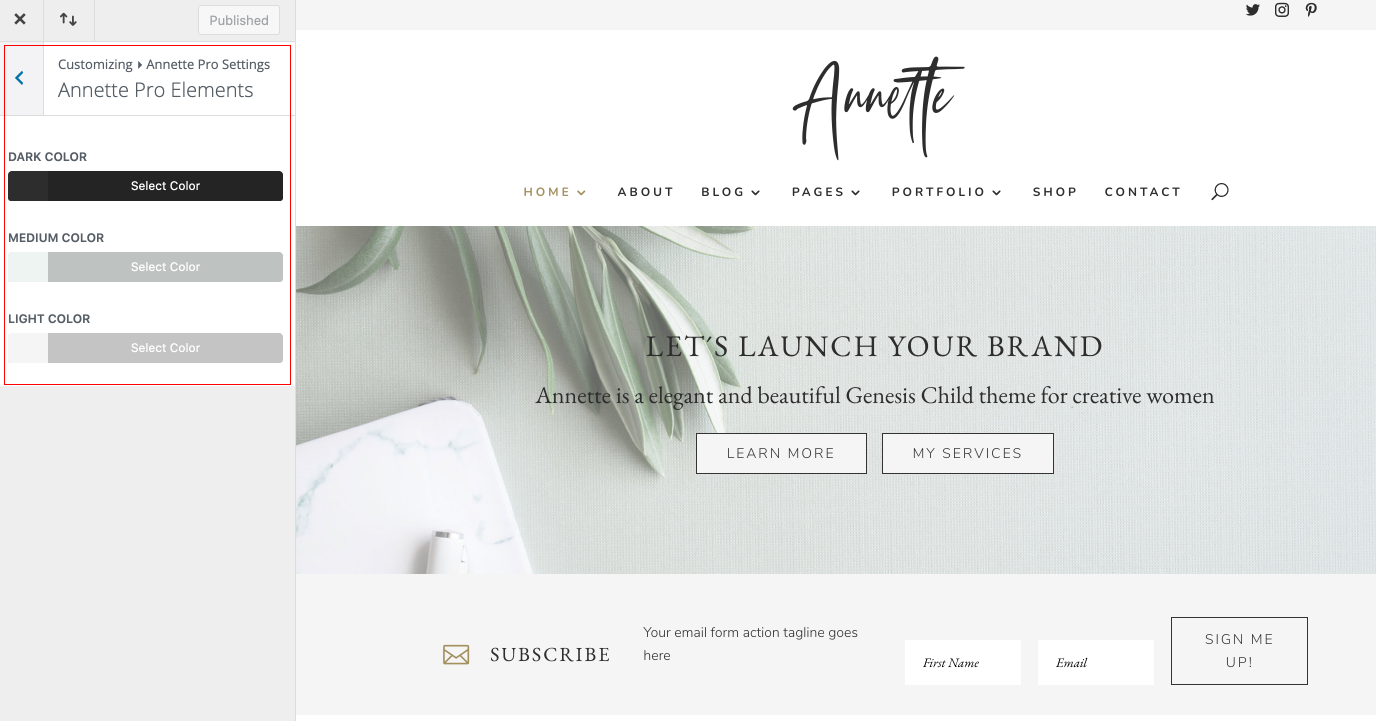
Your Theme Elements – You can set light, medium and dark color for various miscellaneous elements.