• HOME
  • DIVI BEGINNERS
  • TUTORIALS
  • TROUBLESHOOTING
  • SUBMIT A TICKET
  • HOME
  • DIVI BEGINNERS
  • TUTORIALS
  • TROUBLESHOOTING
  • SUBMIT A TICKET
home/Knowledge Base/2. Emily - Use Divi Visual Builder/Emily – How to edit form optin

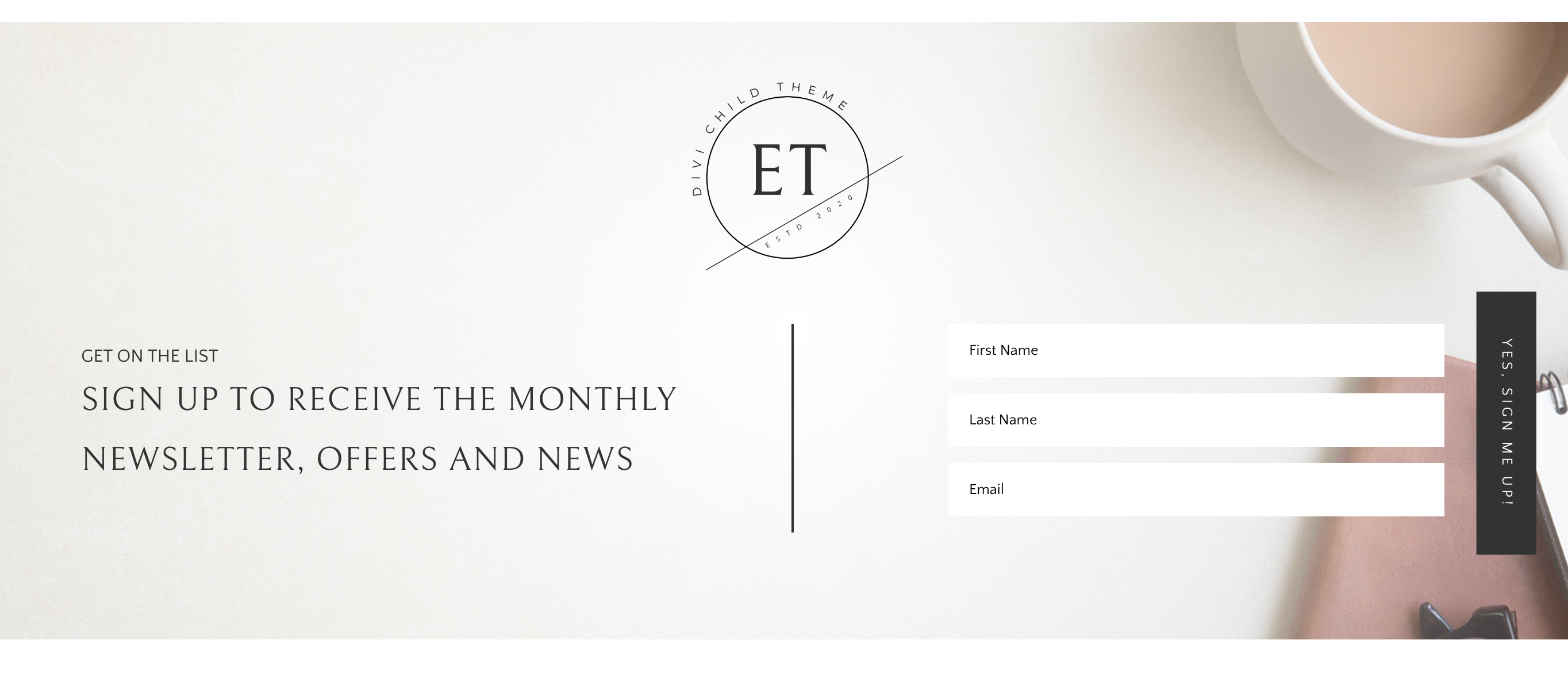
Emily – How to edit form optin

  1. Click on Enable Visual Builder in the top bar.
  2. Making changes to optin module with the Divi Visual Builder.
  3. How to integrate MailChimp with Divi Builder.
https://www.support.helplovelyconfetti.com/wp-content/uploads/2020/04/Emily-Email-Optin.webm

Need Further Tutorials?

The Divi Email Optin Module : https://www.elegantthemes.com/documentation/divi/newsletter/

Related Articles
  • Emily – Choose your Home
  • Emily – How to add lovely icons to Blurbs
  • Emily – How to edit Testimonials
  • Emily – How to add a video background
  • Emily – How to configure Contact Form
  • Emily – How to edit services
2. Emily - Use Divi Visual Builder
  • Emily – How to edit form optin
  • Emily – How to enable the Divi Visual Builder
  • Emily – How to edit images
  • Emily – How to edit text
  • Emily – How to edit services
  • Emily – How to configure Contact Form
  • Emily – How to add a video background
  • Emily – How to edit Testimonials
View All 9  

  Emily – How to edit images

Emily – How to configure Contact Form  

  • Privacy Policy
  • Terms of Use
  • Copyright 2023. All Rights Reserved.